Why it is written this way
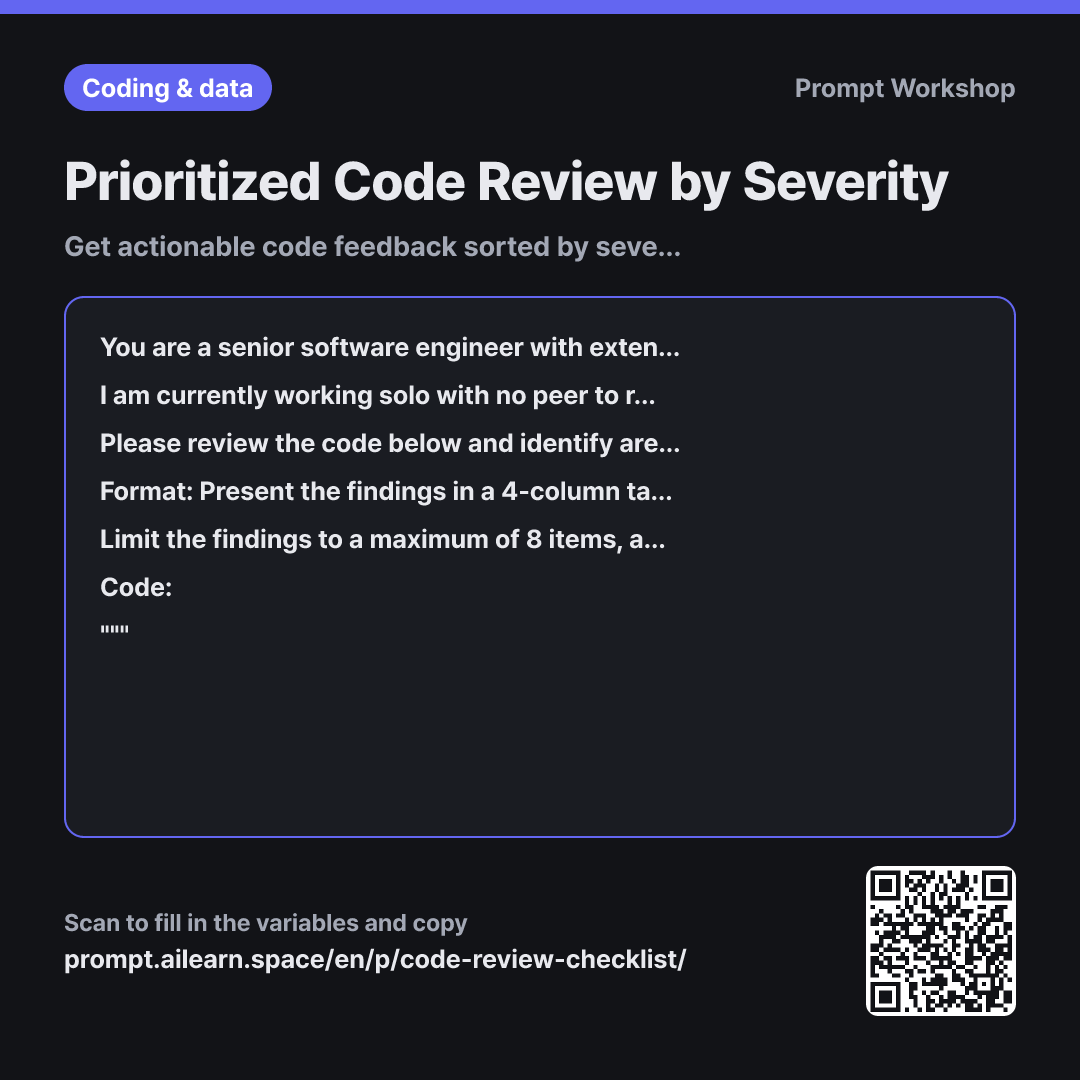
This prompt is designed for solo developers who need a reliable sanity check before pushing code to a team repository. If you simply ask "Review this code," AI often returns an overwhelming flat list of 20+ nitpicks spanning variable naming to indentation. Without severity levels, it is hard to tell what will actually break production, leaving you overwhelmed.
Establishing the role as a "senior engineer who prioritizes actionable critiques" prevents the AI from padding the response with generic compliments. The context of "before pushing to our team repository" sets a realistic bar—distinguishing disposable prototype code from production-ready shared code.
Defining the task with explicit 3-tier severity levels is the core of this prompt. Without these tiers, a critical SQL injection vulnerability and an empty line get equal weight. The 4-column table format and the "Top 3 Things to Fix Right Away" section provide an immediate action plan. Finding code improvements is not about collecting comments; it is about prioritizing fixes.
Setting constraints like "maximum of 8 items" and "exclude stylistic preferences" prevents cognitive overload. The self-verification instruction reduces hallucinations about non-existent bugs. Wrapping the code block in """ prevents code comments from being misread as instructions.
Isolating the review perspective as a variable ensures focused depth. Asking for security, performance, and readability all at once leads to surface-level feedback. It is far more effective to pick one focus area at a time. Before pasting code, make sure to strip out internal endpoints, secrets, or API keys.
Unfamiliar terms? See Aha AI: role-prompting, prompt
Compared with a bad example
Please review this code
(paste code here)
The AI starts with generic praise and dumps an unsorted list of comments. Critical exception bugs sit right next to minor naming nitpicks with no indication of priority. Without a specified language or focus perspective, it may suggest irrelevant conventions. Furthermore, without concrete code fixes, you still have to figure out how to resolve each issue yourself.
Variations
Fast pre-deployment security check
You are a security engineer auditing {{target language}} applications. Identify only the vulnerabilities in the code snippet below that could realistically be exploited in an attack. For each item, list: "Potential Attack Vector | Vulnerable Section | Fixed Code". Exclude low-probability theoretical risks. If you are uncertain, do not assume—mark it as "Needs Verification".
""" {{source code snippet}} """
Narrows the perspective strictly to security and adds the filter "that could realistically be exploited." Without this phrase, the AI tends to generate textbook lists of theoretical risks.
Fixing issues one by one
Identify only the single most critical issue related to {{review perspective}} in the following {{target language}} code, and provide the refactored code for just that part. Show a side-by-side comparison of before and after, and highlight any changes in runtime behavior. Do not provide any other feedback.
""" {{source code snippet}} """
Best used when resolving issues sequentially. Without the constraint "Do not provide any other feedback," the AI will refactor unrelated sections, making it hard to track why the behavior changed.
Model notes
Reviewing an entire large file instead of a focused function often leads to superficial feedback. If your code exceeds 200 lines, break it into smaller logical modules across separate prompts.
Related prompts
Last updated 2026-09-02 · Found a mistake? Let us know