Why it is written this way
When you prompt an AI with a generic "write tests for this code," it typically churns out ten nearly identical happy-path tests. Seeing green checkmarks on repetitive inputs gives a false sense of security while completely missing the critical boundaries and exceptions where actual bugs live.
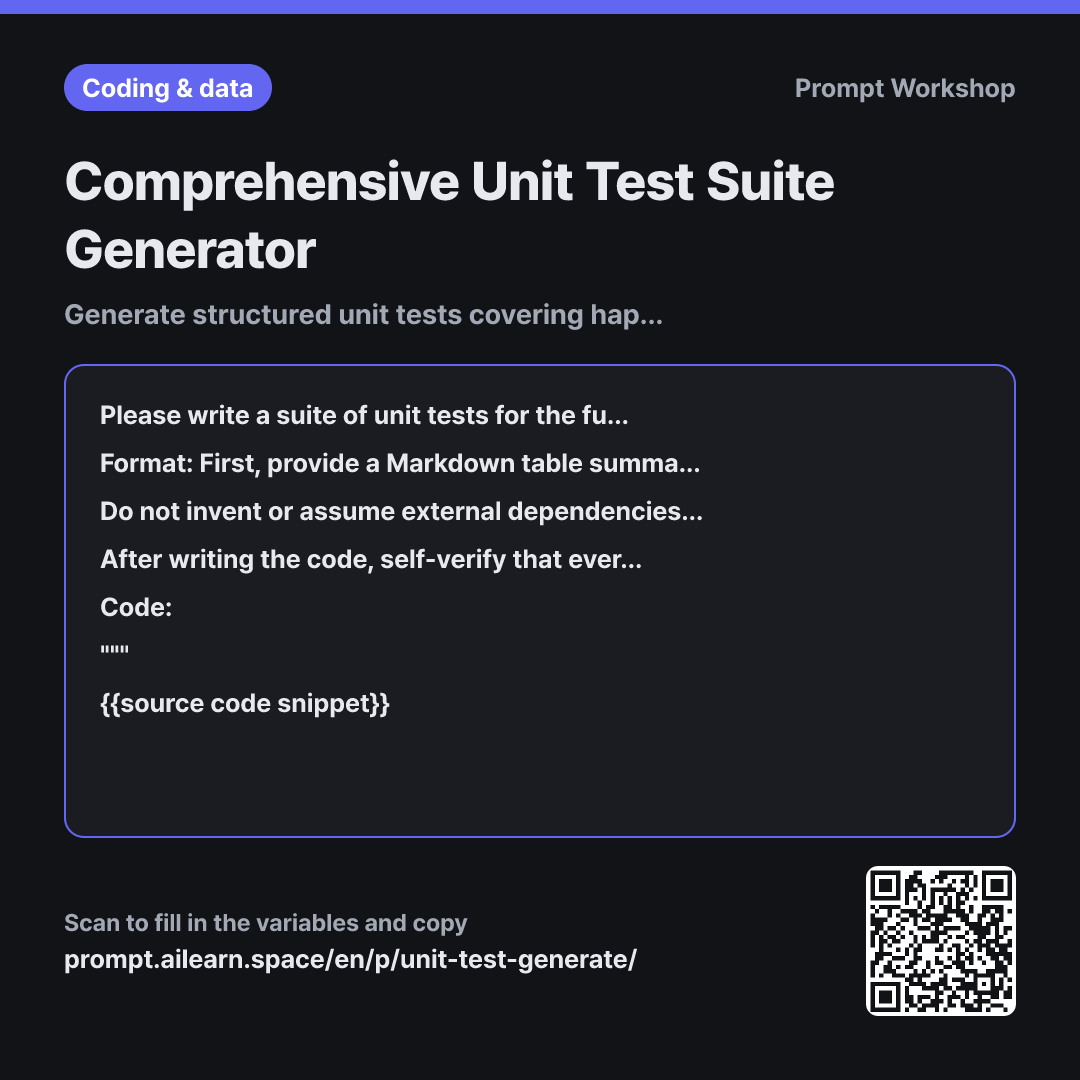
The Task structure addresses this directly. By demanding three explicit buckets—"Happy Path, Boundary/Edge Cases, and Failures/Exceptions"—the AI is forced to re-read every conditional branch in your code. In the example above, threshold values like $30 and $50, as well as invalid inputs like 0 or negative numbers, get surfaced immediately.
Requiring the table Format before the code ensures proper review hierarchy. Reviewing raw test code often leads to skimming syntax, whereas reviewing a test plan table makes missing edge cases instantly obvious. The "Rationale" column forces the AI to eliminate redundant assertions.
The 12-test ceiling is intentional. Without a constraint, the AI generates dozens of bloated test variations that clutter the test suite. A strict limit forces prioritization of high-risk boundary cases over trivial positive cases.
The final self-verification step eliminates tautological tests (tests that pass no matter how broken the implementation is), a frequent issue in AI-generated test suites. Enclosing the target code in """ delimiters prevents internal code strings or comments from being misinterpreted as prompt instructions.
Unfamiliar terms? See Aha AI: output-format, hallucination
Compared with a bad example
Write unit tests for this function
(paste code here)
This produces a handful of trivial happy-path tests that pass easily. Crucial boundary values and exception handling are omitted, and the AI often invents non-existent fixtures or configuration files, preventing the code from running out of the box. Green checkmarks from shallow tests create dangerous false confidence.
Variations
Finding Missing Test Coverage
Below is a function alongside its existing test suite. Do not write new tests immediately. First, output a table listing only the untested edge cases, missing failure modes, or uncovered branches. Use the columns: "Untested Scenario | Why It Is Needed | Risk Level (High/Med/Low)". Then, provide {{testing tool software}} test code for only the top 3 highest-risk scenarios.
""" {{source code snippet}} """
Use this when you already have existing tests. Generating a missing-scenario table first prevents duplicate or low-value tests from bloating your codebase.
Debugging a Failing Test Case
The {{testing tool software}} test below is failing. First, analyze whether the implementation code or the test assertion itself is incorrect, and provide the technical reasoning behind your conclusion. Do not blindly modify the expected value just to make the test pass.
""" {{source code snippet}} """
When pasting a failing test, AI models tend to tweak the assertion to force a pass rather than investigating the root defect. This instruction blocks that shortcut.
Model notes
Always run generated tests locally. Untested AI code often looks syntactically plausible but fails upon execution due to subtle mock or assertion mismatches.
Assertion methods and syntax vary significantly across different testing framework versions. If the output uses deprecated or unfamiliar syntax, re-prompt by specifying: "I am using {{testing tool software}} version X.X."
Related prompts
Last updated 2026-09-02 · Found a mistake? Let us know