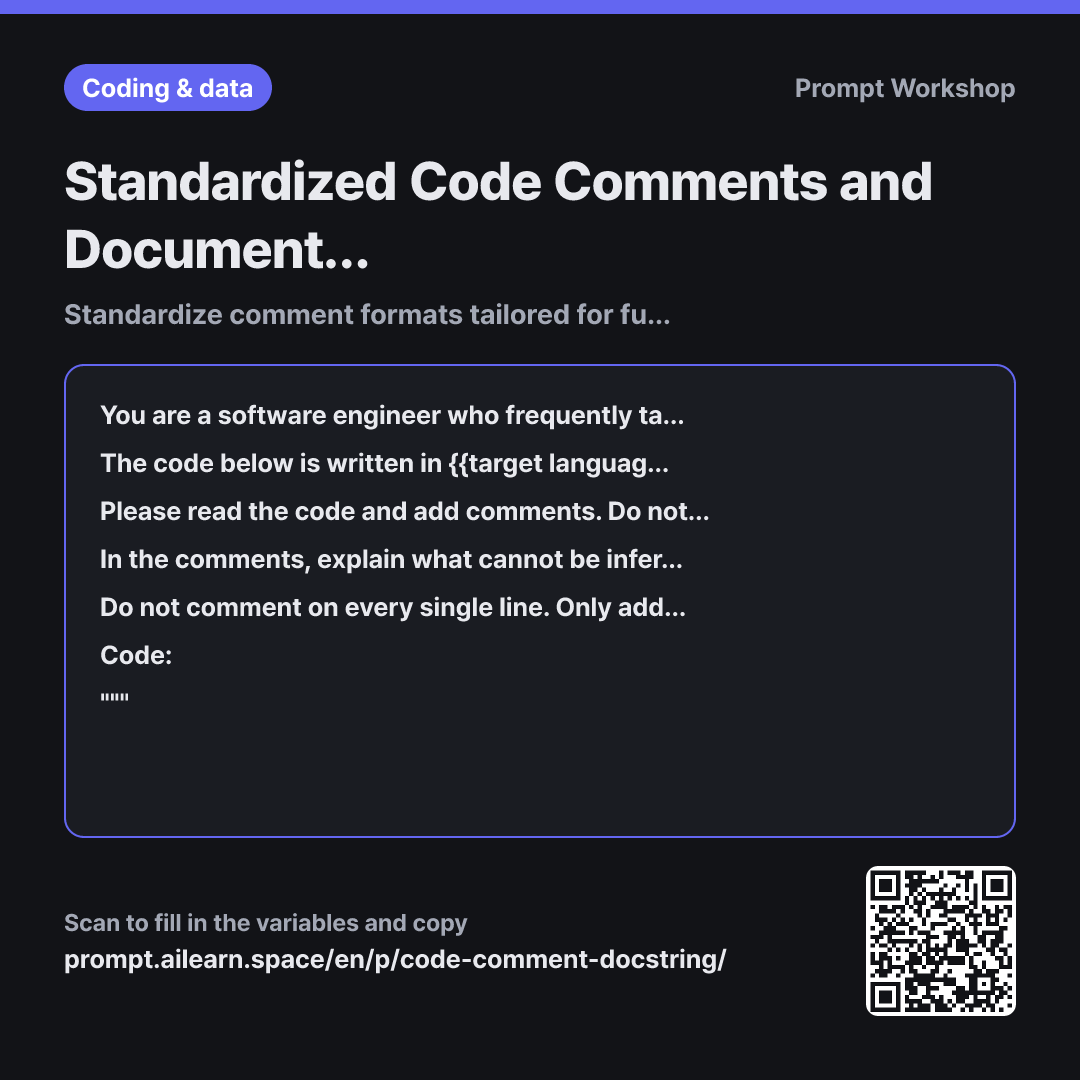
Why it is written this way
When you ask an AI to write code comments, it often adds a comment on almost every line—such as putting "Calculate total sum" right above total = sum(...). While not technically wrong, it merely repeats the code in natural language, bloating the file while critical context like why the discount is capped at 30% remains missing. This prompt establishes explicit criteria for where comments belong rather than just what they contain.
Embedding direct examples within the prompt is the key mechanism. A vague instruction like "Please add meaningful comments" specifies nothing and yields generic results. Showing a bad comment alongside a good comment gives the AI a clear baseline, which it then applies with consistent depth across the entire snippet.
Constraints are applied in two crucial directions. Without the rule "Do not change a single character of the original code", the AI might rename variables or refactor conditional blocks while adding comments. When code modifications are mixed into comment reviews, verifying changes becomes difficult. "Do not comment on every single line" prevents excessive noise, and the "Needs Verification" section gives the AI a safe place to surface uncertainties instead of pretending to understand them.
Specifying the comment format by name is also essential. When generating docstrings repeatedly, some functions might receive full parameter tables while others get single-line summaries; explicitly naming the convention keeps the entire file uniform. Wrapping the code in """ ensures that existing comments inside the snippet are not misinterpreted as prompt instructions.
Unfamiliar terms? See Aha AI: few-shot, output-format
Compared with a bad example
Add some comments to this code.
(paste code)
Comments are added to almost every line. Most simply translate the code into plain words, making the actual logic harder to read. Additionally, variable names or indentations may quietly change, leading to accidental commits without knowing what actually changed.
Variations
When existing comments contradict the code
The {{target language}} code below already contains comments. Compare the code with the comments and identify only the comments that no longer match the current implementation. Organize the findings in a table with the columns: "Location | What the Comment Says | What the Code Actually Does | Corrected Comment". Do not include accurate comments in the table.
""" {{source code snippet}} """
Outdated comments are more dangerous than no comments. Instructing the AI to compare rather than rewrite prevents it from overwriting accurate, useful comments.
Adding an onboarding header summary
Write a top-of-file summary in {{annotation format style}} for someone taking over the {{target language}} code below. Structure it in this order: what this file is responsible for, what assumptions or prerequisites it relies on, and what related components must be reviewed when modifying it. Keep the total length under 10 lines.
""" {{source code snippet}} """
Use this when you need file-level documentation rather than individual function docstrings. Setting a line limit prevents the summary from becoming a redundant line-by-line recap.
Model notes
Passing an entire large file at once often results in shorter comments toward the bottom functions. Split your code into chunks of 5 to 6 functions and include the format specification each time.
When asking the AI to output the entire codebase with comments, long files may get truncated or replaced with placeholders like "...rest of code". In such cases, process the code in batches of 5 to 6 functions, or ask only for a table of "comment text and target line numbers" to paste into your editor manually.
Related prompts
Last updated 2026-09-02 · Found a mistake? Let us know