Why it is written this way
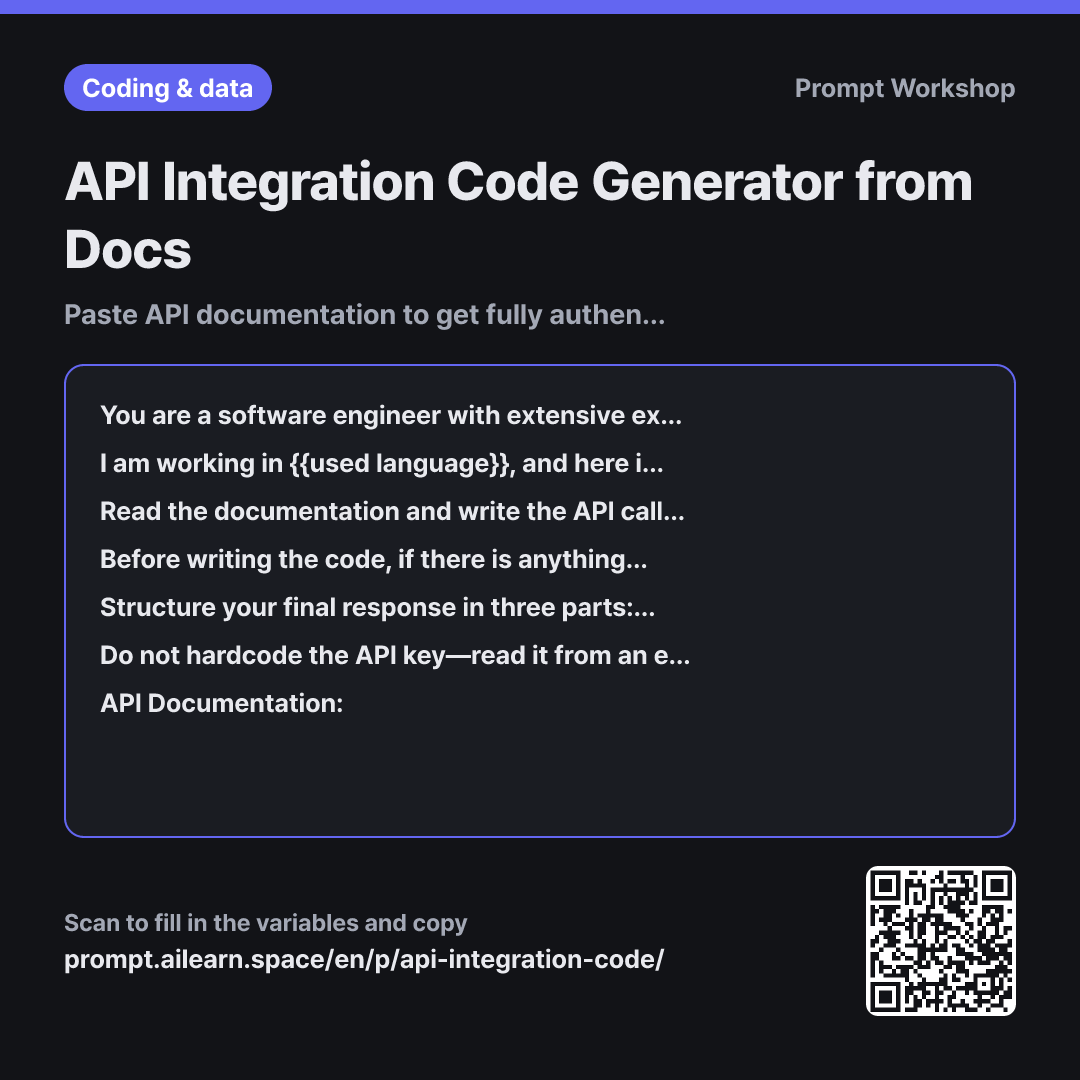
When you ask AI for API integration code without providing the docs, it relies purely on memory. The result usually looks convincing, but endpoints and parameter names are subtly wrong—outdated endpoints from years ago, deprecated query parameters, or non-existent response fields. Because the code looks clean, you often won't notice until you run it and hit errors. Simply pasting the documentation eliminates half of these issues.
The other half is resolved by clarification questions. Documentation usually only specifies the request format, omitting how frequently you call it, what to do on failure, or which timezone to use. Without clarifying, the AI quietly fills in the blanks based on its own assumptions, causing problems down the line. Adding "Do not write any code until I reply" is crucial; without this directive, the AI will ask three questions and immediately proceed to write the code right beneath them.
Wrapping the documentation in """ serves as a clear delimiter. Pasted documentation often contains imperative phrases like "Use this value," which the AI might misinterpret as direct user instructions if not delimited.
Among the constraints, the final rule is the most practical. AI models often try to introduce convenience libraries or complex retry logic to fill gaps. Forcing unverified assumptions out of the code and into an "Assumptions List" makes it instantly clear what is grounded in the docs versus what is speculation. Enforcing environment variables for API keys prevents accidental commits of sensitive secrets to repositories.
Unfamiliar terms? See Aha AI: hallucination, prompt-injection
Compared with a bad example
Write Python code to call an SMS messaging API
You will get code immediately, but you won't know which service or version it targets. The header names might differ from actual documentation, or a missing required body parameter will trigger a 400 or 401 response. You will end up opening the documentation anyway to debug, but because you already partially trust the generated code, spotting the mistakes becomes much harder.
Variations
When debugging API errors
I made a request according to the API documentation below, but I am receiving an error. Do not rewrite the code. Instead, compare the documentation against my request and highlight the discrepancies. Organize your response into a table with "Required by Docs | Currently Sent | Discrepancy", and mark any undetermined items as "Needs Verification".
""" {{API documentation}} """
Integration bugs are best solved through comparison rather than rewriting code from scratch. Explicitly instructing it not to rewrite prevents the AI from skipping the root cause analysis.
When reviewing docs before coding
Read the API documentation below and summarize only the parts needed for {{desired user request}}. Do not write code yet. Present the information in the following order: "Endpoint · Authentication Method · Required Parameters · Optional Parameters · Error Responses · Rate Limits". For anything not specified in the documentation, explicitly write "Not in Docs".
""" {{API documentation}} """
Use this before coding when dealing with lengthy documentation. Explicit "Not in Docs" markers ensure you can distinguish factual summaries from assumed gaps.
Model notes
Providing only a link may cause the model to fail fetching the page and rely on outdated memory. Pasting the actual documentation text is much more reliable.
If the documentation is very long, pasting only the authentication, endpoints, and error responses yields the most accurate results. For widely known public services, models are more prone to filling gaps from memory—so re-emphasizing "List anything not in the pasted docs under assumptions rather than in the code" helps prevent hallucinations.
Related prompts
Last updated 2026-09-02 · Found a mistake? Let us know