Why it is written this way
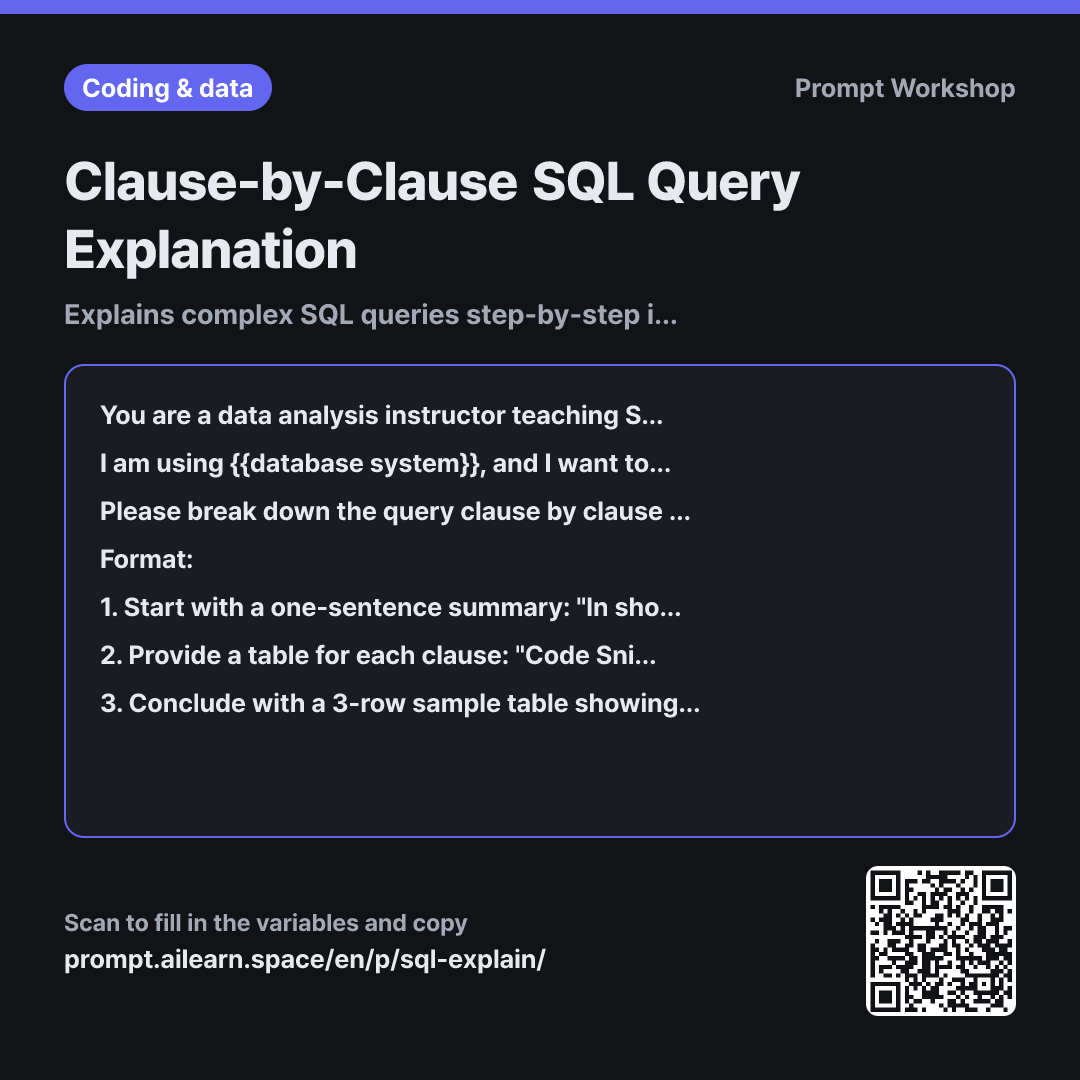
Asking an AI to explain code is one of its strongest capabilities, but without setting the specific "order" and "depth", responses tend to be inconsistent. This prompt standardizes both.
Setting the Role to an "instructor teaching beginners" sets the ideal depth for the explanation. Asking a "Senior DBA" for the same explanation would immediately dive into query plans and index scans. Specifying the dialect in the Context is critical because syntax varies across dialects—LIMIT exists in MySQL and PostgreSQL while SQL Server uses TOP, and date functions vary widely. This single variable prevents unnecessary or irrelevant syntax corrections.
In the Task paragraph, emphasizing "execution order" is key. SQL is written in one order (SELECT first) but executed in another (FROM first), which is where beginners often get confused. Grounding the explanation in execution order clarifies questions like "Why can't I use column aliases in WHERE clauses?"
In the Format section, the "In short..." sentence provides high-level context first, while the "3-row sample table" helps visualize the concrete end result. Without these, even accurate explanations leave users asking, "So what does the final output actually look like?" The Constraint limiting feedback to "just 1 or 2" prevents the model from generating lengthy, nitpicky style advice. Wrapping the query in """ ensures comments inside the query (-- remove this later) are not misinterpreted as instructions.
Unfamiliar terms? See Aha AI: prompt, hallucination
Compared with a bad example
Explain this query SELECT ... (paste query)
While you will get an explanation, it typically skims down the query in written order starting from SELECT, missing key beginner questions like "When is the data actually filtered and grouped?" Because no specific DB is mentioned, irrelevant syntax warnings may also appear.
Variations
When Refactoring a Query
You are a data engineer experienced in {{database system}} performance tuning. Instead of explaining the query below, rewrite it to be more readable or faster while returning the exact same results. Structure your response as follows: Rewritten Query → Comparison Table (Before · After · Reason) → Warnings if any edge cases might produce different results. Do not suggest speculative optimizations you are not confident in.
""" {{database search query}} """
Switches the role to an engineer and explicitly states "Instead of explaining". Adding "Do not suggest speculative optimizations" prevents unverified suggestions or risky query rewrites.
Executive Summary Only
Summarize what the following {{database system}} query does in two simple sentences as if explaining to a non-technical stakeholder. Do not use technical jargon.
""" {{database search query}} """
Useful when communicating the purpose of a query to product managers, business analysts, or team leads.
Model notes
If table schemas are not provided, the AI will infer the meaning of column names. Including CREATE TABLE statements or column lists will significantly improve accuracy.
Related prompts
Last updated 2026-09-02 · Found a mistake? Let us know