Why it is written this way
When asking AI to generate SQL queries, the most frequent failure is receiving code that immediately throws a "column does not exist" error. Without a provided schema, AI invents common column names like orders.order_date or users.is_active. Because the syntax is flawless, it looks valid at first glance, and the error is only caught after execution.
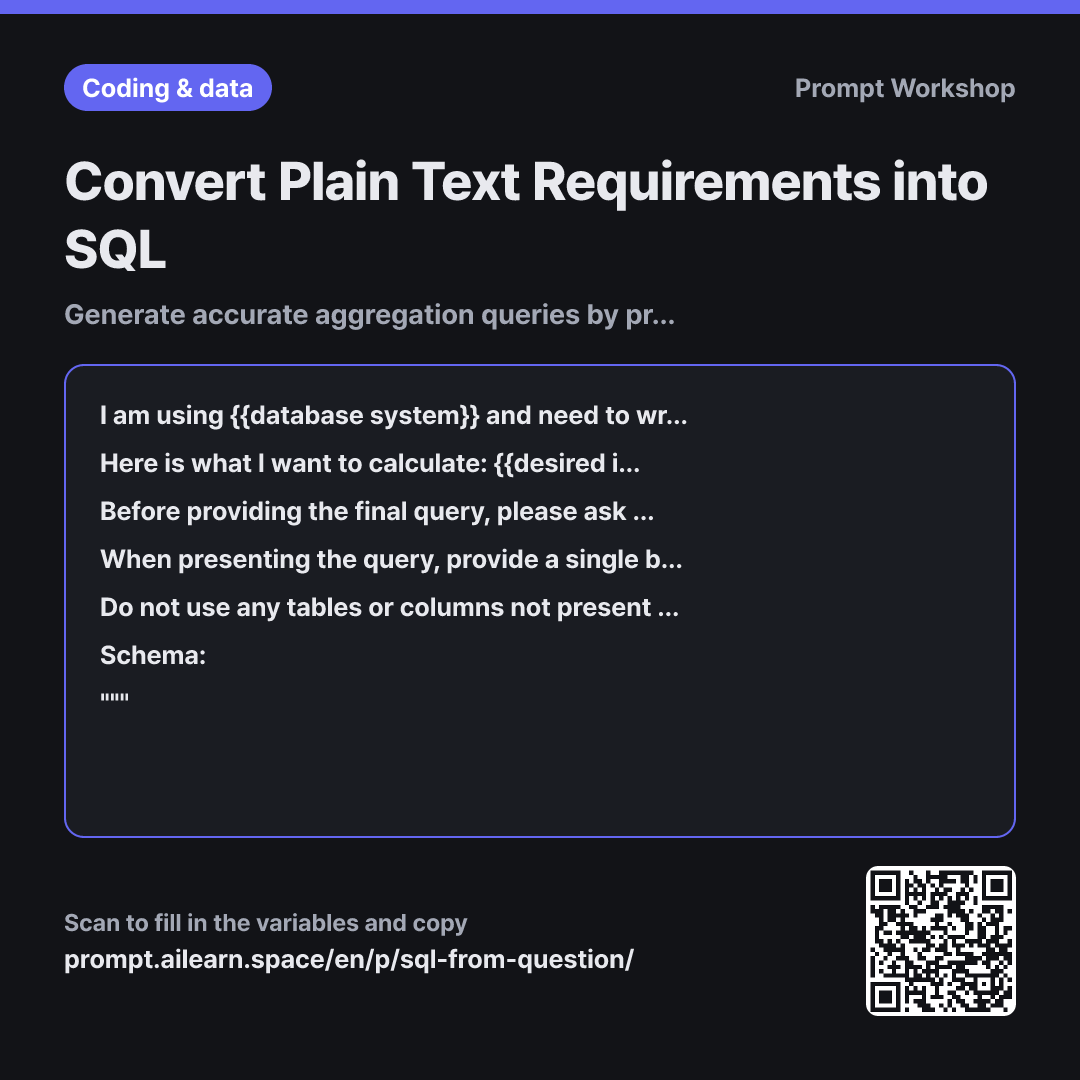
Providing Context solves this issue. By pasting actual column lists or CREATE TABLE statements, the AI no longer needs to guess identifiers. Specifying the target database dialect is equally crucial; since date functions differ across database engines, this prevents dialect syntax errors.
Incorporating a Clarification step prevents inaccurate figures. A phrase like "last month's revenue" does not clarify whether to filter by order placement date, payment settlement date, or whether to exclude refunds. Without forced clarification, the AI will make an unstated assumption, and metric errors often go unnoticed until reports are delivered. Limiting the prompt to 3 questions prevents endless back-and-forth.
The Format constraint requiring an "Interpretation & Referenced Columns" table serves as a verification mechanism. While verifying raw SQL requires deep query reading skills, a plain-text mapping table allows quick visual cross-checking. Wrapping the schema in """ creates clear data boundaries so embedded schema comments are not misread as instructions.
Unfamiliar terms? See Aha AI: hallucination, prompt
Compared with a bad example
Write an SQL query to find the number of customers who ordered more than twice last month.
The AI invents table names like orders and users alongside arbitrary column names like order_date. This will either fail to execute or return incorrect metrics (e.g., counting canceled orders). Without documentation of assumptions, the resulting output cannot be trusted.
Variations
Fast Draft Without Clarifying Questions
Based strictly on the {{database system}} schema provided below, generate an SQL query to retrieve "{{desired information}}". Do not ask me clarifying questions; resolve ambiguities using the most conservative assumptions and document those assumptions as SQL comments at the very top of the query.
""" {{table schema structure}} """
Use this when you need a fast initial draft. It removes the interactive Q&A while documenting assumptions directly in the code comments so you know what to review.
When Output Numbers Seem Inaccurately High
I ran a query to retrieve "{{desired information}}" using the {{database system}} schema below, but the aggregated numbers are significantly higher than expected. Identify potential points where joins, duplicate rows, or NULL handling might be inflating the values, and provide diagnostic queries to verify each issue.
""" {{table schema structure}} """
When aggregation numbers look inflated, unexpected join multiplication is usually the culprit. Diagnostic queries help isolate where row multiplication occurs.
Model notes
Do not run generated queries directly on production databases; test them on read-only replicas or staging environments first. If row counts differ from expectations, remove WHERE/JOIN conditions one by one to isolate the root cause.
Related prompts
Last updated 2026-09-02 · Found a mistake? Let us know