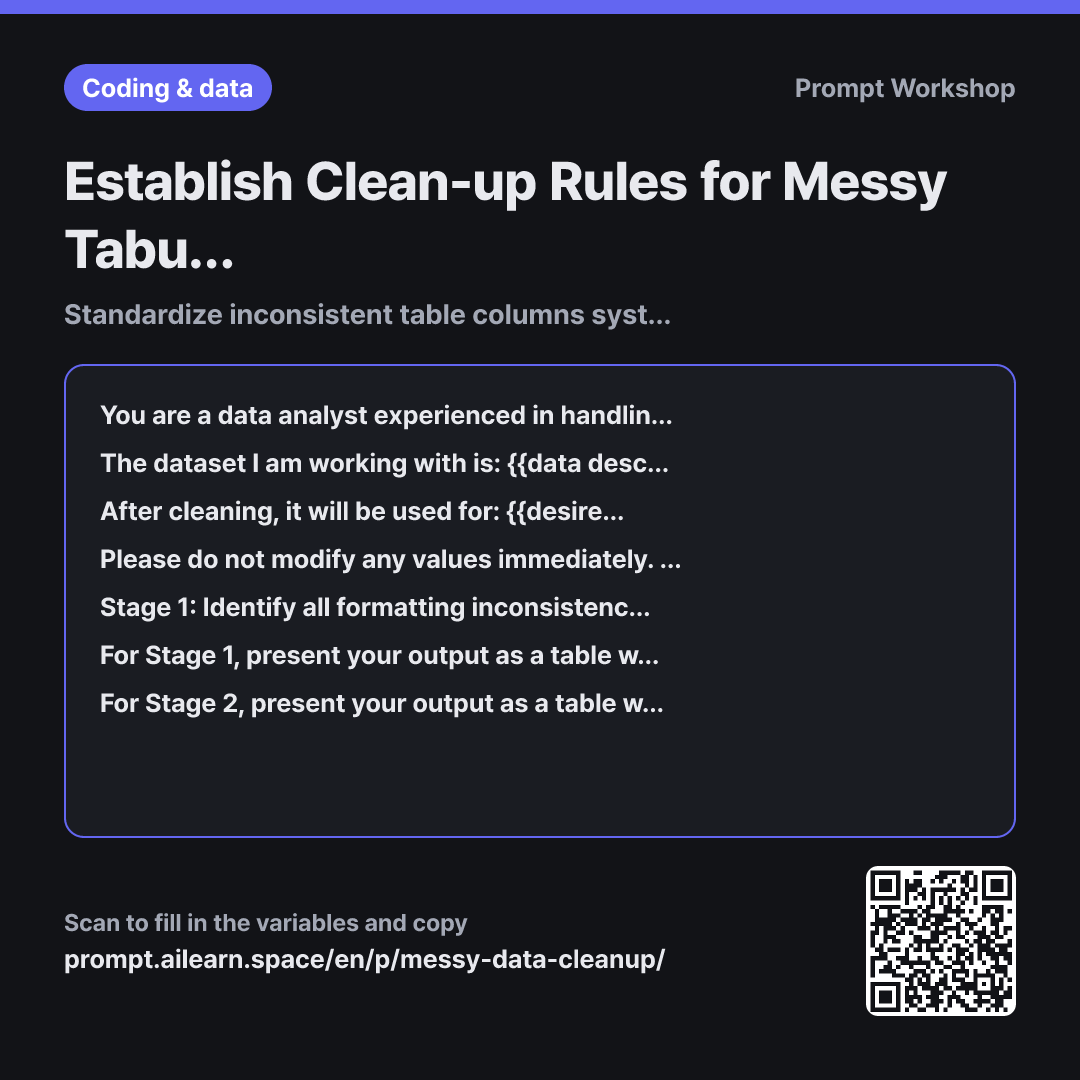
Why it is written this way
If you simply ask an AI to "clean up this table," it will immediately produce a modified table. The critical issue is that the underlying logic and rationale for those changes remain completely invisible. If vendor names are merged, you cannot tell whether they are genuinely the same entity or if the AI simply guessed they looked similar. Comparing the result row-by-row often takes longer than doing the cleanup manually. Data cleaning is fundamentally about establishing governance rules, not raw execution.
This prompt explicitly splits the workflow into two separate stages: rule definition and value transformation. By reviewing the Stage 1 table first, a human can decide whether "Apex Corp" and "APEX" represent the exact same vendor, or whether units like "units" should be stripped from "3 units". Keeping these decisions in human hands is the core strength of this prompt.
Providing a concrete example of a date standardization rule is essential because simply asking for "rules" often results in unhelpful generalities like "standardize date formats." By illustrating a rule that includes explicit edge-case handling, you guide the AI to formulate all column rules with the same level of actionable precision.
Finally, the self-verification step in the closing paragraph prevents silent data loss. When generating long transformation tables, language models frequently skip intermediate rows or hallucinate missing values. Instructing the AI to cross-check row counts and rule alignments guarantees that inconsistencies are flagged and corrected immediately. Wrapping the messy excerpt in """ ensures that internal notes or special characters inside cells are treated purely as raw data rather than prompt instructions.
Unfamiliar terms? See Aha AI: prompt, hallucination
Compared with a bad example
Please clean up this Excel data.
(Pasted messy table)
The AI immediately generates a cleaned table without any record of what changes were made or why. Blank quantities might be silently filled with 0, and "TBD" prices might be overwritten with values from adjacent rows. Downstream calculations may execute without errors, but the resulting numbers will silently deviate from the source data, making root-cause diagnosis exceptionally difficult.
Variations
When Cleanup Rules Are Already Defined
Please transform the table below strictly according to these rules: Rules: Date must be YYYY-MM-DD; Vendor names must have corporate suffixes (Inc., LLC, Corp) removed and extra spaces trimmed; Quantity must be an integer with units removed; Price must be an integer with currency symbols and commas removed. For any values that cannot be resolved with these rules, do not guess—leave them marked as "Needs Review". Present the result as a table with columns: "Row Number · Original Value · Cleaned Value".
""" {{table partial excerpt}} """
Use this when your team already has clear formatting standards. It skips Stage 1 and establishes strict constraints to eliminate arbitrary AI assumptions.
Generating a Data Cleaning Script
Please write a Python script to clean the data below. Do not clean the values directly. First, write the standardization rules for each column as code comments, followed by the corresponding pandas transformation code. Ensure that any rows containing values that violate the rules are not silently dropped, but are instead logged to a separate anomaly list printed at the end.
""" {{table partial excerpt}} """
Ideal when dealing with thousands of rows that exceed prompt token limits. Writing the rules as inline comments allows you to verify the cleaning logic at a glance before executing the code.
Model notes
Upload the full spreadsheet as a CSV or Excel file first. For the text prompt snippet, pasting about 20 rows—including the header and key inconsistent examples—is sufficient.
Avoid using screenshot images of tables, as OCR frequently misinterprets numbers and whitespace; provide raw CSV text or upload the file instead. For the Stage 2 conversion table, responses spanning over 100 rows risk truncation or degraded rule adherence. For large datasets, use the AI to finalize the rules, then execute the transformation programmatically via Python or Excel Power Query.
Related prompts
Last updated 2026-09-02 · Found a mistake? Let us know