Why it is written this way
When you ask an AI to design a database, it usually dumps a massive wall of table definitions at once. It might look plausible at a glance, but you lose the chance to ask why a specific column belongs in a specific table, and finding structural flaws requires auditing dozens of columns from scratch.
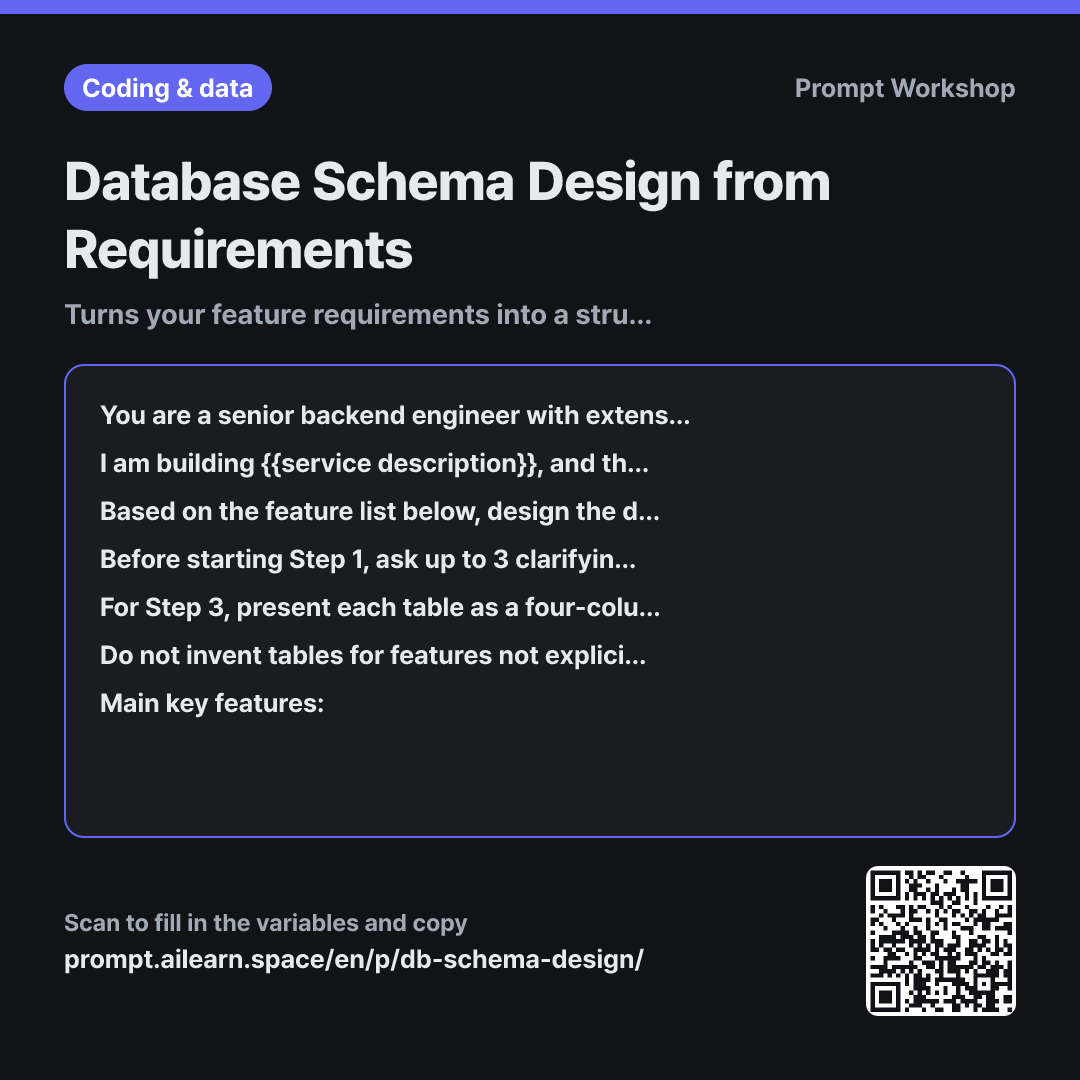
Breaking the task down into staged steps—Entities → Relationships → Table Definitions—allows you to inspect and correct foundational issues early. If "Appointments" and "Service History" are bundled into one entity in Step 1, you can fix it immediately before any downstream tables are defined. Without an explicit rule to pause after each step, the AI will generate all three steps in a single response.
Including clarifying questions prevents flawed architectural assumptions. Whether a cancelled booking should be hard-deleted or soft-deleted, or whether a user can access multiple salon locations, significantly changes the schema. A proactive AI asks these questions instead of making silent assumptions. Capping the limit at 3 prevents an endless interrogation.
Enforcing a strict format with types and constraints ensures that the output is immediately actionable code rather than vague conceptual notes. The constraint "Do not invent tables for unlisted features" keeps the AI from automatically injecting boilerplate bloat like notifications, audit logs, or tag systems.
Unfamiliar terms? See Aha AI: prompt, chain-of-thought
Compared with a bad example
I want to make a salon booking app. Design the database tables.
The AI immediately dumps ten tables with dozens of columns without asking for clarification. You have no way to verify edge cases, unrequested features (loyalty points, coupons, tier badges) get silently included, and actual core requirements like no-show tracking are completely omitted. Modifying one table breaks foreign keys across the entire output, forcing you to start over.
Variations
Auditing an Existing Schema
Review the {{database system}} table schema we just designed and point out only potential architectural flaws, bottlenecks, or edge-case risks. Organize your feedback into a table with the columns: "Location · Issue · Failure Scenario · Recommended Fix". List at most 5 items, sorted by severity. Ignore subjective naming preferences.
Use this as a follow-up prompt in the same thread. Setting a hard limit of 5 items and excluding naming style debates prevents trivial nitpicks from burying critical structural flaws.
Reverse-Engineering from UI/Screens
I am building {{service description}}. Based on the feature list below, analyze what each user screen needs to display and organize the data requirements into a table with the columns: "Feature · Screen Data Requirements · Data Source / Origin". Do not write any table schemas yet. Once the table is complete, ask if any screen-level data is missing.
""" {{main key feature}} """
Useful when requirements are still rough. Mapping out the exact UI data requirements before touching the schema makes the subsequent database modeling significantly more accurate.
Model notes
After receiving the response for Step 1, simply send "Next" to continue. If continuing in a new session, copy and paste the previous step results.
Because this is a multi-step conversational prompt, the context window grows. If Step 3 starts deviating from earlier decisions, paste the finalized entity list from Steps 1 and 2 directly into your prompt. If you need an ERD diagram, request relationships as plain-text tables or Mermaid diagrams; ASCII line drawings generated by LLMs often render misaligned relationships.
Related prompts
Last updated 2026-09-02 · Found a mistake? Let us know