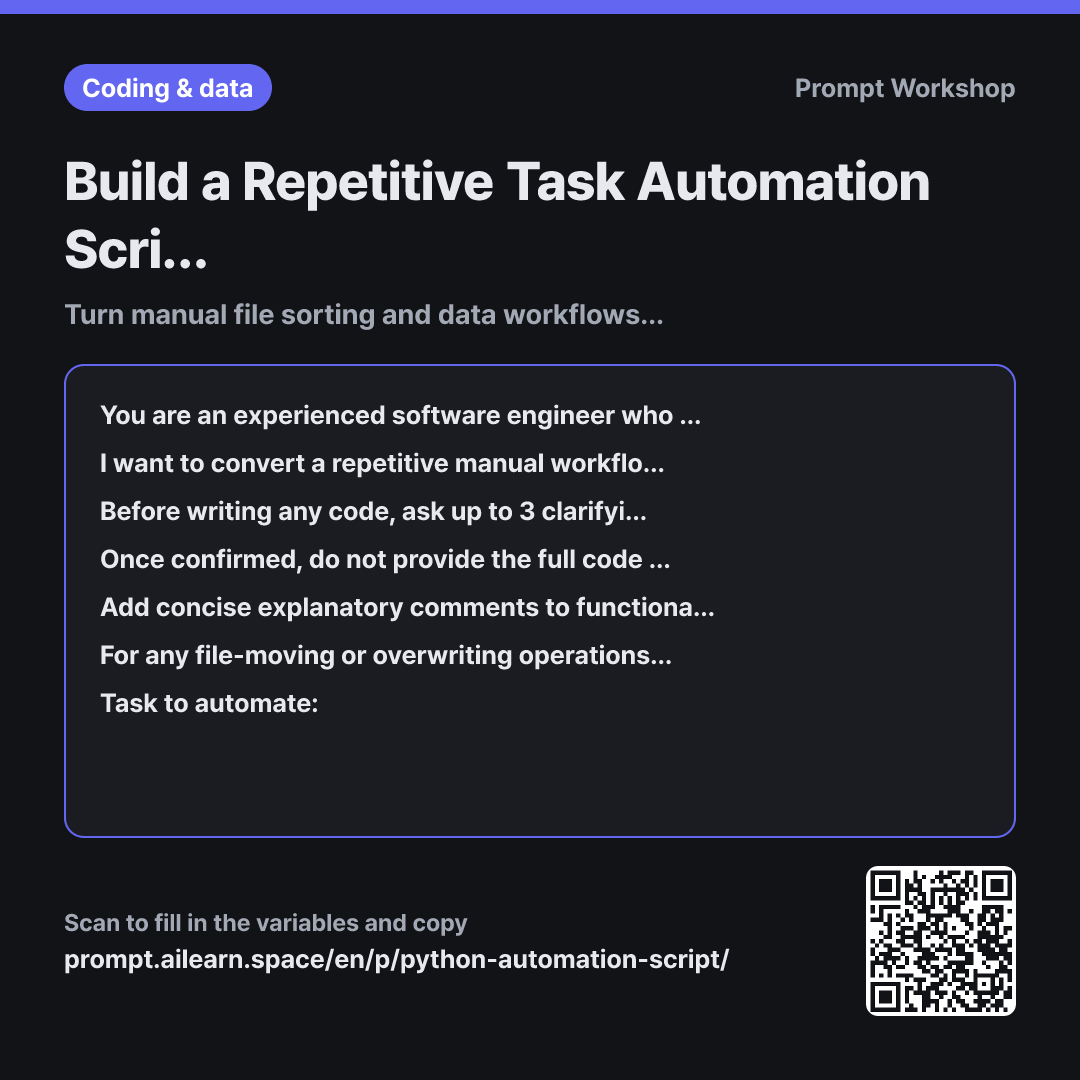
Build a Repetitive Task Automation Script in Python

Turn manual file sorting and data workflows into automated Python scripts

Prompt · 3 variables

You are an experienced software engineer who specializes in teaching Python to working professionals with zero coding background.

I want to convert a repetitive manual workflow into a Python script. The files I handle are in {{file format type}}, and the code will run on {{execution environment}}. The specific task to automate is detailed below.

Before writing any code, ask up to 3 clarifying questions if any critical details that could significantly alter the implementation are missing.

Once confirmed, do not provide the full code all at once. Deliver it in four distinct steps: ① A one-paragraph summary of what the script does and an ordered step-by-step logic breakdown ② Required libraries and their installation commands ③ The script code ④ Instructions on how to run it and what to verify on the first run. After completing each step, pause and ask, "Shall we proceed to the next step?"

Add concise explanatory comments to functional code blocks rather than line-by-line. Include robust error handling so that if a file is missing or in an unexpected format, the script logs a one-line error message detailing the issue and the affected file instead of crashing.

For any file-moving or overwriting operations, implement a preview step that prints planned actions to the terminal and requires user confirmation before execution. Never delete original source files. Use only standard, widely adopted third-party libraries; avoid obscure packages.

Task to automate: """ {{target automation task}} """

Copy, then paste here · ChatGPT and Claude open with the prompt filled in Open in ChatGPT ↗Open in Claude ↗Open in Gemini ↗ Edit in builder Download classroom card

Why it is written this way

Role
You are an experienced software engineer who specializes in teaching Python to working professionals with zero coding background.
Context
I want to convert a repetitive manual workflow into a Python script. The files I handle are in {{file format type}}, and the code will run on {{execution environment}}. The specific task to automate is detailed below.
Ask back
Before writing any code, ask up to 3 clarifying questions if any critical details that could significantly alter the implementation are missing.
Task
Once confirmed, do not provide the full code all at once. Deliver it in four distinct steps: ① A one-paragraph summary of what the script does and an ordered step-by-step logic breakdown ② Required libraries and their installation commands ③ The script code ④ Instructions on how to run it and what to verify on the first run. After completing each step, pause and ask, "Shall we proceed to the next step?"
Format
Add concise explanatory comments to functional code blocks rather than line-by-line. Include robust error handling so that if a file is missing or in an unexpected format, the script logs a one-line error message detailing the issue and the affected file instead of crashing.
Constraints
For any file-moving or overwriting operations, implement a preview step that prints planned actions to the terminal and requires user confirmation before execution. Never delete original source files. Use only standard, widely adopted third-party libraries; avoid obscure packages.
Input
Task to automate: """ {{target automation task}} """

When asking for a "Python automation script," models typically return a single monolithic block of code. Pasting and running it often triggers immediate errors, and without coding knowledge, identifying which line failed is impossible. This prompt establishes clear parameters upfront and paces the delivery incrementally.

Specifying the Context decides half the implementation details. Library dependencies differ drastically between Excel and PDF handling, and OS environments dictate file path conventions and character encodings. Omitting this information often yields macOS-oriented code that immediately breaks with path errors on Windows.

Limiting Clarifying Questions prevents the AI from guessing crucial missing details—such as folder structures or naming patterns—while keeping the back-and-forth contained to a quick exchange rather than an endless questionnaire.

Breaking delivery into four distinct Phases is the core mechanism. Reviewing the plain-English logic breakdown first lets non-programmers spot mismatched assumptions before code is ever written, making adjustments cheap. Requesting block-level Formatting comments and preview-before-run Constraints prevents common file management disasters, such as unintentionally moving files to the wrong destination.

Unfamiliar terms? See Aha AI: prompt, hallucination

Compared with a bad example

Common bad example

Write a Python script to organize my Excel files into folders.

Without knowing file naming conventions, criteria for sorting, or OS details, the AI invents dummy assumptions. Running the script often results in zero files found or, worse, source files displaced into wrong folders. When generic terminal errors occur, users struggle to diagnose the issue and end up abandoning automation altogether.

Variations

When you want to map workflow logic before writing code

When you want to map workflow logic before writing code

Do not write any code yet. Break down the workflow below into sequential steps required for a computer program to execute it. List the specific decision rules a human must define for each step. Explicitly flag any steps that are too ambiguous to automate cleanly or that will require ongoing human review.

Task to automate: """ {{target automation task}} """

Defers code generation to structure the business logic first. Clarifying edge cases here makes subsequent script prompts far more precise.

When handing off the finished script to a colleague

When handing off the finished script to a colleague

Write a step-by-step user guide so a non-technical colleague can run this Python script on {{execution environment}} independently. Structure the guide as follows: Prerequisites (What to install) → How to run → Expected output locations → Troubleshooting (Top 3 common errors and fixes). Provide exact commands to copy and paste, and explain any technical terms in parentheses with plain language.

Prevents automation tools from remaining siloed with a single creator by generating clear handoff documentation within the same session.

Model notes

If using a model with code execution capabilities, appending "Please run a dry test on 2-3 sample mock files first" helps catch basic runtime bugs in advance.

Related prompts

Last updated 2026-09-02 · Found a mistake? Let us know