Why it is written this way
A common mistake when using AI for code analysis is dumping dozens of files and asking, "Explain this project." The response is usually a surface-level summary like "This service manages orders and inventory"—information you already know that provides zero guidance on which file to inspect next.
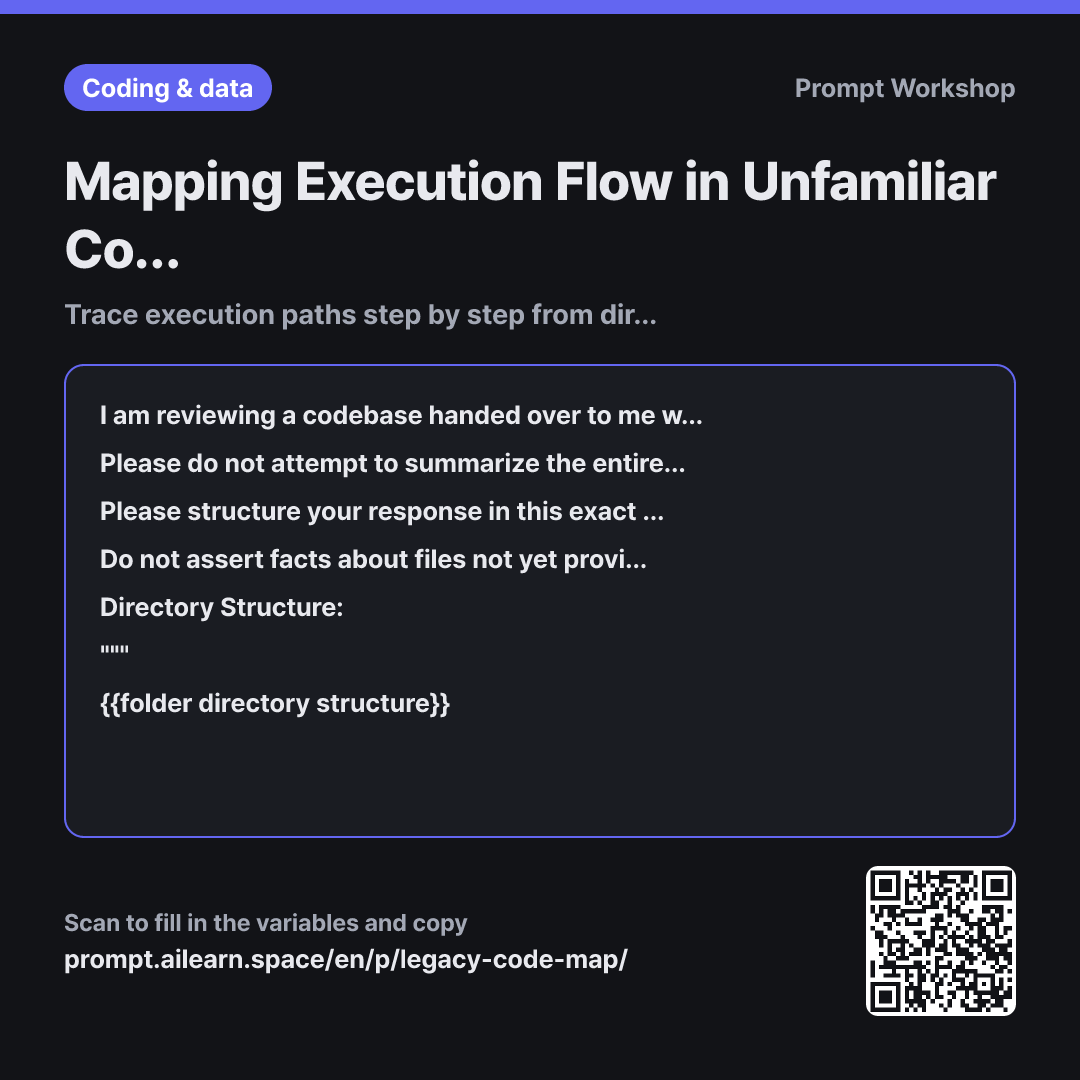
This prompt breaks the process into an iterative workflow. In the first turn, you provide only the directory structure and one entry file, then receive "the top 3 files to supply next." This avoids context window limits and progressively expands your architectural map. Because the end of each response dictates the input for the next, you never have to guess what to ask next.
The 4-step sequence serves a deliberate purpose. Inferring directory responsibilities first anchors where subsequent functions belong. Tracing a single request path clarifies the core question in legacy code: "When is this file actually invoked?" Step 3's "breakpoints" naturally identify your next reading list without manual sorting.
The constraints ensure reliability. Without explicit confidence ratings and "Estimated" tags, AI tends to blend speculative assumptions with verified facts, leading to costly mistakes during refactoring. Wrapping inputs in """ delimiters prevents code comments from being interpreted as instructions.
Unfamiliar terms? See Aha AI: context-window, chain-of-thought
Compared with a bad example
Here is the project code. Explain the overall architecture. (Pastes multiple large files)
When overwhelmed with files, the AI produces generic summaries and hallucinates missing components based on typical framework conventions. Without clear boundaries between verified facts and assumptions, you cannot rely on the map and end up re-inspecting everything manually. As the output length grows, earlier context fades, often leading to fabricated file names in follow-up turns.
Variations
Expanding the map with subsequent files
Please continue building on our existing map. Read the file below and provide: ① Which previously disconnected breakpoints are now resolved ② Any prior assumptions that proved incorrect and how they differ ③ Remaining disconnected breakpoints ④ The top 3 files to provide next. Please do not re-explain already verified components.
""" {{entry point code}} """
Use this variation iteratively in the same conversation. Forcing the AI to "correct prior assumptions" prevents early hallucinations from cementing into the map.
Locating a single target to fix immediately
I do not have time to map the entire architecture; I need to patch one specific feature urgently. Project background: {{project description overview}} From the folder structure below, identify the top 5 files most likely related to this feature in order of relevance. Provide a one-line reason for each file and specify what code pattern inside would confirm it is the right place.
""" {{folder directory structure}} """
Designed for urgent bug fixes rather than full onboarding. Use the AI strictly to narrow down candidate files while making architectural judgments yourself.
Model notes
Rather than uploading the entire repository, begin with the folder tree and one or two entry files. Context limits are real, and feeding too much at once will only yield high-level summaries.
Related prompts
Last updated 2026-09-02 · Found a mistake? Let us know