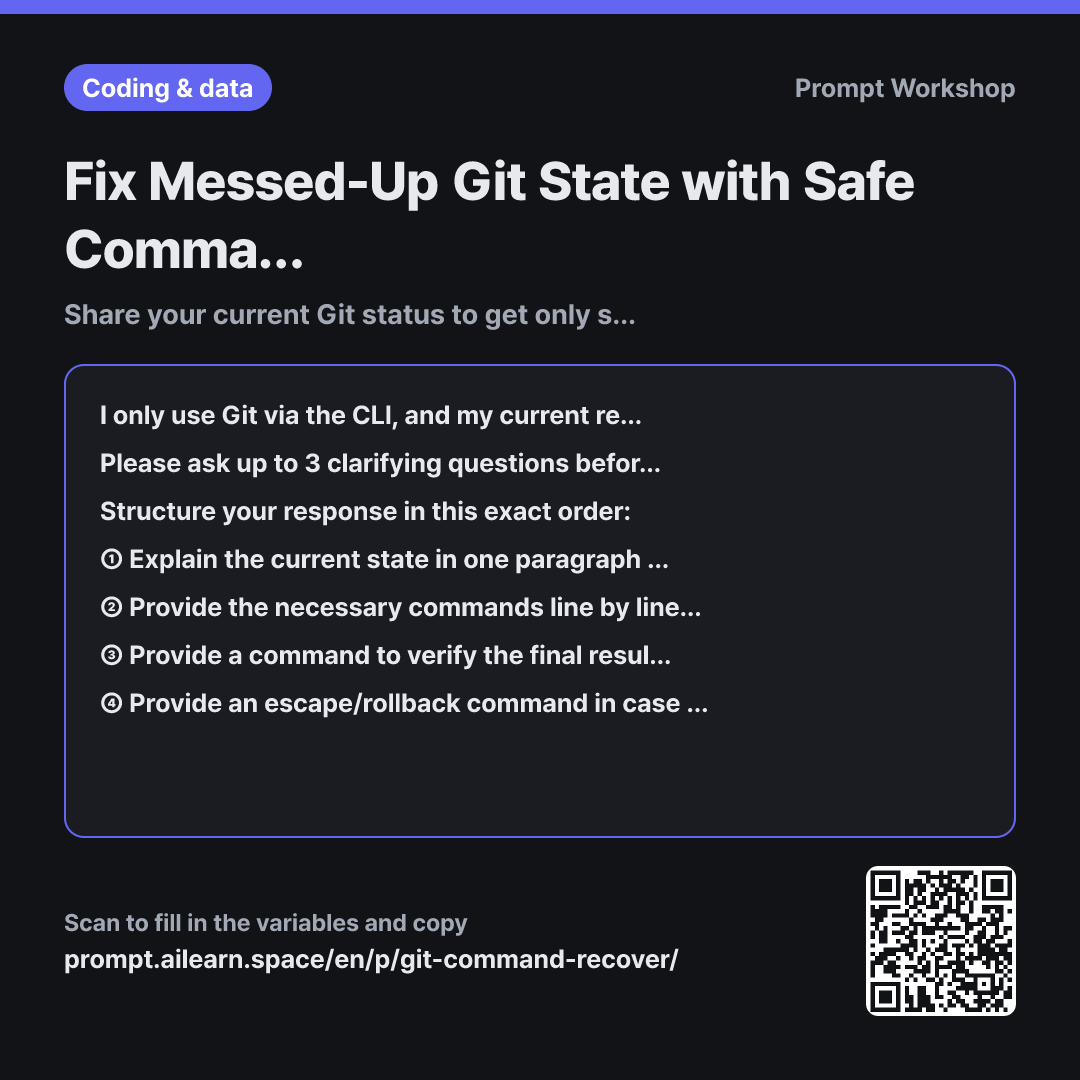
Fix Messed-Up Git State with Safe Commands

Share your current Git status to get only safe, step-by-step recovery commands.

Prompt · 2 variables

I only use Git via the CLI, and my current repository state is messed up. I need help fixing it safely. I have described what happened below and pasted my exact `git status` output.

Please ask up to 3 clarifying questions before suggesting any commands if there is a risk of irreversible data loss. Specifically, verify whether any commits have already been pushed to the remote repository and whether anyone else is actively working on the same branch.

Structure your response in this exact order: ① Explain the current state in one paragraph based strictly on the `git status` output (not just my description), pointing out any misunderstandings I might have. ② Provide the necessary commands line by line, with a one-sentence explanation immediately beneath each command explaining exactly what it modifies. ③ Provide a command to verify the final result after execution. ④ Provide an escape/rollback command in case things do not go as expected.

Only include destructive commands (actions that rewrite history or delete uncommitted work) if there is no alternative, and explicitly warn what will be lost before writing them. Do not chain multiple commands on a single line (avoid using `&&` or `;`). Provide only the minimal commands strictly necessary for my specific case—do not include alternative options for reference.

situation description: """ {{situation description}} """

git status output: """ {{git status output}} """

Copy, then paste here · ChatGPT and Claude open with the prompt filled in Open in ChatGPT ↗Open in Claude ↗Open in Gemini ↗ Edit in builder Download classroom card

Why it is written this way

Context
I only use Git via the CLI, and my current repository state is messed up. I need help fixing it safely. I have described what happened below and pasted my exact `git status` output.
Ask back
Please ask up to 3 clarifying questions before suggesting any commands if there is a risk of irreversible data loss. Specifically, verify whether any commits have already been pushed to the remote repository and whether anyone else is actively working on the same branch.
Format
Structure your response in this exact order: ① Explain the current state in one paragraph based strictly on the `git status` output (not just my description), pointing out any misunderstandings I might have. ② Provide the necessary commands line by line, with a one-sentence explanation immediately beneath each command explaining exactly what it modifies. ③ Provide a command to verify the final result after execution. ④ Provide an escape/rollback command in case things do not go as expected.
Constraints
Only include destructive commands (actions that rewrite history or delete uncommitted work) if there is no alternative, and explicitly warn what will be lost before writing them. Do not chain multiple commands on a single line (avoid using `&&` or `;`). Provide only the minimal commands strictly necessary for my specific case—do not include alternative options for reference.
Input
situation description: """ {{situation description}} """
Input
git status output: """ {{git status output}} """

The biggest risk when asking an AI for Git help is saying "undo this" without providing your actual state. When lacking context, the AI typically assumes the most generic path—often recommending hard resets or force pushes. Executing those blindly can silently erase uncommitted changes or overwrite a teammate's commits.

This is why context is split into two distinct parts. A user's written description can be inaccurate or based on a false premise (e.g., "I thought I checked out a branch"). However, git status output is ground truth. Providing both and requiring the AI to restate the state based on the status in format item ① ensures any misunderstandings are caught immediately.

The clarifying questions requirement forms the second safety net. Safe commands depend entirely on whether commits are already pushed or shared, which cannot be determined from local git status alone. Forcing questions first prevents destructive suggestions.

The three constraints prevent separate failure modes: requiring explicit warnings stops history loss, forbidding command chaining prevents subsequent commands from running if a prior step fails, and disallowing alternative options stops users from accidentally mixing incompatible recovery methods. Wrapping user data in """ prevents commit messages from being interpreted as prompt instructions.

Unfamiliar terms? See Aha AI: prompt, hallucination

Compared with a bad example

Common bad example

I want to undo 3 git commits, give me the commands to fix it

Without knowing the repository state, the AI will provide a generic solution like git reset --hard and a force push. Uncommitted changes might be wiped out permanently, or remote history might be overwritten, breaking sync with teammates. Without explanations for each command, you won't know what changed, leading to running more random commands from Google and worsening the state.

Variations

When Stuck on Merge Conflicts

When Stuck on Merge Conflicts

I ran into merge conflicts and the process is currently paused. My situation is described below. Please tell me the exact order to resolve the conflicted files and what to verify at each step. Also, provide a safe way to abort the process and return to the pre-merge state, noting if anything will be lost.

situation description: """ {{situation description}} """

git status output: """ {{git status output}} """

Handling conflicts requires following a strict sequence rather than blind undos. Getting an abort command upfront gives you an easy escape hatch if things get more tangled.

Reviewing a Command Before Execution

Reviewing a Command Before Execution

Please review the command I am planning to run in the situation described below to ensure it is safe. Do not replace it with a different command. Instead, tell me: what this command modifies, whether it is reversible, and what risks exist in this specific scenario. If it is risky, tell me what to back up first.

situation description: """ {{situation description}} """

Use this before running a command found online. Asking the AI to audit the command rather than generate a new one keeps control in your hands.

Model notes

Making a complete copy of your project folder before running any recovery commands ensures you can always restore your work if something goes wrong.

Related prompts

Last updated 2026-09-02 · Found a mistake? Let us know