Why it is written this way
The reason you need a dedicated README generation prompt is that developers naturally write setup guides based on their own already-configured machines. Global dependencies, pre-existing environment variables, and running background databases are easily overlooked. As a result, anyone cloning the repo gets stuck on the very second command.
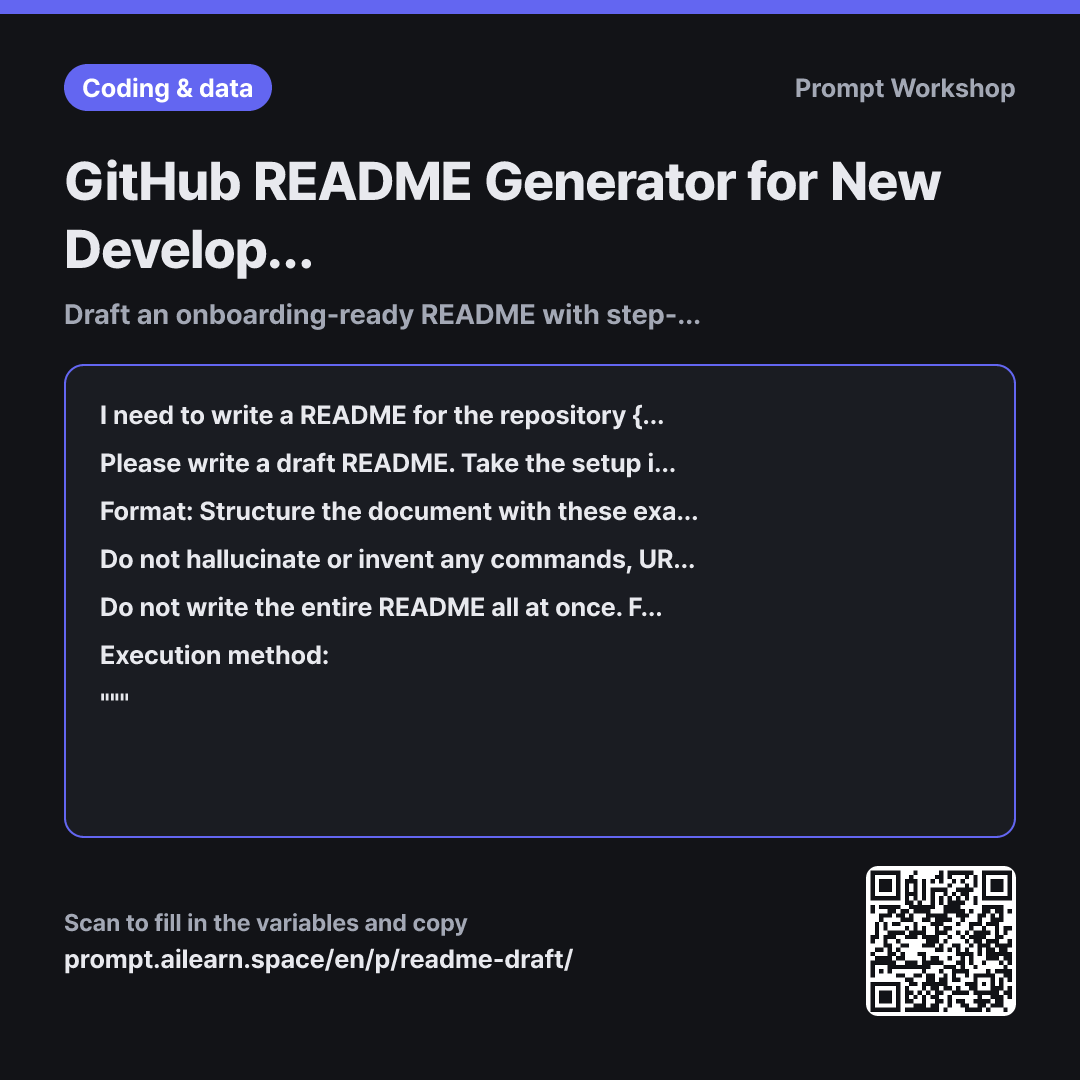
The Context paragraph forces a shift in perspective. By specifying that the reader is "a developer cloning this for the first time" with "zero internal system knowledge," the AI is guided to flag missing steps rather than gloss over them.
The subheading sequence in the Format constraint reflects the natural flow of exploring a repo: understanding the purpose, checking the visuals, gathering prerequisites, installing, and executing. Placing environment variables and troubleshooting toward the end keeps the initial setup flow clean, while requiring explanations alongside commands prevents blind copy-pasting.
The final paragraph enforces a two-step drafting process starting with an outline. Generating the full document immediately often produces generic badges and imaginary feature descriptions that take longer to delete than rewrite. Reviewing the outline first lets you prune unnecessary sections upfront.
Requiring explicit "(Fill in: [what is needed])" placeholders works as an essential guardrail. Without permission to leave blanks, AI will invent plausible-sounding details. Placeholders show you exactly what documentation is missing without allowing false information into the README.
Unfamiliar terms? See Aha AI: context-window, output-format
Compared with a bad example
Write a README for our project. We are using Next.js and PostgreSQL.
This produces a generic, hallucinated document where half the details are made up. It will add nonexistent npm scripts, unused environment variables, and broken badge links. Meanwhile, crucial real-world steps like local database setup get omitted because they were never provided. Cleaning up such a draft takes longer than writing one from scratch.
Variations
Reviewing an Existing README
Below is the current README for {{official project name}}. Identify where a developer cloning this repository for the first time might get stuck. Do not rewrite the document; output only a table with the columns: "Friction Point · Root Cause · Recommended Fix".
""" {{execution method}} """
Use this when a README already exists but new team members keep asking questions. Restricting the AI from rewriting helps preserve existing content while highlighting gaps.
Onboarding Guide for New Hires
Write an onboarding guide for a junior developer taking over {{official project name}} for the first time. Focus only on the essential parts of {{technology stack}} relevant to this project, and divide the guide into three sections: "Day 1 Setup · Week 1 Focus Areas · Where to Look When Stuck". Mark any steps requiring internal credentials or permissions as "(Confirm with team lead)".
""" {{execution method}} """
An internal handover doc has a different focus from a public repository README. For new hires, clear sequencing and a defined learning scope matter most.
Model notes
Before committing your finished README, clone the repo into a fresh directory and test the instructions step by step. Missing dependencies only reveal themselves in a clean environment.
Related prompts
Last updated 2026-09-02 · Found a mistake? Let us know