Why it is written this way
Sending vague messages like "the intro feels slow" or "change the music" forces editors to guess. The next cut inevitably changes the wrong parts while leaving the actual problems untouched. Extra revision rounds happen mostly because of ambiguous feedback, not editor incompetence.
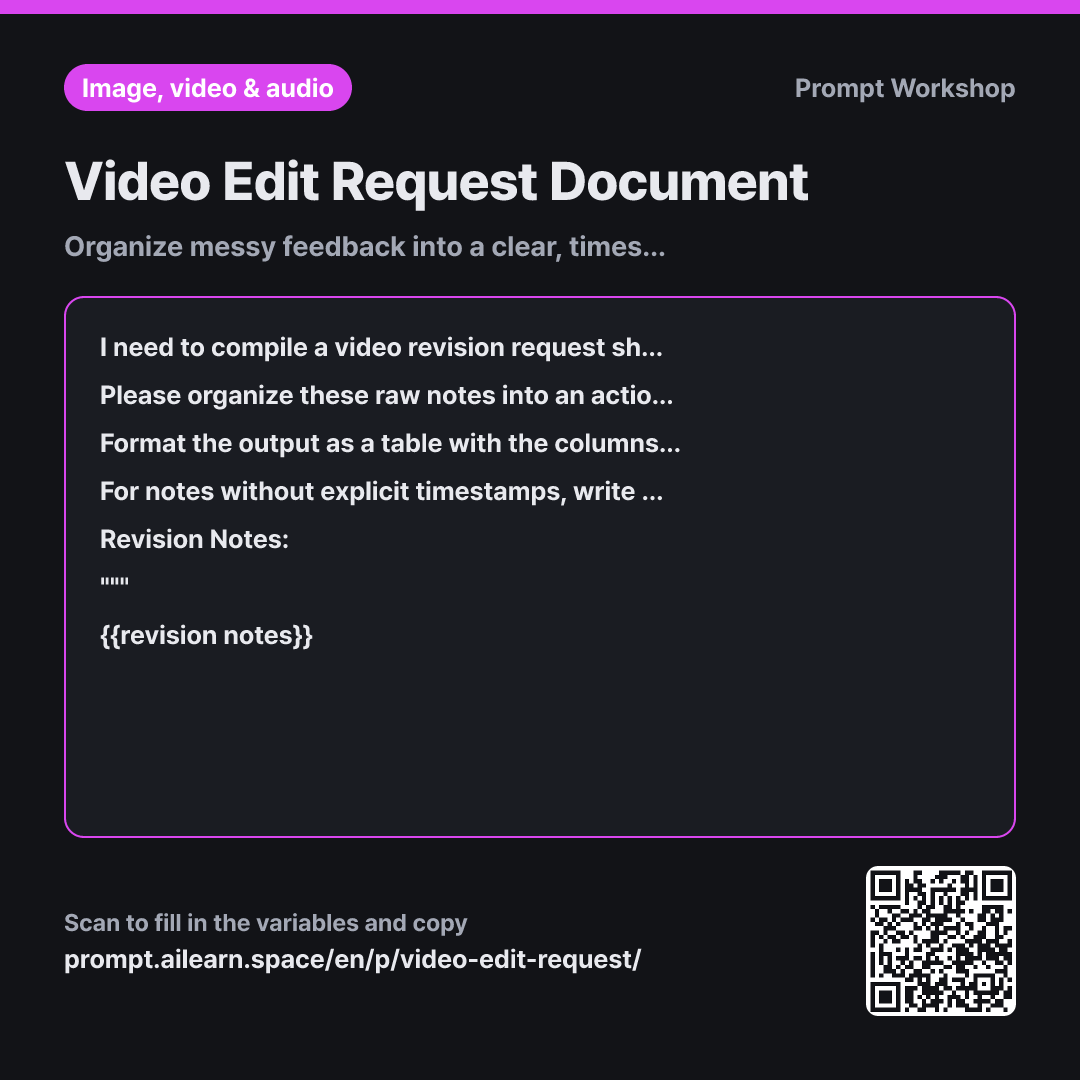
The Task section converts subjective impressions into concrete editing actions. "Drags on" is just an impression; "Shorten intro logo duration" is an actionable instruction. Keeping the original phrasing in parentheses lets the editor ask clarifying questions if the translation misses the nuance.
The chronological table in Format is the core of this document. Editors work sequentially along the timeline, so ordering by time rather than by raw note order lets them work in a single pass. The priority column helps them triage under tight deadlines.
The Constraints prevent two common errors: guessing missing timestamps (a wrong timestamp is worse than none) and inventing extra revisions. Wrapping notes in """ establishes them as ground truth data, and masking names into roles ensures the document is ready for broader sharing.
Unfamiliar terms? See Aha AI: output-format, hallucination
Compared with a bad example
Organize these video edit notes: Intro drags, audio quiet, typo in subtitle, change music
A prompt like this just turns notes into clean bulleted sentences. Without timestamps, the editor must rewatch the entire video to locate each issue, and they won't know if "audio quiet" refers to dialogue or music. The AI might also hallucinate unsolicited suggestions like "add transition effects."
Variations
Email to external vendor
Please organize the notes below into a formal email to send to an external video editing agency. The video details are: {{video details}}. Structure the email with a two-line greeting, a one-paragraph summary of key changes for this cut, followed by a timestamped revision table. Include a placeholder [Reply Deadline] below the table. Do not include assumptions regarding edit volume or turnaround time estimates.
Revision Notes: """ {{revision notes}} """
Sending just a bare table to an external vendor can feel abrupt. This adds context and polite structure around the request table.
Consolidating feedback from multiple reviewers
I need to consolidate video feedback collected from multiple stakeholders into a single unified list. The video details are: {{video details}}. Group the notes below chronologically. Merge comments pointing to the same timestamp into one row, but display differing opinions side by side. Tag conflicting requests with [Decision Needed], and refer to individuals only by their role or title.
Revision Notes: """ {{revision notes}} """
When merging multiple reviewer notes, conflicting feedback often gets accidentally erased. This keeps contradictory points visible for the decision-maker.
Model notes
Remove personal names, contact info, or confidential project details before pasting your notes. Edit request sheets often get circulated across teams and vendors, so keeping references strictly to roles and on-screen content is safer. You don't need to upload the video file itself—timestamps and notes are sufficient.
Related prompts
Last updated 2026-09-02 · Found a mistake? Let us know