Why it is written this way
A common mistake when generating AI video from storyboards is prompting each line in isolation. When generated separately, individual shots look fine, but when stitched together, room layouts shift, character clothing changes, and morning instantly flips to afternoon because the continuity between cuts was never specified.
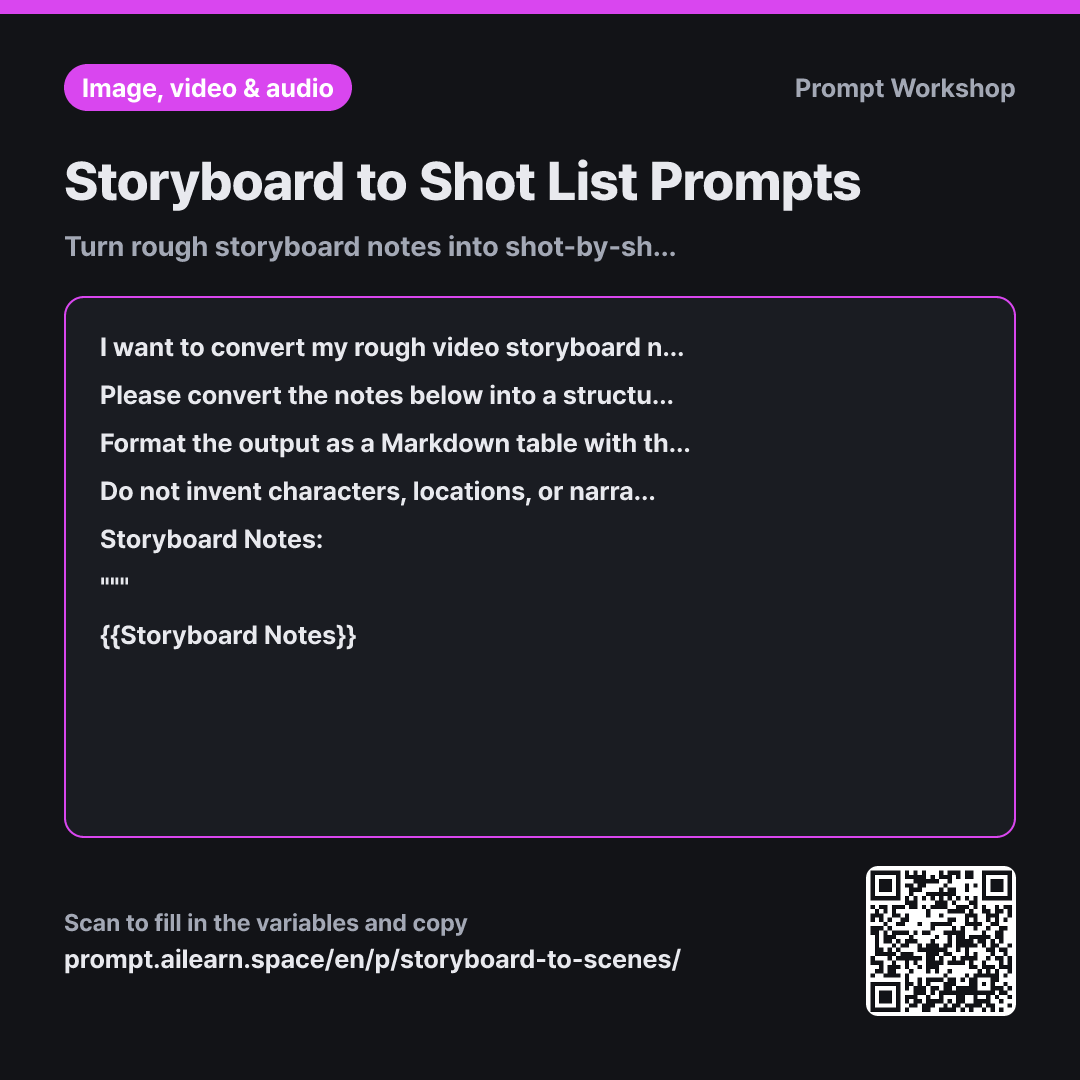
In the Task section, we avoid a strict one-to-one mapping between note lines and shots. When a line holds two actions like "Opens window to reveal city skyline," generative models struggle to render both smoothly. Enforcing one clear action per shot while defining explicit transitions ensures seamless sequence flow.
In the Format section, including the "Original Note Line #" column allows you to cross-reference expanding shot counts against your original concept to catch missing beats. The Global Consistency Elements block creates reusable anchor tokens; because generative video tools hallucinate new details on every prompt, repeating exact visual anchors across every shot is essential.
Wrapping the notes in """ delimiters prevents instructional text inside messy notes (such as "title card appears here") from being misinterpreted by the model as prompt meta-commands.
Unfamiliar terms? See Aha AI: output-format, hallucination
Compared with a bad example
Turn this storyboard into prompts for video AI 1. Protagonist wakes up to alarm 2. Opens window to city view 3. Close up pouring coffee
This loose prompt produces three disconnected English sentences. The character's face and clothes will mutate between shots, and the room lighting will conflict with the skyline outside. The AI will also inject unsolicited filler details like "aroma of warm coffee," forcing you to waste time correcting hallucinations after generation.
Variations
When Working from Rough Text Concept without a Visual Board
Below is a rough textual narrative for a video I want to create. The target mood is {{Video Tone & Mood}}. Please first evaluate whether this text can be logically split into sequential video shots. Suggest concrete physical actions to replace non-visual elements (internal thoughts, passage of time, abstract explanations), and then generate the shot list table.
Story Notes: """ {{Storyboard Notes}} """
Written narratives often contain abstract thoughts or conceptual explanations that cannot be filmed. This variant translates intangible ideas into tangible on-screen actions before building the prompt table.
When Shot Count Is Too High and Needs Trimming
The previous shot list is too long and needs to be condensed by roughly half. Identify shots that can be merged without breaking the core narrative flow. List which shots were merged, what specific visual details are lost in the process, and then output the streamlined shot table. Explicitly flag any critical shots that cannot be removed without collapsing the story arc.
Trimming a sequence requires deliberate trade-offs. Explicitly listing what is sacrificed during consolidation helps you make informed editorial decisions.
Model notes
Generate the shots one prompt at a time rather than batching them into a single run. AI video models have strict temporal limits per generation; submitting multiple shots in one prompt will cause the model to ignore later beats. If your tool supports image-to-video initiation, feed the last frame of the previous shot as the start frame for the next alongside your consistency tokens to minimize character drift.
Related prompts
Last updated 2026-09-02 · Found a mistake? Let us know