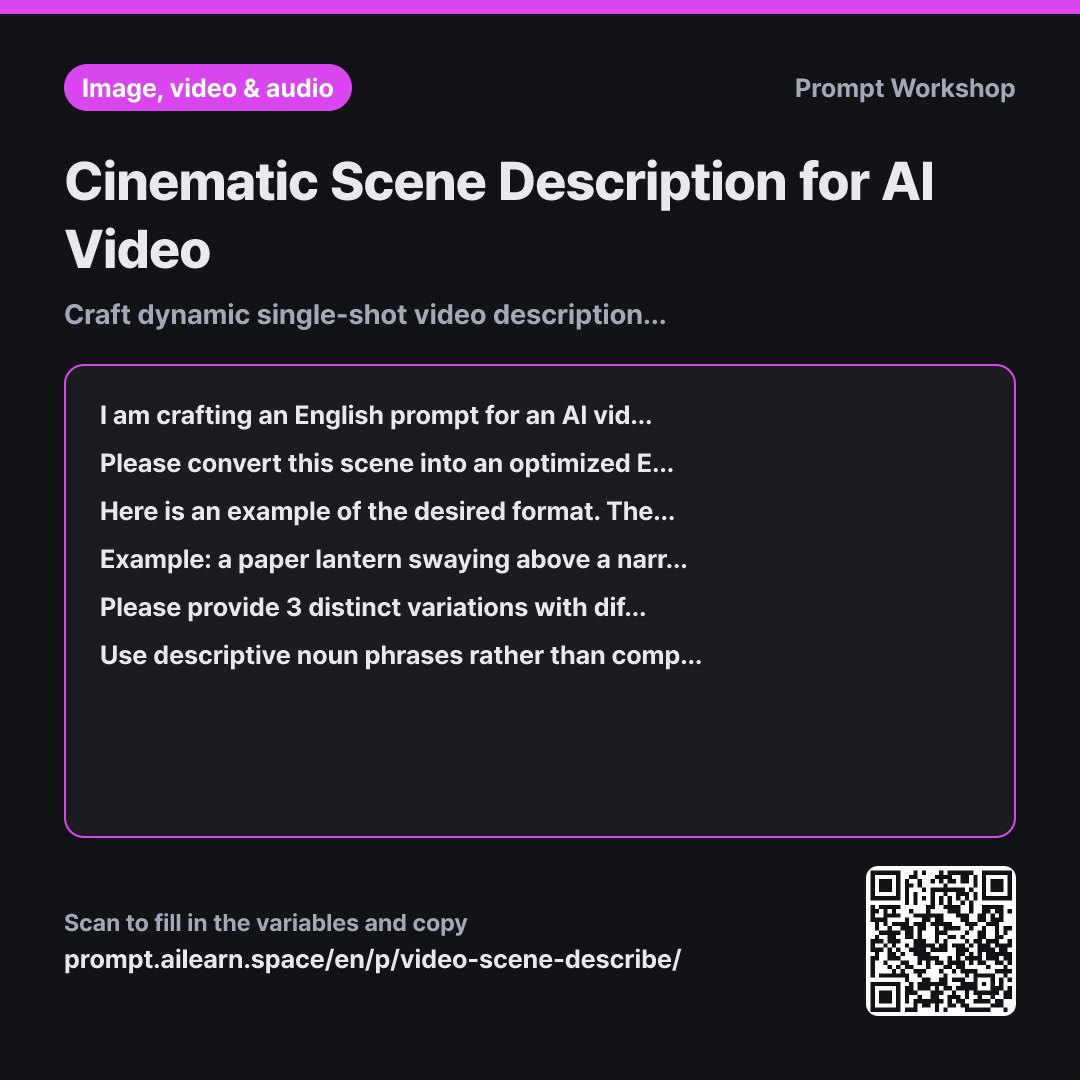
Cinematic Scene Description for AI Video

Craft dynamic single-shot video descriptions complete with camera motion.

Prompt · 3 variables

I am crafting an English prompt for an AI video generation tool. The scene I want to create is "{{scene to depict}}", with a single-shot length of {{duration}}, and an {{overall atmosphere}} mood.

Please convert this scene into an optimized English video prompt. Instead of a direct translation, structure short comma-separated descriptive phrases in the following order: main subject and its action → moving background elements → camera position and movement → lighting and color palette → visual texture/render style. Ensure at least two phrases explicitly specify what moves and in which direction.

Here is an example of the desired format. The subject matter is different, so do not copy the wording; use it only as a reference for phrase structure, sequencing, and length: Example: a paper lantern swaying above a narrow alley, steam drifting up from a food cart below, slow dolly-in at eye level, cool blue night light with warm orange spill, fine rain streaks in the air

Please provide 3 distinct variations with different visual directions. Write each variation as a continuous comma-separated English block, followed by a one-line note below it explaining how it differs from the previous option. After presenting all 3 variations, specify the {{duration}} on the final line.

Use descriptive noun phrases rather than complete full sentences. Do not include real celebrities, copyrighted public figures, brand logos, or specific movie titles. Exclude non-visual details (backstory, sound effects, character internal thoughts) or translate them into tangible visual actions. Do not include on-screen text or subtitles. Avoid tool-specific parameter syntax, and state the shot length solely on the final line.

Copy, then paste here · ChatGPT and Claude open with the prompt filled in Open in ChatGPT ↗Open in Claude ↗Open in Gemini ↗ Edit in builder Download classroom card

Why it is written this way

Context
I am crafting an English prompt for an AI video generation tool. The scene I want to create is "{{scene to depict}}", with a single-shot length of {{duration}}, and an {{overall atmosphere}} mood.
Task
Please convert this scene into an optimized English video prompt. Instead of a direct translation, structure short comma-separated descriptive phrases in the following order: main subject and its action → moving background elements → camera position and movement → lighting and color palette → visual texture/render style. Ensure at least two phrases explicitly specify what moves and in which direction.
Example
Here is an example of the desired format. The subject matter is different, so do not copy the wording; use it only as a reference for phrase structure, sequencing, and length: Example: a paper lantern swaying above a narrow alley, steam drifting up from a food cart below, slow dolly-in at eye level, cool blue night light with warm orange spill, fine rain streaks in the air
Format
Please provide 3 distinct variations with different visual directions. Write each variation as a continuous comma-separated English block, followed by a one-line note below it explaining how it differs from the previous option. After presenting all 3 variations, specify the {{duration}} on the final line.
Constraints
Use descriptive noun phrases rather than complete full sentences. Do not include real celebrities, copyrighted public figures, brand logos, or specific movie titles. Exclude non-visual details (backstory, sound effects, character internal thoughts) or translate them into tangible visual actions. Do not include on-screen text or subtitles. Avoid tool-specific parameter syntax, and state the shot length solely on the final line.

When writing an AI video generation prompt for the first time, people often treat it like a still image description. Prompts like "a runner by a misty river" might generate a clear subject, but the output often ends up as a static frame with subtle, jittery tremors. If motion isn't explicitly defined, the AI guesses randomly, resulting in inconsistent animation.

The Task section defines the essential sequence: Subject & Action → Background Motion → Camera Movement → Lighting → Visual Texture. Weight is distributed from left to right; placing the core motion first ensures the model prioritizes fluid dynamics before styling. The requirement to dedicate "at least two phrases to explicit movement" is the critical difference between a video prompt and a still photo prompt.

Providing a concrete Example is far more effective than abstract formatting rules. The lantern example demonstrates exact phrase length, comma pacing, and kinetic phrasing. A deliberately different subject is used in the example so the AI doesn't accidentally blend the reference content into your output.

Offering 3 variations in the Format ensures that if the first direction doesn't match your vision, you have distinct baselines to compare and refine. The Constraints serve two purposes: ensuring visual rendering quality (stripping non-visual thoughts, avoiding text that video models frequently garble) and filtering out copyrighted names or brand marks.

Unfamiliar terms? See Aha AI: output-format, few-shot

Compared with a bad example

Common bad example

Write an English video prompt of a person running in the morning along a river

A generic request like this usually returns a flat output like "a person running by the river in the morning, cinematic." Without camera direction or specific motion cues, the resulting video will likely just drift or morph the background. When results are poor, you won't know which parameter to tweak and will end up re-rolling the same vague prompt.

Variations

When fine-tuning a single element in a near-perfect cut

When fine-tuning a single element in a near-perfect cut

I have an existing {{duration}} video prompt that is almost perfect, but I need to tweak one specific detail: "{{scene to depict}}". Do not rewrite the prompt from scratch. Modify only the necessary phrase, and provide a one-line explanation of what was changed and why. Keep all other phrases and their original sequence exactly intact.

Regenerating the entire prompt alters the parts you already liked. Isolating the specific phrase allows controlled, single-variable adjustments.

When generating an extreme close-up shot

When generating an extreme close-up shot

I want to create an extreme close-up single shot with an {{overall atmosphere}} mood based on this scene: "{{scene to depict}}". Because prominent facial features easily distort during dynamic motion, keep the face and hands mostly stationary. Focus the motion prompts on subtle secondary elements like drifting hair strands, fluttering collar fabric, or background bokeh. Limit camera movement to a single, very slow crawl.

Close-up shots degrade rapidly with heavy facial movement. Restricting motion to peripheral details prevents facial warping and preserves generation fidelity.

Model notes

Every video generation platform (Runway, Sora, Kling, Pika, Luma) supports different shot durations and aspect ratios, typically managed via platform sliders or UI settings rather than inside the prompt text. Transfer the final shot duration to your tool's dedicated duration setting. Since motion sensitivity varies across models, adjust your motion phrases first whenever porting a prompt from one AI platform to another.

Related prompts

Last updated 2026-09-02 · Found a mistake? Let us know