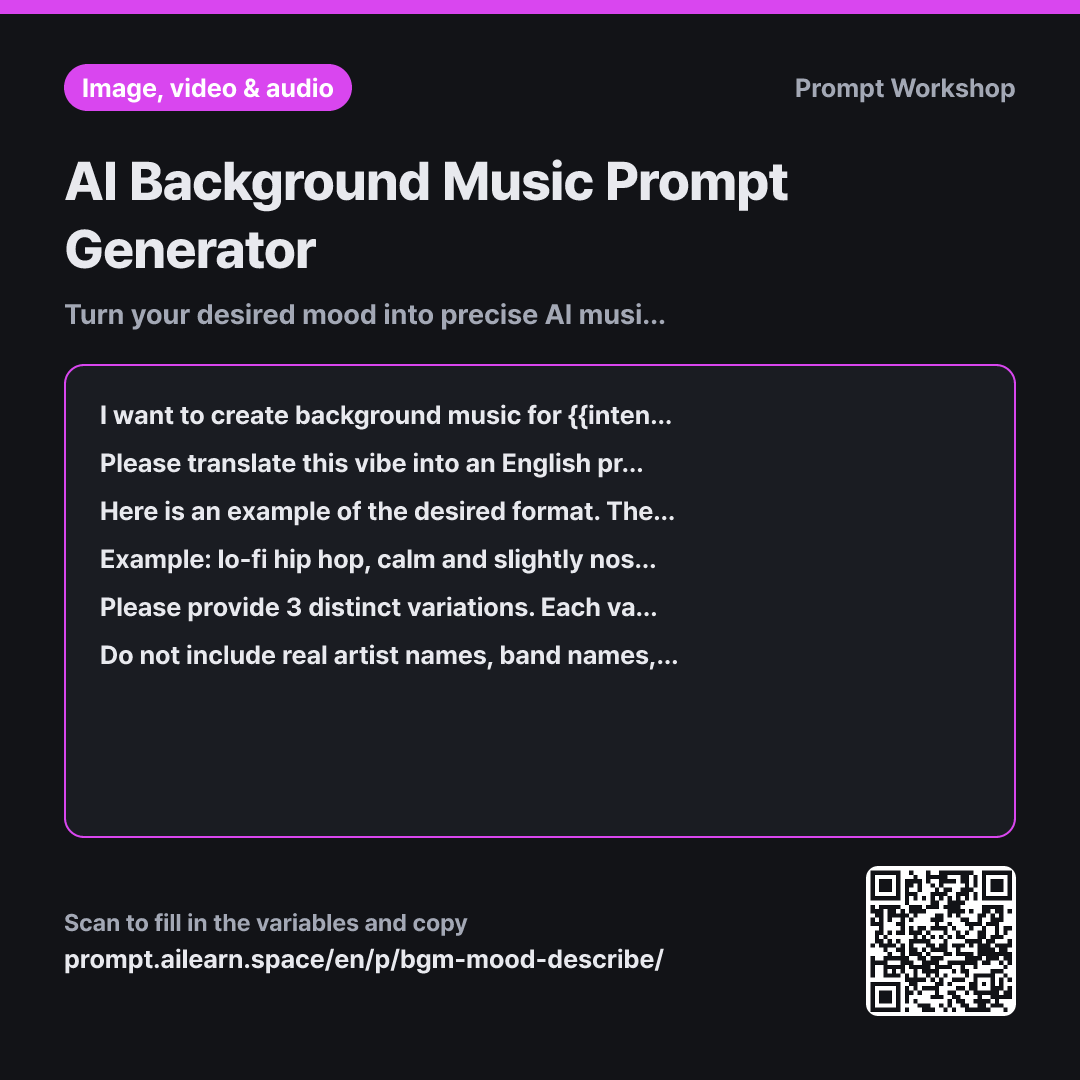
Why it is written this way
When people first write an AI music prompt, they often stop at generic phrases like "bright and upbeat vlog music." However, "bright" can mean pop-rock, children's songs, or electronic dance music. As a result, every generation produces a wildly different track, and you cannot explain why one take was better than another.
The Task section establishes a rigid sequence—Genre → Mood → Lead Instruments → Tempo → Rhythm → Spatial Feel—which forms the backbone of this prompt. The genre sets the broad canvas, while specific instruments and BPM narrow down the style. The moment you specify "78 bpm," the abstract concept of "calm" is anchored to a concrete tempo.
Providing a clear Example is much more effective than merely describing the rules. A single example line establishes the phrase length, comma placement, and level of instrumental specificity. In the Format instructions, asking for 3 variations ensures you have comparative baselines to tweak if the first result feels plain. Crafting AI background music is an iterative process of narrowing down direction.
The Constraints section prevents two common pitfalls: First, it stops the model from referencing specific artists or song titles, which AI tools often reject and which create copyright risks for your video. Second, it eliminates non-auditory words. Abstract descriptions like "autumn-like" cannot be directly rendered by audio models and get ignored, so translating them into concrete instruments and rhythms from the start yields vastly superior results.
Unfamiliar terms? See Aha AI: output-format, few-shot
Compared with a bad example
Make me a calm and emotional background music track for my vlog.
A vague request like this results in a generic sentence such as "calm emotional vlog background music." Without a specified genre, instruments, or BPM, the AI tool will generate completely inconsistent tracks every time. Even if you get a decent result by chance, you will not be able to reproduce that aesthetic. Words like "emotional" are interpreted differently each run—producing a piano ballad one time and synthwave the next.
Variations
When you want to tweak just one element of a generated track
I like the track generated from the previous English music prompt, but I want to adjust one aspect: "{{desired mood}}". Please do not rewrite the prompt from scratch. Instead, identify and replace only the necessary keywords or phrases, then add a brief one-line explanation of what you changed and why. Keep the rest of the prompt and its word order exactly as it was.
Rewriting the entire prompt often ruins the parts of the track you already liked. Pinpointing and swapping only the target keywords allows you to adjust one variable at a time.
When you need music under spoken dialogue or voiceover
I need background music to sit underneath spoken voiceover in {{intended use}}. The desired vibe is: "{{desired mood}}". Write an English prompt for a track that leaves the mid-range frequencies clear so it does not compete with speech, keeps the melody subtle in the background, and avoids sudden volume spikes. Below the prompt, add a brief English recommendation on the ideal background volume level (in dB) relative to the voiceover.
In videos with voiceover, music that stays out of the voice's frequency range is better than music that demands attention. This variant explicitly constrains frequency range and dynamic shifts.
Model notes
Different tools have different character limits for their style prompt boxes. If space is tight, keep the first items (genre, instruments, BPM) and trim the end.
Most AI music tools (such as Suno or Udio) have separate fields for lyrics and style/tags. Paste the single-line English prompt generated here into the style/tag box, and either leave the lyrics box empty or select Instrumental Mode. For tools with strict character limits in the style field, delete keywords from the end of the prompt first (reverb and texture) to preserve the core genre, instruments, and BPM.
Related prompts
Last updated 2026-09-02 · Found a mistake? Let us know