Why it is written this way
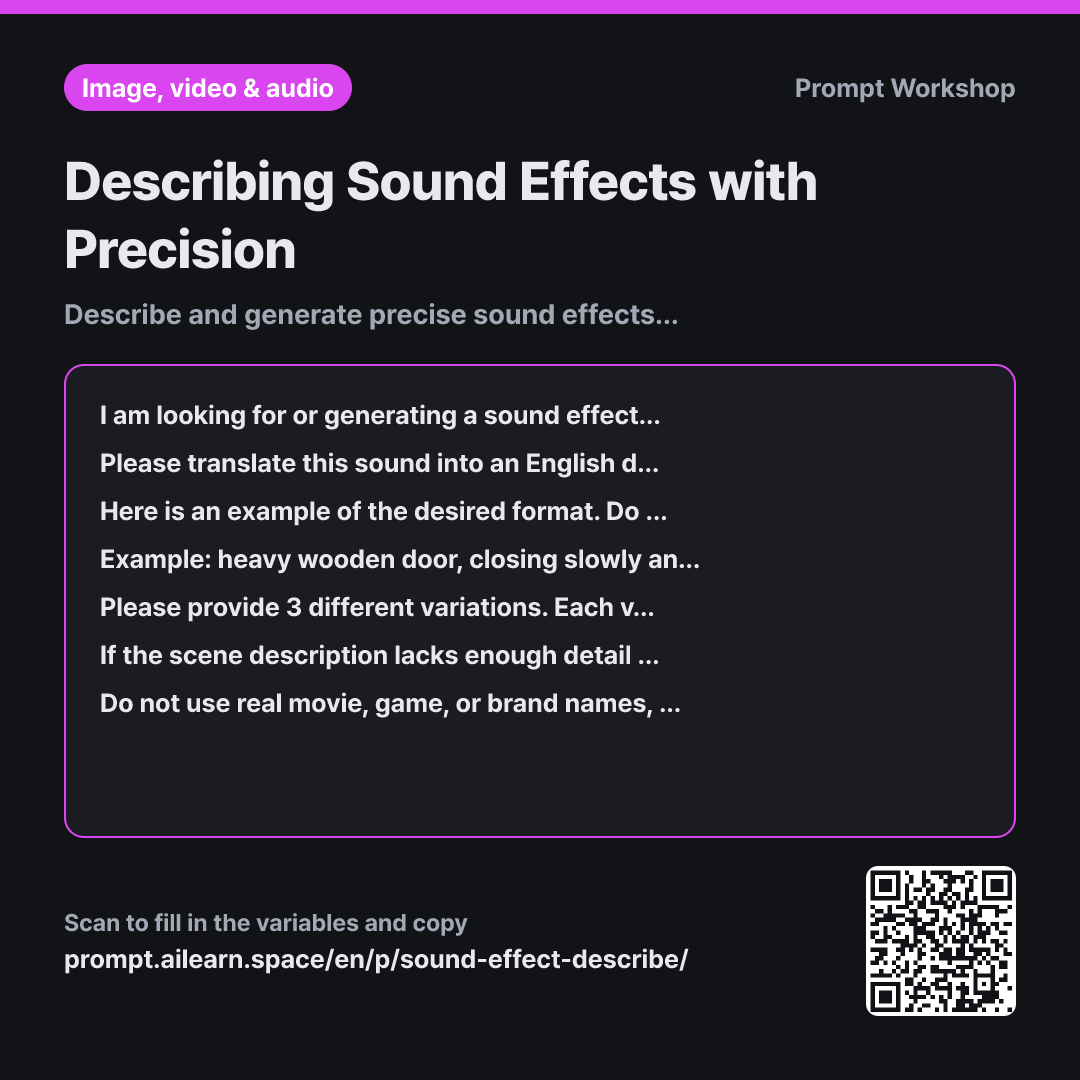
If you write an AI sound effect prompt simply as "thud sound," what you usually get is a useless low-end rumble. The sound of a heavy wooden door closing, a cardboard box hitting the floor, and a thud from the next room are completely different sonic events. The same problem occurs on stock audio sites: searching vague terms means wasting hours previewing hundreds of irrelevant clips.
The sequence set in the task paragraph—Object & Material → Action → Intensity → Distance → Reverb → Duration—mirrors the taxonomy professional Foley artists and sound designers actually use. Material defines timbre, while distance and reverb place the sound in a specific acoustic environment. Defining these six attributes narrows down a generic "thud" to a precise sound effect.
Providing a single line of example works better than lengthy instructions. The door example clearly demonstrates the length of the noun phrases, comma separation, and duration formatting. The reason 3 search keywords are requested separately in the format section is that generative AI tools and audio search engines require different inputs: AI sound generators work best with detailed acoustic descriptions, while search bars need concise tags.
Including a clarifying question step addresses how frequently scene descriptions omit crucial acoustic cues like indoor vs. outdoor context, which completely alters the necessary reverb profile. Limiting the questions to two prevents unnecessary back-and-forth.
Unfamiliar terms? See Aha AI: few-shot, output-format
Compared with a bad example
Make a door closing sound effect
This returns a generic "door closing sound effect" prompt. Without specified materials, distance, or acoustic space, the AI model generates a different type of door every time—sometimes sounding like a car door, other times like a heavy metal fire door. You will only notice the mismatch once you drop it onto your video timeline, with no clear idea of what parameter to adjust to fix it.
Variations
Extracting all sounds needed for a scene at once
Please list all the necessary sound effects for the scene below without missing anything. The scene is "{{scene}}". Organize the result into a table with the following columns: Sound Name · When it occurs · One-line English description · Priority (Crucial / Nice-to-have). Exclude background music and human dialogue.
A scene rarely requires just a single sound effect. Getting an organized list for an entire scene ensures nothing is overlooked during the editing stage.
Adjusting a sound that is slightly off
I found a sound file on an audio library close to "{{required_sound}}", but it does not quite fit the scene. I will describe what feels off. Please guide me step-by-step on how to fix it within a video editor/DAW using common editing techniques (trimming length, time-stretching/speed, pitch shifting, adding reverb, layering). Do not tell me to search for a new file.
Tweaking an existing, close-enough sound is often much faster than hunting for the perfect one. This prompt restricts the solution to realistic editor-level fixes.
Model notes
Most SFX generation tools only create clips lasting a few seconds. Generate short sounds and stitch or loop them in your editor.
Sound effect generation tools often create clips that are only a few seconds long. For extended ambient sounds, it is usually better to generate shorter segments and loop or layer them in your audio editor. Adding reverb in post-production offers much greater control than baking it into the generated sound, so keeping the reverb description minimal or dry is often a practical approach.
Related prompts
Last updated 2026-09-02 · Found a mistake? Let us know