Why it is written this way
A common mistake in video editing is finding one great track and looping it across an entire 8-minute vlog. After about three minutes, viewers stop noticing the music, and scene transitions feel static and repetitive. Editors often mistakenly blame the visual pacing and cut more footage when the real issue is stagnant audio.
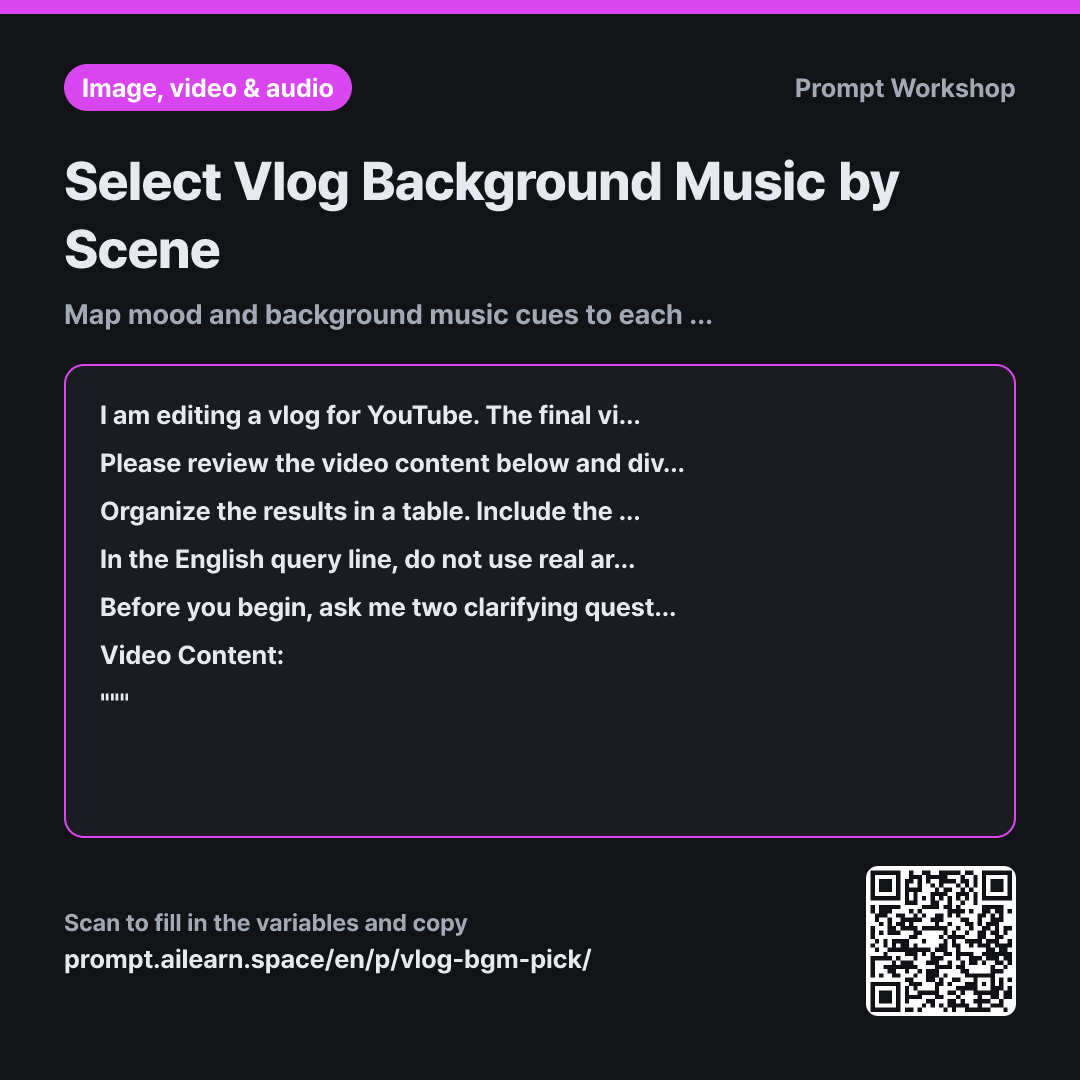
The Context paragraph sets the total runtime upfront. Pacing a 1-minute Short differs vastly from a 10-minute vlog; forcing five cue changes into one minute makes the audio frantic. The Task paragraph bounds the segments strictly to 3–5 to maintain natural pacing.
The Format specifies a 5-column table. Providing only a mood description makes searching difficult, while providing only search keywords makes you forget why that track fits. Specifying the audio level is equally vital—even the best music selection fails if it clashes with voiceover.
Finally, the Clarifying Questions requirement addresses voiceover. Dialogue demands minimalist melodies, whereas dialogue-free scenes require music to drive the narrative. Without clarifying this first, half the recommendations would be unusable. Specifying that the AI must wait for an answer prevents it from immediately answering its own questions.
Unfamiliar terms? See Aha AI: output-format, context-window
Compared with a bad example
Recommend background music for my vlog. It's a daily life vlog.
A vague request like this yields a generic list like "calm acoustic guitar" or "upbeat ukulele." Without scene-by-scene mapping, you end up applying the first option across the whole video, making the market trip and dinner scene feel identical in tone.
Variations
Mapping Pre-Selected Music Tracks
I already have a shortlist of candidate tracks for my video. Please review the video content below, divide it into segments, and provide 3 track criteria (tempo, primary instruments, dynamic changes) for each segment so I can match my candidate songs to the right scenes. Do not suggest specific song titles.
Video Content: """ {{video content}} """
Use this when you already have music files and need criteria to assign them across scenes rather than searching for new tracks.
Pacing Dynamic Changes for a Single Track
This is a short video of {{total length}}, so I will only use a single background music track. Please review the video content below, outline the dynamic build-up and drop-offs the track needs chronologically, and provide one English search query that captures this overall progression.
Video Content: """ {{video content}} """
For videos under 1 minute, switching tracks is jarring. This prompt shapes the narrative arc through dynamic shifts within a single song.
Model notes
The English search string can be pasted directly into music generation tools' style prompts or the search bar of royalty-free stock music sites.
The timestamps in the table are estimates. Rough cuts often shift scene lengths, so align your cues on your editing timeline before purchasing or generating tracks. You can paste the generated English search string directly into royalty-free music libraries or AI audio generators; add an extra tempo keyword if search results are too broad.
Related prompts
Last updated 2026-09-02 · Found a mistake? Let us know