Why it is written this way
Searching for AI jingle generators often yields generic one-liners like "write a jingle for my store." This results in cookie-cutter advertising slogans without any musical direction. When lyrics and melody styles are disconnected, the final output will not sound like an authentic brand jingle.
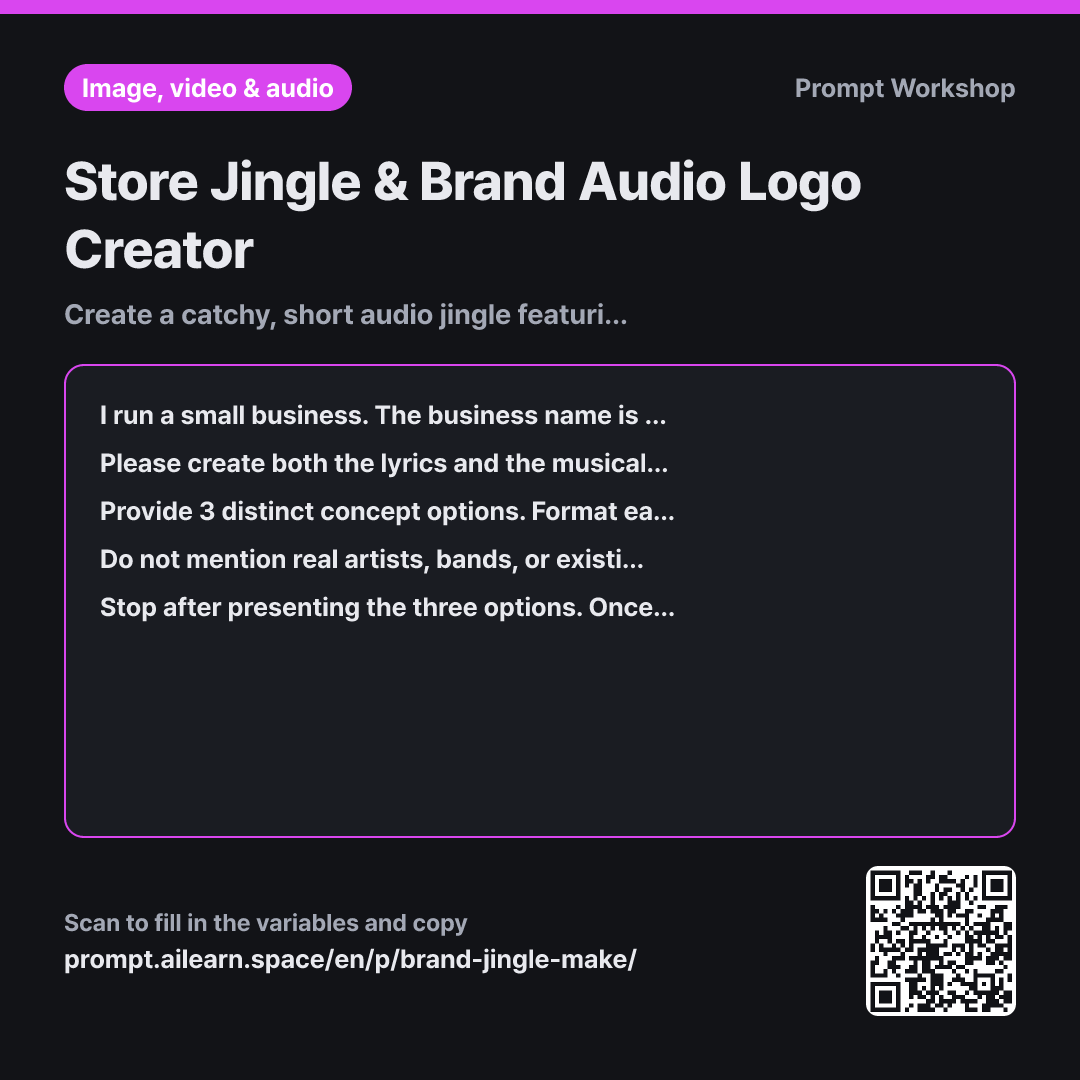
The Context paragraph clearly defines the store name, industry, and placement (in-store or video outro). Specifying the exact duration (around 10 seconds) prevents the AI from generating unwieldy, full-length songs that cannot be sung in a short clip.
The Task paragraph applies classic commercial sound design principles: concise 2–4 line lyrics with the brand name repeated at the end to maximize recall. The Format paragraph organizes each option into lyrics, a standardized music generator prompt, and a target audience description—ready to copy-paste into AI music tools. This structured 3-line format makes it easy to compare brand audio concepts.
The final paragraph enforces numbered options and stops generation. Without numbered iterations, refining the output becomes messy. Numbering enables modular follow-ups like "use the lyrics from Option 1 with the musical style of Option 3."
Unfamiliar terms? See Aha AI: output-format, prompt
Compared with a bad example
Write a jingle for my bakery called Daily Bread Bakery. Make it sound like a famous bakery commercial.
Phrasing like "sound like a famous commercial" asks the AI to mimic copyrighted work, which AI tools may reject or result in generic, unoriginal melodies. Furthermore, without musical parameters (tempo, instruments, vocal style), you only get text and have to prompt again for audio details. Without a designated length, the AI often produces an 8-line song that requires heavy editing to fit a 10-second spot.
Variations
When iterating only the musical style
Keep the lyrics from the chosen option exactly as they are without changing a single word. Rewrite only the single-line English music generation style in 3 variations that further enhance the {{overall atmosphere}} vibe. Underneath each line, provide a one-sentence explanation of what was adjusted.
Changing both lyrics and music simultaneously makes it impossible to pinpoint what improved the track. Modify one variable at a time.
When creating a 2-second instrumental audio logo
I need a 2-second audio logo (sound bite) for the end of promotional videos for "{{store name}}", a {{industry type}} business. Do not include any vocal lyrics. Describe the instrumental note progression (number of notes, ascending/descending pitch) followed by a single-line English prompt for an AI music generator. Provide 3 distinct options.
Outros have no time for singing. This variant focuses on a brief instrumental motif designed for immediate brand recognition.
Model notes
Depending on the tool used, there may be separate inputs for lyrics and style. Paste the lyrics into the lyrics field and the one-line English style description into the style/prompt field.
AI music generators often introduce abrupt cutoffs in very short tracks. Even if you only need 10 seconds, it is often better to generate a 20-second clip and trim the best section. If vocal pronunciation sounds unclear, try spelling the lyrics out phonetically in the lyrics input box.
Related prompts
Last updated 2026-09-02 · Found a mistake? Let us know