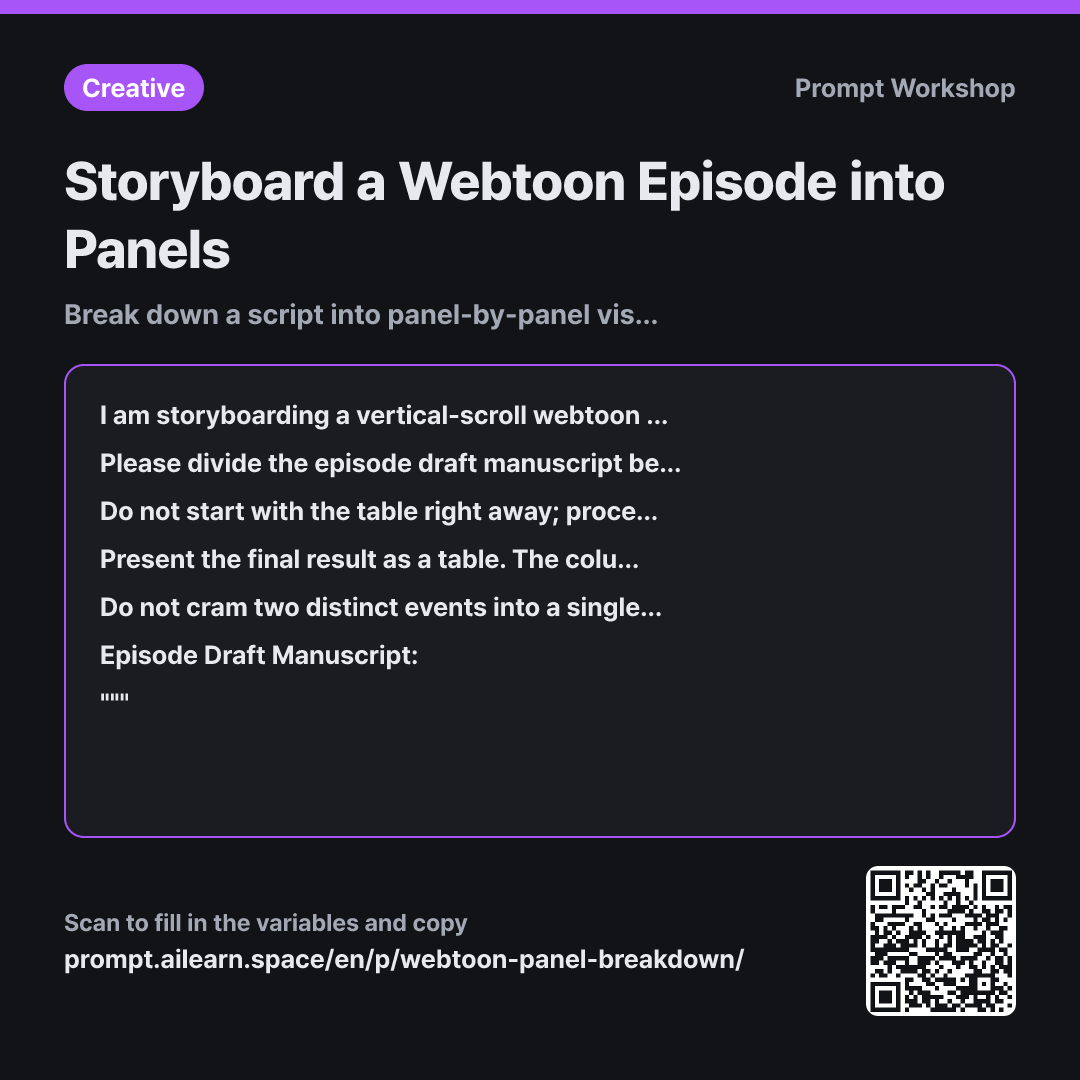
Why it is written this way
When you prompt for a webtoon storyboard without constraints, the AI simply cuts the manuscript mechanically by text length. One sentence becomes one panel, resulting in eight panels spent on an uneventful walking scene while an emotionally devastating revelation passes in a single panel. The resulting episode contains all the plot points, but lacks any emotional pacing or pauses for the reader.
This is why the Task paragraph pins down the exact target number with "{{number of cuts}}". When panel count is fixed, expanding one scene requires trimming another, forcing deliberate pacing decisions. The subsequent Steps ensure the AI makes these structural pacing decisions before generating the table. If it writes the table immediately, the AI fills in panels from top to bottom without keeping the macro structure in mind. By identifying shift points and the emphasis shot first, ample panels are reserved for the climax.
The fifth column in the Format, "Panel Size", is crucial for vertical scrolling. Panel size directly dictates reading speed—a large panel physically slows the reader's scroll thumb. Without a size column, the AI assigns equal weight to every cut, forcing the creator to re-direct the entire visual flow from scratch.
The constraint regarding "un-drawable narrative text" handles the common leftover exposition when adapting prose to comics. Telling the model to simply omit it risks losing plot info, so instructing it to convert descriptions into monologue or visual cues provides a clear path forward. Wrapping the text in """ prevents dialogue within the script (such as "cut it out here" or "don't look at this") from being misinterpreted as instructions by the model.
Unfamiliar terms? See Aha AI: output-format, prompt-injection
Compared with a bad example
Turn this script into webtoon panels
(Paste manuscript)
Without setting the panel count, the AI usually collapses the story into around ten panels. This is far too brief for a vertical webtoon episode, resulting in overly dense, un-drawable panels. Visual directions and dialogue get scrambled into single cells without any indication of panel sizing, forcing you to redo the storyboarding from square one.
Variations
When polishing dialogue first
Extract only the dialogue that belongs in speech bubbles from the episode draft manuscript below. Keep narrative descriptions as they are without turning them into dialogue, and list only existing spoken lines in sequential order. Next to each line, indicate the speaker and character count. If any line exceeds 20 characters, provide an alternative split into two speech bubbles. The creative work mood is {{creative work mood}}.
""" {{episode draft manuscript}} """
Use this when locking down dialogue length before sketching. Because speech bubble dimensions depend on text length, splitting them beforehand makes visual composition much easier.
When deciding the cliffhanger panel
Select 3 candidate cut-off points to end this episode from the manuscript below. For each candidate, describe what is visible in the final panel and explain in one line why it makes readers eager for the next episode. After proposing the options, confirm whether ending at each point allows the remaining content to fit within {{number of cuts}}.
""" {{episode draft manuscript}} """
The cliffhanger cut is the most critical element in serial storytelling. Deciding where the episode ends establishes the pacing and panel budget for everything leading up to it.
Model notes
If the manuscript is long, the table may cut off midway. Ask for the first half first ("Please output up to Panel 20 in the table first and pause"), then prompt it to continue to prevent panel numbering errors.
Related prompts
Last updated 2026-09-02 · Found a mistake? Let us know