Why it is written this way
The most common failure in carousel planning prompts is text overflow. If you simply ask the AI to "split the content across 8 slides," it will just chop long paragraphs into eight chunks, giving you 3–4 heavy sentences per slide. When you inevitably have to cut words during the visual design phase, the original narrative flow breaks apart.
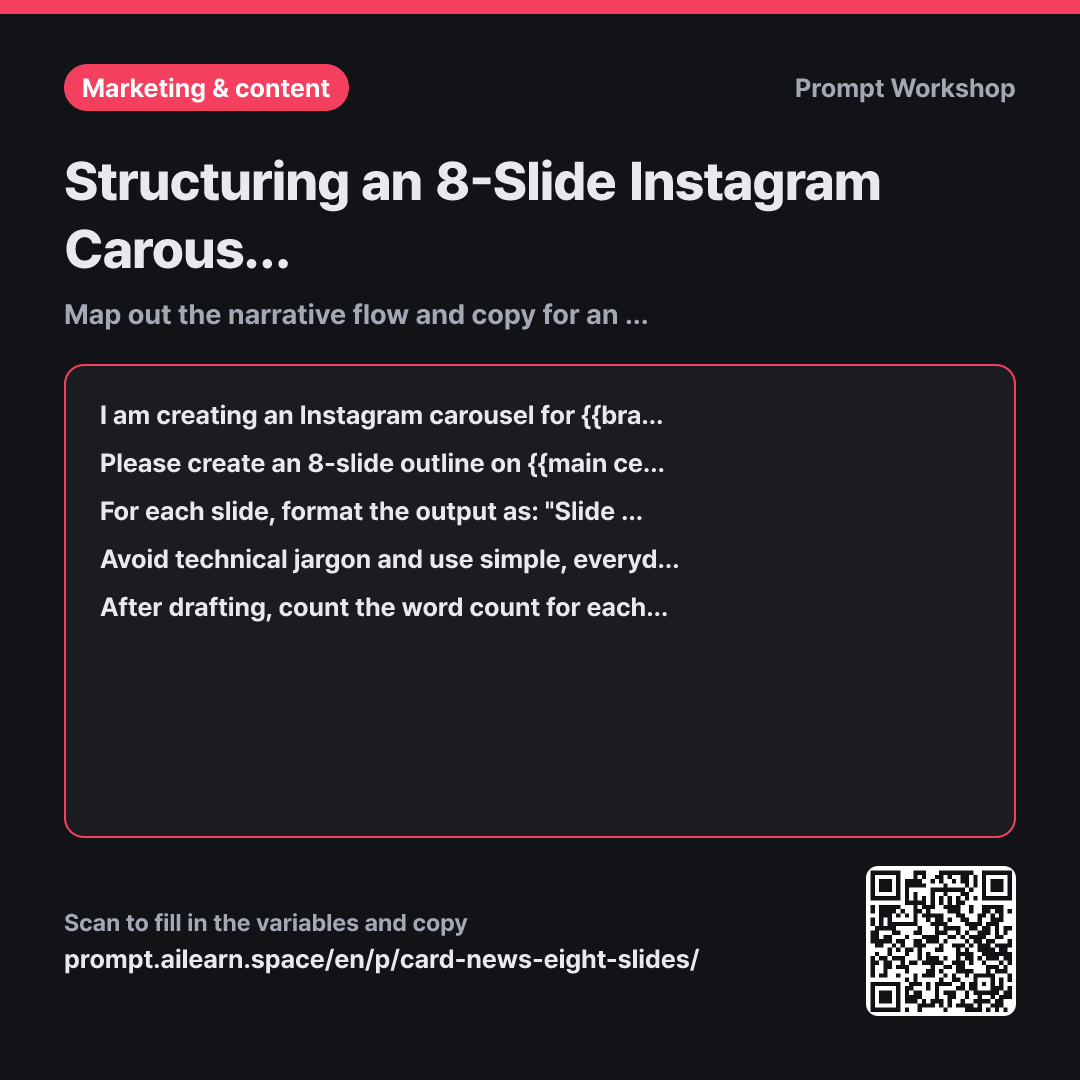
The Context paragraph defines the reader and their reading environment upfront. Specifying that users swipe on mobile and judge whether to keep reading based on Slide 1 drastically improves the hook quality. Providing a specific audience context—like "young adults living alone for the first time" rather than just "people in their 20s"—yields far more relevant, relatable examples.
The Task paragraph provides the backbone of this prompt by pre-assigning distinct roles to each slide. Without role definitions, the middle slides end up repeating identical explanations, and the final slide abruptly turns into a sales pitch. When prompting an AI for carousel content, defining the slide sequence and roles matters much more than just stating the slide count.
The Format section separates the headline from the body copy and enforces strict word limits to produce design-ready copy. Brief limits fit cleanly into square slide layouts. The Constraints prevent unverified claims and ensure the final slide focuses on driving engagement/saves rather than sounding overly promotional. Having the model review its own word counts acts as a self-checking mechanism to maintain concise slide lengths.
Unfamiliar terms? See Aha AI: output-format, context-window
Compared with a bad example
Create an 8-slide carousel about dealing with apartment mold.
This results in a generic list of eight titles followed by dense paragraphs. The text is too long to fit onto clean visual slides, requiring you to slash half the content during design, which ruins the flow. Without a defined target audience, the tone becomes stiff like a technical manual, and the last slide often defaults to an empty slogan like "Check it out now!"
Variations
Short 5-Slide Carousel
Please create a 5-slide Instagram carousel for {{brand name}} on {{main central topic}}. The target audience is {{target audience persona}}. Structure it as: Slide 1 hooks curiosity, Slides 2–4 present one practical tip each, and Slide 5 provides a quick summary with a prompt to save. Keep each slide's headline under 10 words, body under 20 words, and do not include unverified stats.
Stretching a simple topic into eight slides makes the middle feel drawn out. If you only have three core tips to share, a 5-slide format is much punchier.
Generating Cover Slide Hooks
Please generate 10 cover slide headline options for a carousel about {{main central topic}}. The target audience is {{target audience persona}}. Categorize the 10 options into Question-based, Number-driven, Myth-busting, and Personal Story styles (under 10 words each). Next to each option, add a one-line note describing which segment of viewers it will stop.
Most carousels win or lose on Slide 1. Once your outline is set, generating multiple hook variations separately helps you pick the most engaging angle.
Model notes
AI models may not strictly follow word count limits on the first pass. If slides still feel slightly long after the self-check, it is faster to follow up with a targeted edit, such as: "Shorten Slides 1 and 4 to under 8 words each."
Related prompts
Last updated 2026-09-02 · Found a mistake? Let us know