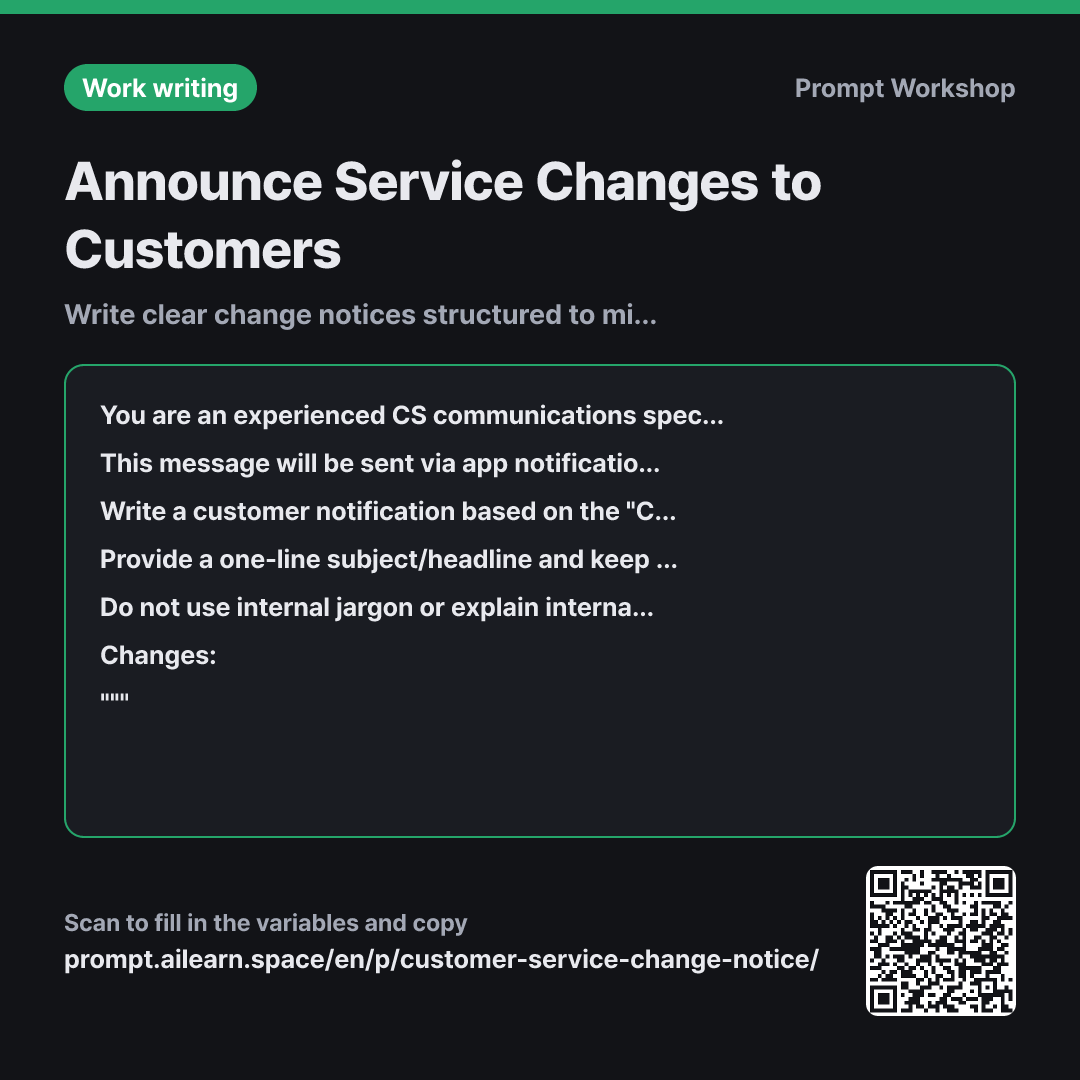
Why it is written this way
When service change notices trigger customer backlash, it is usually not because of the change itself, but because of the structure. Explaining company reasons first makes the announcement sound like an excuse. The first priority in a customer notice prompt is not just tone, but what comes in the very first line.
This is why the role in the first paragraph is set to a CS specialist rather than a marketer. Marketers tend to package changes as upgrades, which frustrates customers who see through the spin. A CS specialist evaluates text based on whether it will reduce incoming support tickets.
Paragraph 2 sets the context—that the reader is viewing this as a push notification or email, asking "What does this mean for me?" The numbered sequence in the task fixes the exact order that alleviates customer anxiety. When users see the personal impact first, they read the rest as confirmation rather than defense. The side-by-side comparison in the format section minimizes ambiguity and allows CS teams to reuse the text directly in support replies.
The constraints cover two crucial points. First, barring clichés prevents slippery corporate phrasing. Second, preventing the AI from fabricating grace periods or refund policies protects your company from unintended legal or operational commitments.
Unfamiliar terms? See Aha AI: role-prompting, output-format
Compared with a bad example
Write a service change notice. The delivery frequency is changing.
(paste changes here)
Without the effective date and clear customer action items, the model defaults to starting with "In our ongoing effort to serve you better..." Key details—such as whether existing users switch automatically or the deadline to change settings—remain vague, leading to a flood of support inquiries. Apologetic phrases are often repeated across paragraphs, making the issue look far worse than it is.
Variations
Terms of Service or Policy Updates
Write a customer announcement notifying users of changes to the Terms of Service and policies for {{service name}}. Present the previous clause and the revised clause side-by-side in a table, adding a one-sentence "Impact on Customer" note for each item. Include the {{effective application date}} and options for users who disagree, but do not invent procedures not provided in the source text.
""" {{changed point}} """
For policy updates, comparing clauses directly is critical, so a structured table is used. The "Impact" column allows customers to understand the change without parsing dense legal text.
Short App Push / SMS Alert
Create an app push notification based on the changes below. Keep the title under 20 characters and the body under 60 characters, ensuring {{effective application date}} and {{customer response method}} are included. Generate 3 distinct options, and for each option, add a one-line note on how certain users might misunderstand it.
""" {{changed point}} """
Short alerts often lead to misunderstandings due to omitted details. Generating multiple variations alongside potential misinterpretations makes it easier to select the safest copy.
Model notes
LLMs often struggle to adhere strictly to precise character limits. For length-sensitive outputs like push notifications, add: "Please display the exact character count next to each option."
Related prompts
Last updated 2026-09-02 · Found a mistake? Let us know