Why it is written this way
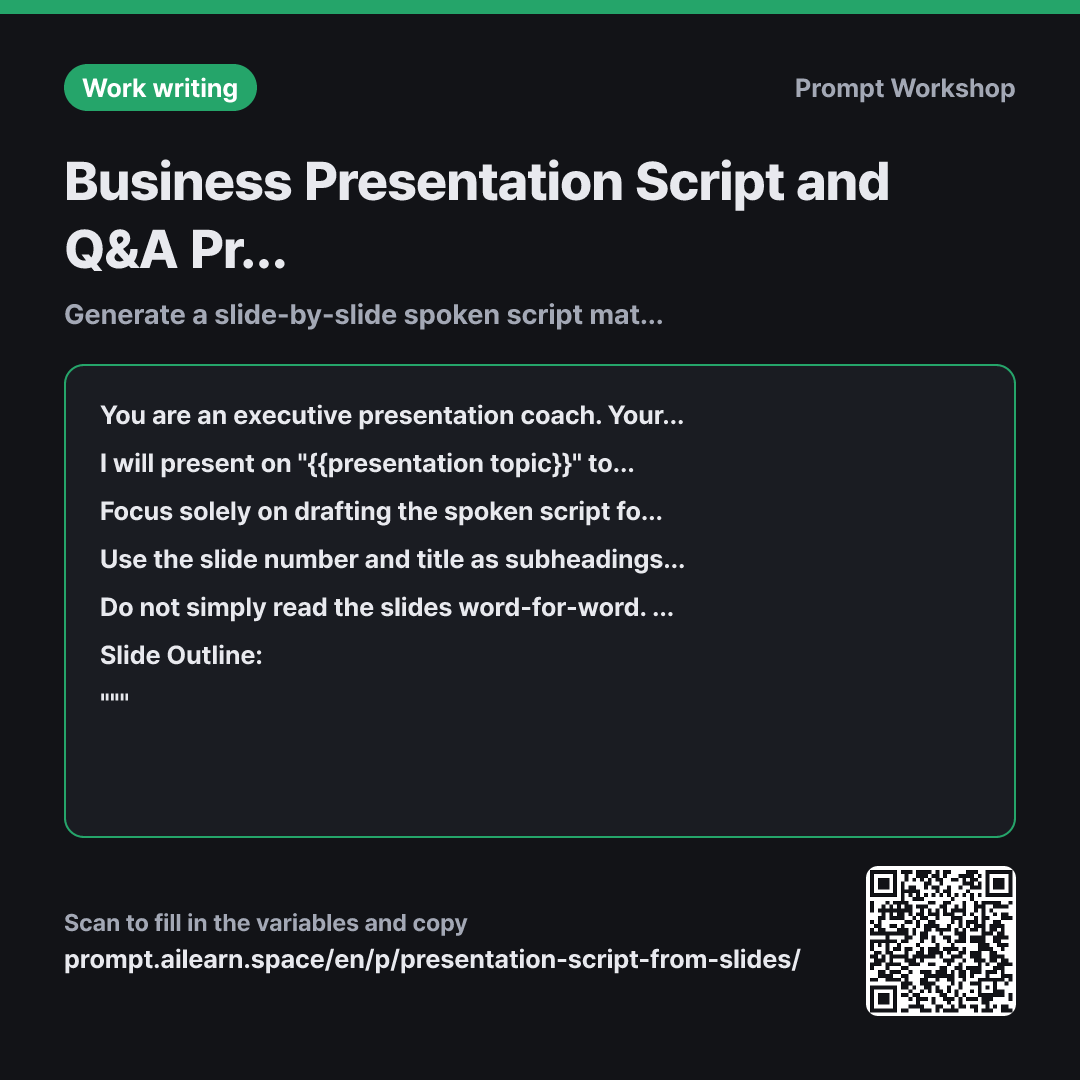
Reading slides verbatim fails to engage any audience. This is usually why professionals seek presentation script prompts: the deck is finished, but what to actually say out loud remains a blank. However, asking for both the script and anticipated Q&A in a single prompt results in shallow outputs for both. This prompt splits the workflow, focusing first on crafting a solid spoken script.
Setting the Role as an "executive presentation coach" in the first paragraph is intentional—a writer focuses on making text look good, while a coach focuses on listener engagement and audience fatigue. The second paragraph's Context (audience and time limit) dictates the depth of the delivery; a 5-minute executive pitch requires a fundamentally different script than a 30-minute team review.
Breaking the Task down into "hook, core message, transition" addresses where presentations usually fail: between slides. When the slide transitions smoothly but the speaker hesitates, the audience senses a lack of preparation. Specifying the target duration per slide in the Format ensures the overall delivery stays within the time limit and helps identify which sections need trimming without multiple rehearsals.
The Constraints section is the most practical part. Without explicitly banning verbatim slide reading, AI defaults to reciting bullet points. Forbidding made-up figures and requiring bracketed placeholders prevents unverified claims that could backfire during stakeholder Q&A.
Unfamiliar terms? See Aha AI: role-prompting, chain-of-thought
Compared with a bad example
Write a presentation script for these slides.
(Paste slide content)
Without an audience or time limit specified, the AI generates a generic explanatory essay. The result reads like an article rather than spoken remarks, easily stretching a 10-minute slot into a 20-minute lecture. Invented metrics may also blend in seamlessly without clear markers, forcing you to fact-check every single line right before the meeting.
Variations
Follow-Up — Anticipated Q&A Preparation
Based on the script just created, generate 8 likely questions that {{target audience listener}} might ask after this presentation. For each question, outline: 1) Why they would ask it, 2) Whether our current slide material answers it, and 3) What additional data we need to prepare if it doesn't. Do not write full answers; provide a one-line answer framework for each.
""" {{slide outline}} """
Separating Q&A prep into a second prompt allows the AI to reference the finalized spoken flow, resulting in much sharper and more realistic questions.
When Presentation Time Gets Cut
I need to deliver the presentation based on the slide outline below within {{presentation time}}. Classify the slides into: Must-cover slides, Slides to summarize in one sentence, and Slides to skip entirely, providing a one-line rationale for each choice. Then, rewrite the script using only the retained slides.
""" {{slide outline}} """
Forces the model to triage content first before writing. Asking it to trim directly without prioritization usually results in cutting a little bit from every slide, weakening the overall narrative.
Model notes
Different models calculate speaking time differently from word counts. After getting the script, consider asking: "Assuming an average pace of 130 words per minute, show a breakdown table of word counts and estimated seconds per slide."
Speaking speed varies from person to person. Use the second-by-second estimates as a general baseline. After doing one dry run out loud, give targeted refinement prompts like "Cut 20 seconds from slide 3."
Related prompts
Last updated 2026-09-02 · Found a mistake? Let us know