Why it is written this way
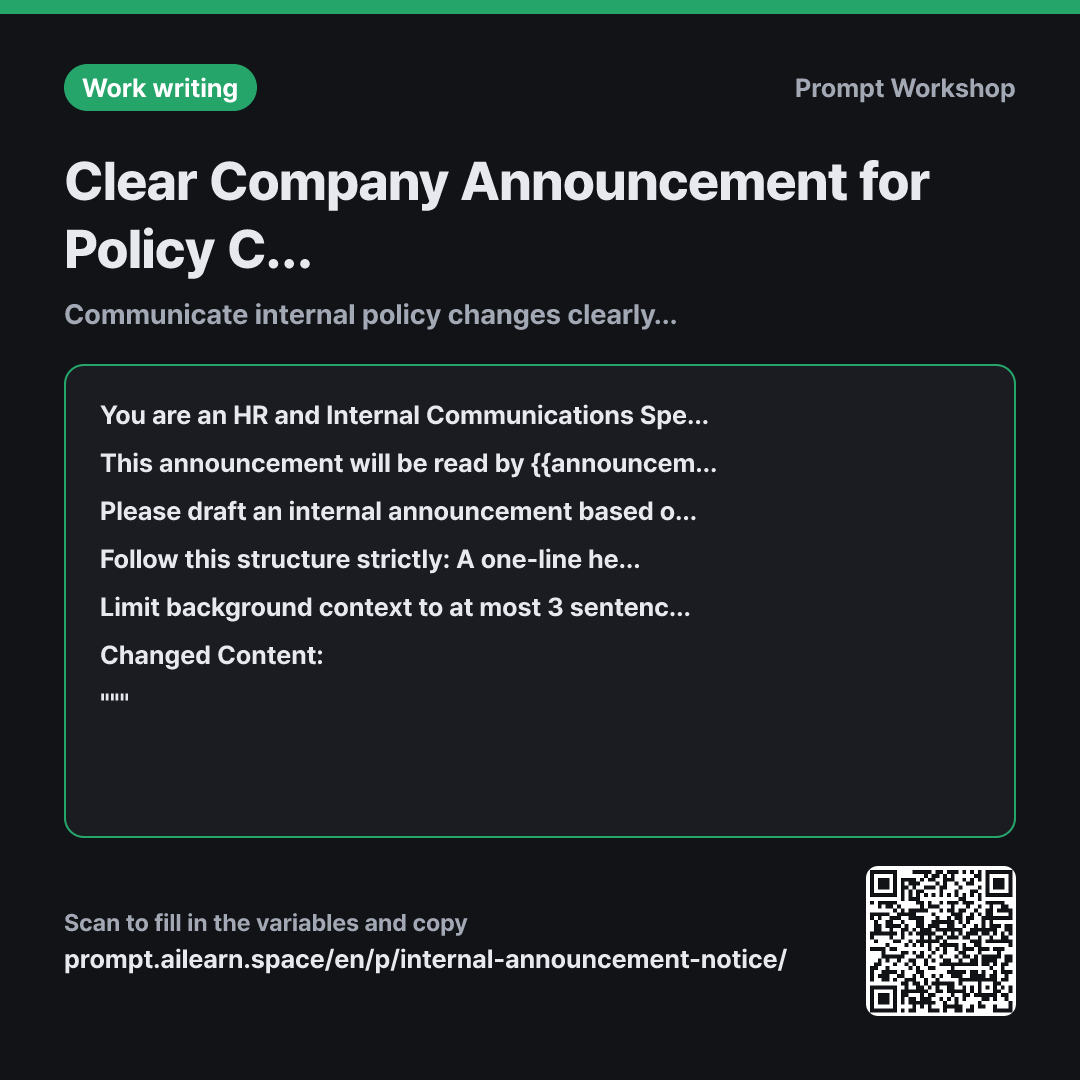
Most internal announcements fail the same way: they start with a lengthy explanation of why leadership made this decision, burying the effective date and action steps at the bottom of the memo. What you need from an announcement prompt is not poetic prose, but a crisp memo that drives immediate clarity and action.
The context in the second paragraph achieves this. Phrases like "skim it for about 30 seconds" and "even without reading to the end" instruct the model not to push critical details down. Explicitly defining whether the audience is company-wide or a specific team prevents vague eligibility statements.
The format paragraph explicitly dictates the section headers. The "Who is affected" section is especially crucial; without it, HR inboxes get flooded with questions asking, "Does this apply to me?" Positioning "Action required now" at the end clearly separates employees who can simply move on from those who must take immediate action. Restricting sections to bullet points facilitates skimming, while the word limit stops background explanations from bloating.
The instruction to write "Further details to follow" prevents hallucinations about unconfirmed logistics. Finally, leaving room for iterative refinement acknowledges that good announcements rarely emerge in a single take—asking for a "softer tone" in follow-up tweaks helps soften rigid top-down directives.
Unfamiliar terms? See Aha AI: output-format, prompt
Compared with a bad example
Write an internal memo. We are reducing remote work from 2 days to 1 day a week.
(Pastes details)
Without an explicit audience and structure, the AI will produce a generic memo starting with "Dear valued employees." A long paragraph justifying company reasons will dominate the top, while critical operational details—like request deadlines and grandfathered approvals—get missed or fabricated. As a result, HR ends up answering repetitive inquiries and having to issue clarification memos.
Variations
Short Version for Slack / Teams
Please convert the content below into a short internal messaging announcement (Slack/Teams). Put "What is changing effective {{effective date}}" in the very first line so {{announcement target audience}} can understand the core update in their notification preview, keeping the entire message under 100 words. Add a closing line linking to the full intranet post for details, and list {{contact info}} for inquiries.
""" {{changed content}} """
Chat platforms offer limited vertical space, where heavy bullet structures can cause visual clutter. Placing the bottom line in the first line and linking out for deep dives is most effective.
For Sensitive or Controversial Policy Changes
Before drafting the announcement about the changes below for {{announcement target audience}}, first predict 6 likely reactions and tough questions employees might have. Then, draft the announcement body so that it preemptively addresses those concerns. Conclude with a 3-item FAQ section answering the most critical questions.
""" {{changed content}} """
Predicting friction points first turns a defensive justification into a supportive, transparent guide. Questions that are difficult to answer right away can be saved as an internal talking-points list for team leads.
Related prompts
Last updated 2026-09-02 · Found a mistake? Let us know