Why it is written this way
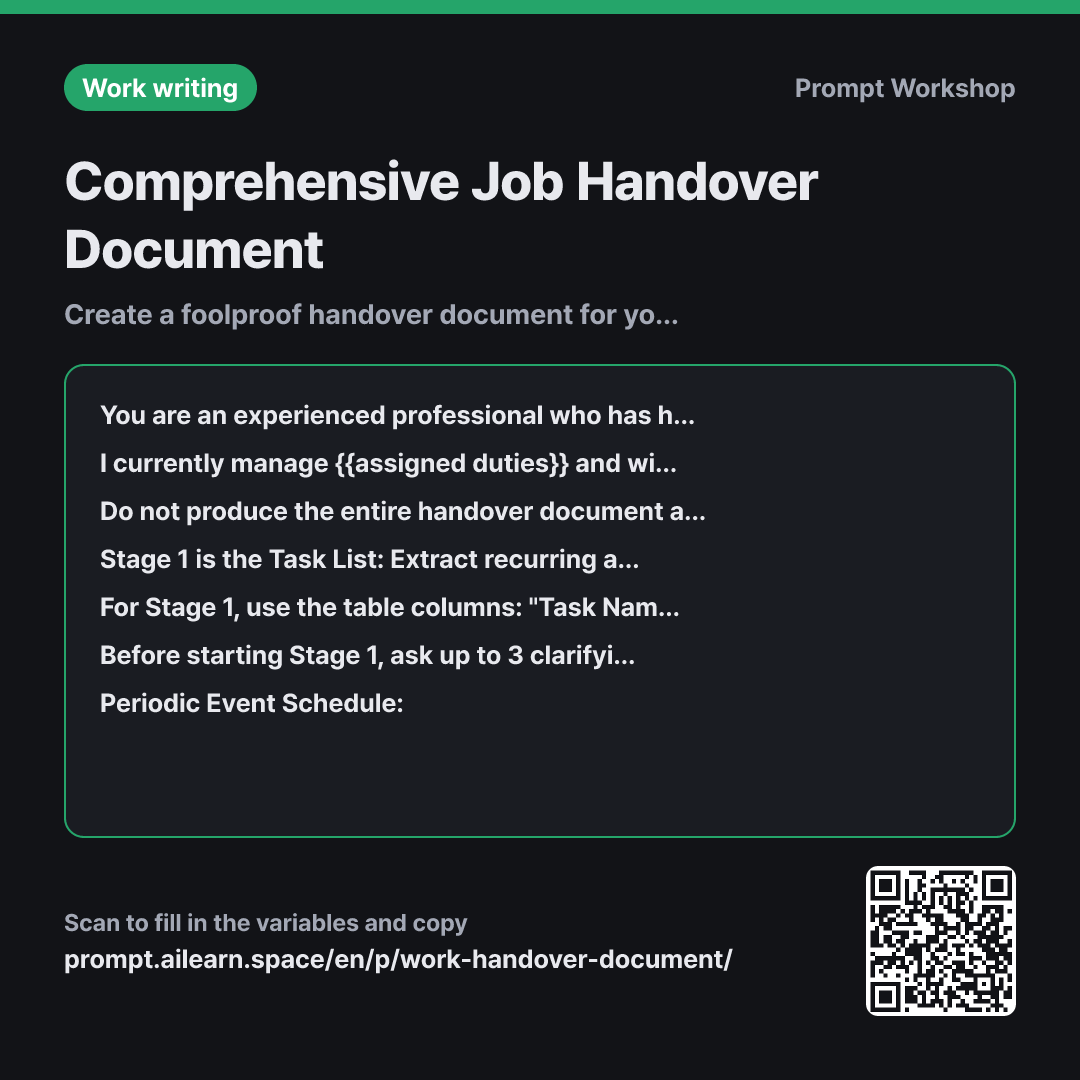
Writing a handover document in one single draft almost always leads to critical omissions. When you have done a job for a long time, muscle memory takes over and key steps get left out in writing. The goal of this prompt is not just formatting text neatly, but pulling out the tacit knowledge stored in your head.
That is why the third paragraph splits the task into three distinct stages. You build the task overview first, flesh out detailed procedures while reviewing that list, and run a final gap check at the end. If asked to do everything at once, the AI generates a generic, high-level outline. Seeing the structured task list first helps you remember overlooked responsibilities like quarterly closeouts. Adding "only after I reply with Next" keeps the AI from dumping everything onto your screen at once.
The format paragraph fixes the column headers and the five essential details because handover documents consistently fail in the same areas. Leaving out the "Where" forces a successor to spend hours searching for folders. Leaving out "Who to contact if blocked" means you will still get frantic phone calls after leaving. Forcing the AI to flag unknowns as [Needs Confirmation] prevents it from hallucinating plausible-sounding procedures.
Having the AI ask clarifying questions in the sixth paragraph is one of the highest-value parts of this prompt. You might overlook blind spots, but an AI scanning your notes will spot gaps and ask things like "Who owns final sign-off authority?" That question alone becomes a valuable handover item. Wrapping raw notes in """ ensures that informal handover tips are not mistaken for prompt commands.
Unfamiliar terms? See Aha AI: output-format, context-window
Compared with a bad example
Write a handover document template for me. I manage product listings and inventory for an online store.
You will only get a generic empty template filled with generic headers like Overview, Key Duties, and Notes, leaving all the actual work back on your plate. Worse, if the AI hallucinates standard e-commerce workflows, non-existent procedures will end up in your document and confuse your successor.
Variations
When Time Is Extremely Short (Bare Essentials)
I need to hand over {{assigned duties}} with only one day left. Using the notes below, identify only the critical tasks that will "immediately break operations if I am gone" and put them into a table. Use the columns: "Task · When it triggers · Minimum required procedure · Point of contact (from {{relevant department}})". List any secondary items below the table under "To be organized later" by task name only.
""" {{periodic event schedule}} """ """ {{important precaution notice}} """
When time is scarce, prioritize survival over completeness. Secure business-critical continuity first and leave the rest as a simple checklist.
When the Successor Has Not Been Hired Yet
I am documenting workflows for {{assigned duties}}. Since the future reader's background is unknown, whenever internal team jargon or acronyms appear, add an explanation in parentheses: "(= Plain English explanation)". Based on the provided notes, create a comprehensive task list and detailed step-by-step procedures. At the end, list 5 critical questions that cannot be answered by this document alone.
""" {{periodic event schedule}} """ """ {{important precaution notice}} """
Because you cannot predict the successor's experience level, a rule to spell out company jargon is enforced. The final 5 questions serve as an intake checklist once the hire is onboarded.
Model notes
Some models tend to generate all three stages at once. In that case, add "Show only Stage 1 and stop" at the very top.
Some models tend to generate all three stages at once. In that case, add "Show only Stage 1 and stop" at the very top. If the conversation gets long and the model seems to lose context from earlier steps, simply re-paste the Stage 1 table and continue.
Related prompts
Last updated 2026-09-02 · Found a mistake? Let us know