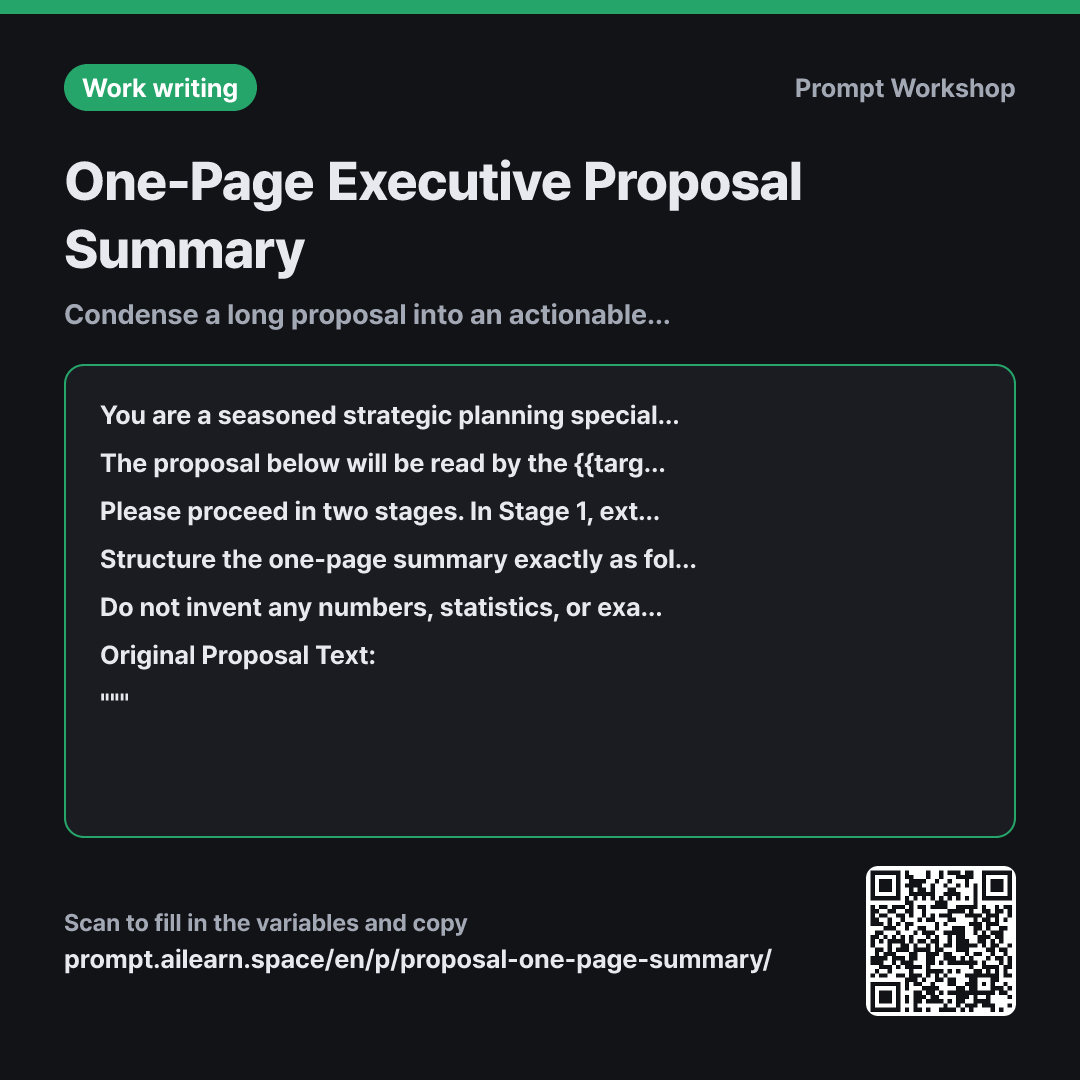
Why it is written this way
When you simply paste a long document and ask an AI to "summarize this," every paragraph tends to survive in a slightly shorter form. That is why an executive proposal summary prompt is essential. Decision makers do not want a condensed version of the entire proposal; they need a completely restructured document focused strictly on what is required to make a decision. A summary that merely follows the original document's table of contents will never clearly answer the core executive question: "What exactly am I being asked to approve?"
To address this, the prompt splits the task into two distinct stages in paragraph 3: first extracting key decision variables, and then drafting the final one-pager using only that extracted data. This two-step process prevents the model from pulling unstructured source phrasing back into the final copy. When extraction and drafting are requested in a single step, models almost always default to mirroring the original narrative flow.
In the context paragraph, framing the constraint as "taking longer than 3 minutes is a failure" works much more effectively than a raw word count limit alone. A pure word count often leads the model to produce overly dense, packed sentences, whereas a time-to-read benchmark prompts it to write crisper, punchier bullet points. Defining both the {{target reader audience}} and the {{desired decision}} ensures the same source proposal is framed appropriately—whether it requires budget sign-off or a go/no-go operational call. The strict format specifications also ensure consistent, predictable outputs that are easy to compare side-by-side.
Finally, the constraint to flag missing details as "Not specified in source" eliminates the common pitfall of AI hallucinating plausible figures when data is absent. Wrapping the source text in """ delimiters guarantees internal phrases like "in the next section" are treated purely as input data rather than new instructions.
Unfamiliar terms? See Aha AI: chain-of-thought, context-window
Compared with a bad example
Summarize this proposal into one page.
(paste proposal here)
Without a designated audience or clear goal, the model merely shrinks the original structure. Background context and current status take up half the page, while critical resource requirements and specific sign-off requests are relegated to an afterthought at the very bottom. Without a strict reading standard, the output often spans multiple screens or revives obsolete timelines from the source text.
Variations
When you want to identify executive objections first
Read the proposal below from the perspective of the {{target reader audience}}, and list the top 5 critical questions they will ask before approving this document. For each question, quote the exact sentence from the text that answers it; if no answer is provided, mark it as "Not specified in source." Do not write the summary yet.
""" {{original proposal text}} """
Identifies blind spots before drafting. Filling the "Not specified in source" gaps before running the main summary prompt significantly increases the executive density and clarity of the final one-pager.
When pasting directly into an email body
Please summarize the proposal below into an executive email draft addressed to the {{target reader audience}}. Format it into exactly 3 concise paragraphs under 150 words total without tables or subheadings. Conclude the final paragraph with a direct ask for "{{desired decision}}", and add a closing line noting that detailed documentation is attached.
""" {{original proposal text}} """
Optimized for plain text email clients where tables may break formatting. Shortened to fit comfortably on a single mobile screen.
Related prompts
Last updated 2026-09-02 · Found a mistake? Let us know