Why it is written this way
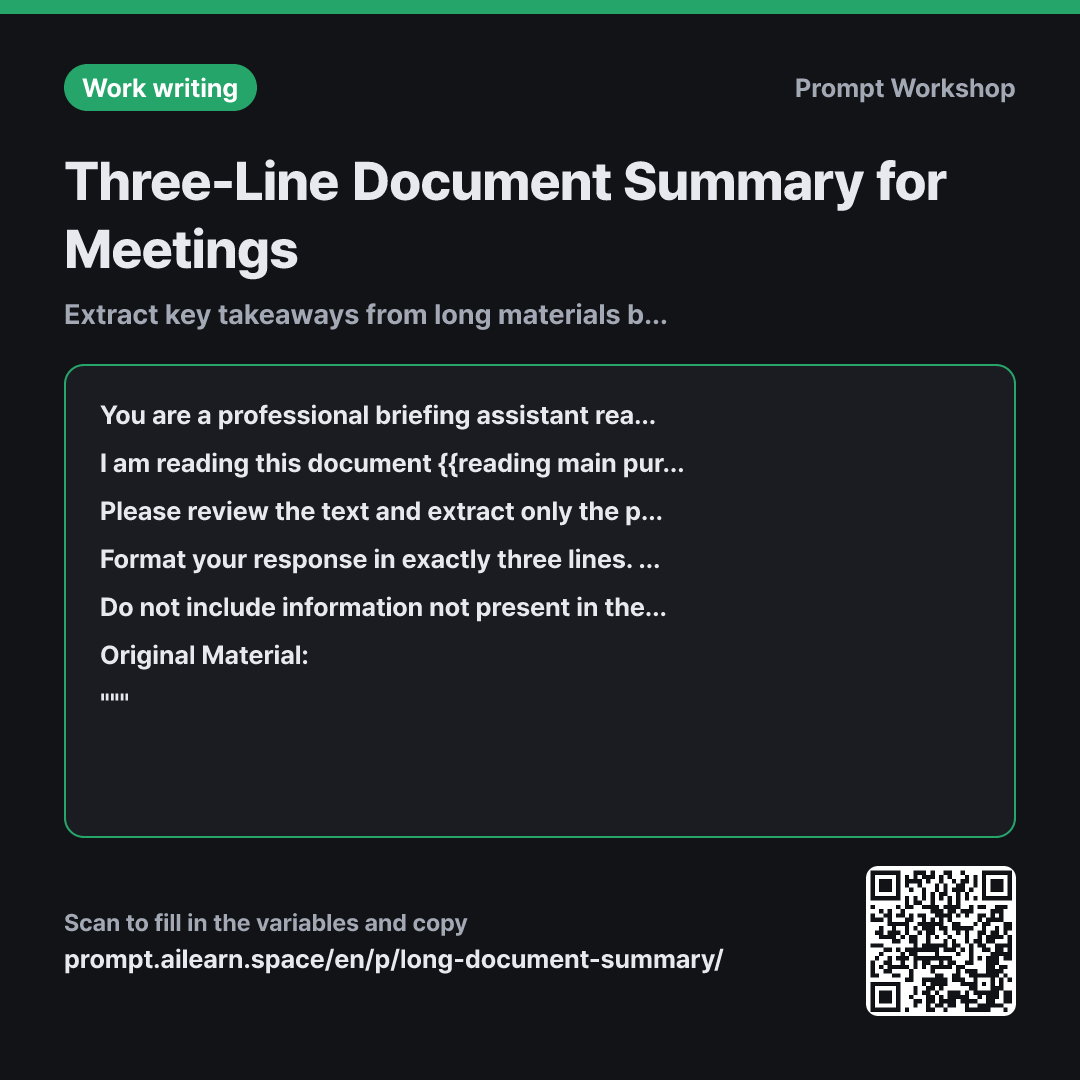
When handed a 30-page document ten minutes before a meeting, what you need is not a generic summary, but "what I need to know right now." If you simply ask AI to "summarize this," the length will vary wildly and focus heavily on the introduction. When the AI does not know what is important, it defaults to evenly compressing the table of contents.
The Context section specifying "{{reading main purpose}}" provides that decision filter. Someone skimming for context versus someone expected to voice an opinion in a meeting needs entirely different details from the same text. Clarifying the goal enables the AI to prune unnecessary context aggressively.
The Format constraints define not just length, but the explicit function of each line: Conclusion, Evidence, and Next Step. Setting up these three distinct buckets prevents the AI from delivering three repetitive, vague summary statements. Specifying length alone rarely increases practical utility.
The Constraints ensure factual accuracy by pairing "copy numbers verbatim" with an explicit escape hatch: "Not specified in document." Summarization often tempts LLMs to round figures or hallucinate plausible conclusions to fill gaps; providing an out stops hallucination. Delimiting the text with """ prevents internal headers and instructions in the source text from confusing the prompt instructions.
Unfamiliar terms? See Aha AI: context-window, output-format
Compared with a bad example
Summarize this.
(Pastes entire report)
You will get a ten-line rewrite of the table of contents. It repeats things you already know while skipping the crucial meeting question: "What do we need to decide?" The format changes every time, making it impossible to compare multiple documents consistently. Run it three times and you get three different formats, forcing you to reopen and read the original document anyway.
Variations
When you need a single talking point
Read the text below and generate one concise sentence I can say in a meeting {{reading main purpose}}. Include the document's main conclusion and one key metric in that single sentence (under 100 characters). Below it, add exactly one counterargument or challenge I might face.
""" {{original source material}} """
Useful when even three lines is too long. Getting the potential counterargument in advance prepares you to respond on the spot.
When comparing multiple documents
The text below contains multiple materials on the same topic. I am reviewing them {{reading main purpose}}. Please organize the summary in this format: for each document, provide three single lines for "Core Claim · Key Metric · Conflicts with other documents." At the end, add one line on common consensus and one line on points of disagreement.
""" {{original source material}} """
When comparing multiple documents, pinpointing discrepancies is critical. Pre-structuring the comparison field prevents the AI from smoothing over crucial differences.
Model notes
If your text exceeds 4,000 characters, earlier sections may dominate the summary. Input the text in chunks, then ask: "Combine the above summaries into a final three-line brief."
Enforcing character counts per line (e.g., "each line under 60 characters") is far more reliable than merely requesting "three lines." Without length limits, models often output three massive paragraphs disguised as bullet points.
Related prompts
Last updated 2026-09-02 · Found a mistake? Let us know