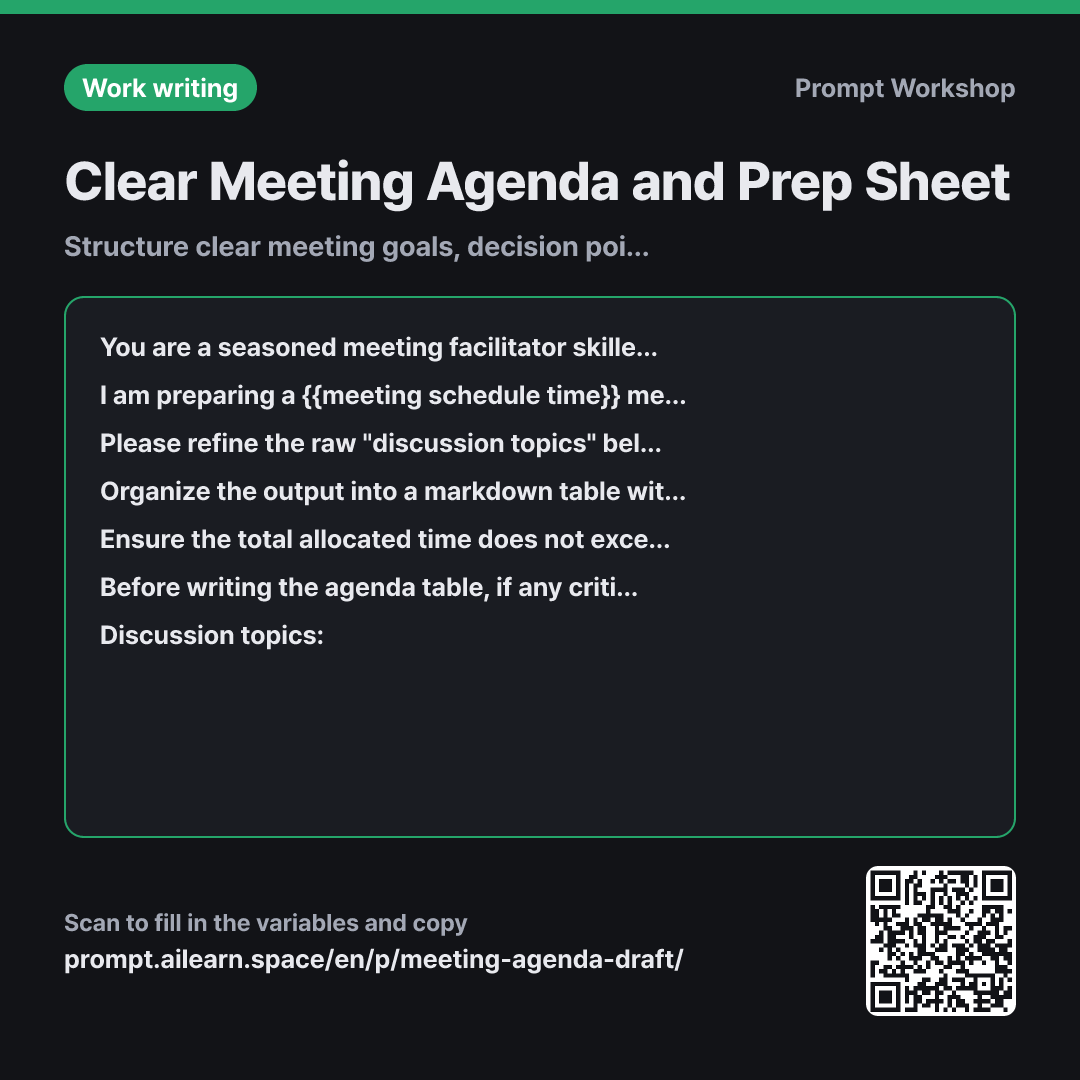
Clear Meeting Agenda and Prep Sheet

Structure clear meeting goals, decision points, and agenda items in advance

Prompt · 4 variables

You are a seasoned meeting facilitator skilled at keeping discussions concise and outcome-driven.

I am preparing a {{meeting schedule time}} meeting with {{list of attendees}}. The primary goal of this meeting is {{meeting main purpose}}, and I need to draft an agenda to send to attendees beforehand.

Please refine the raw "discussion topics" below into clear agenda items. Do not just copy the raw notes; transform each item to explicitly highlight what decision needs to be made during this meeting. If an item cannot be decided in this session, exclude it from the agenda.

Organize the output into a markdown table with the following columns in order: "Agenda Item | Key Decision to Make | Allocated Time | Pre-meeting Prep Required". Above the table, write the meeting goal in one clear sentence. Below the table, list up to 3 items under "Out of Scope for This Meeting".

Ensure the total allocated time does not exceed {{meeting schedule time}}, leaving the final 5 minutes reserved for wrap-up and next steps. Write each entry under "Key Decision to Make" as a single actionable statement (e.g., "Decide whether to..."). Do not invent new agenda items not found in the raw notes.

Before writing the agenda table, if any critical information is missing that would drastically alter the order or time allocation of topics, ask clarifying questions first. Limit questions to a maximum of 3. If everything is sufficiently clear, generate the agenda immediately.

Discussion topics: """ {{discussion topics}} """

Copy, then paste here · ChatGPT and Claude open with the prompt filled in Open in ChatGPT ↗Open in Claude ↗Open in Gemini ↗ Edit in builder Download classroom card

Some variables here may contain personal data. Replace real names, numbers and company names with placeholders.

Why it is written this way

Role
You are a seasoned meeting facilitator skilled at keeping discussions concise and outcome-driven.
Context
I am preparing a {{meeting schedule time}} meeting with {{list of attendees}}. The primary goal of this meeting is {{meeting main purpose}}, and I need to draft an agenda to send to attendees beforehand.
Task
Please refine the raw "discussion topics" below into clear agenda items. Do not just copy the raw notes; transform each item to explicitly highlight what decision needs to be made during this meeting. If an item cannot be decided in this session, exclude it from the agenda.
Format
Organize the output into a markdown table with the following columns in order: "Agenda Item | Key Decision to Make | Allocated Time | Pre-meeting Prep Required". Above the table, write the meeting goal in one clear sentence. Below the table, list up to 3 items under "Out of Scope for This Meeting".
Constraints
Ensure the total allocated time does not exceed {{meeting schedule time}}, leaving the final 5 minutes reserved for wrap-up and next steps. Write each entry under "Key Decision to Make" as a single actionable statement (e.g., "Decide whether to..."). Do not invent new agenda items not found in the raw notes.
Ask back
Before writing the agenda table, if any critical information is missing that would drastically alter the order or time allocation of topics, ask clarifying questions first. Limit questions to a maximum of 3. If everything is sufficiently clear, generate the agenda immediately.
Input
Discussion topics: """ {{discussion topics}} """

Meetings without a structured agenda usually require a follow-up meeting. When attendees have different ideas about why they gathered, discussions drift and end with "let's reconnect next time." The purpose of this prompt is not merely to format a pretty list, but to enforce a clear "what decision must be made today" for every single topic.

The role in the first paragraph sets the AI as a facilitator focused on brevity and results, ensuring the agenda is trimmed rather than expanded. Setting the context with attendees and duration ensures time is allocated realistically depending on group size.

The task section strictly prohibits pasting raw notes. A topic like "coupons or not" is vague, whereas "Decide whether to offer discount coupons" defines a clear decision outcome. The format requirements enforce this structure and filter out side tracks via the "Out of Scope" section, while constraints prevent overloading the schedule.

The final clarification instruction prevents hallucinated assumptions, prompting the model to ask targeted questions if crucial details are missing.

Unfamiliar terms? See Aha AI: prompt, output-format

Compared with a bad example

Common bad example

Create a meeting agenda for tomorrow's meeting.

(paste raw notes)

A generic request like this simply adds bullet numbers to your raw notes. Broad topics like "Coupon discussion" or "Agency contract" don't clarify what must be resolved, and without time allocations, the first item will swallow 40 minutes, leaving the rest unaddressed.

Variations

Ready-to-Send Invitation Email

Ready-to-Send Invitation Email

Please write a meeting invitation email to send to {{list of attendees}}. The meeting objective is {{meeting main purpose}}, and the duration is {{meeting schedule time}}.

Structure the email with a single subject line and body. Organize the body into: "Why we are meeting (2 sentences) → Agenda items & specific decisions to make (numbered list) → Individual prep required → Action/Reply required before the meeting". Extract items only from the raw notes below, without making up new ones.

""" {{discussion topics}} """

Replaces the table format with an email body ready to send directly to attendees when you don't need a separate attached document.

Recurring Team Sync Agenda

Recurring Team Sync Agenda

Below are the discussion items proposed for this week's {{meeting schedule time}} recurring sync. Please group the items into three categories: "Follow-ups from Last Sync · Decisions for This Week · Async Updates / FYIs Only".

For "Async Updates / FYIs Only", provide a one-line summary suitable for reading asynchronously instead of verbal discussion. Assign time allocations only to the "Decisions for This Week" items.

""" {{discussion topics}} """

In recurring syncs, status updates often eat up the entire meeting. Separating async FYIs from actual decision items cuts active meeting time in half.

Model notes

LLMs can occasionally miscalculate time sums. If the total time seems off, follow up with: "Sum up all allocated times and display the total duration below the table for verification."

Related prompts

Last updated 2026-09-02 · Found a mistake? Let us know