Why it is written this way
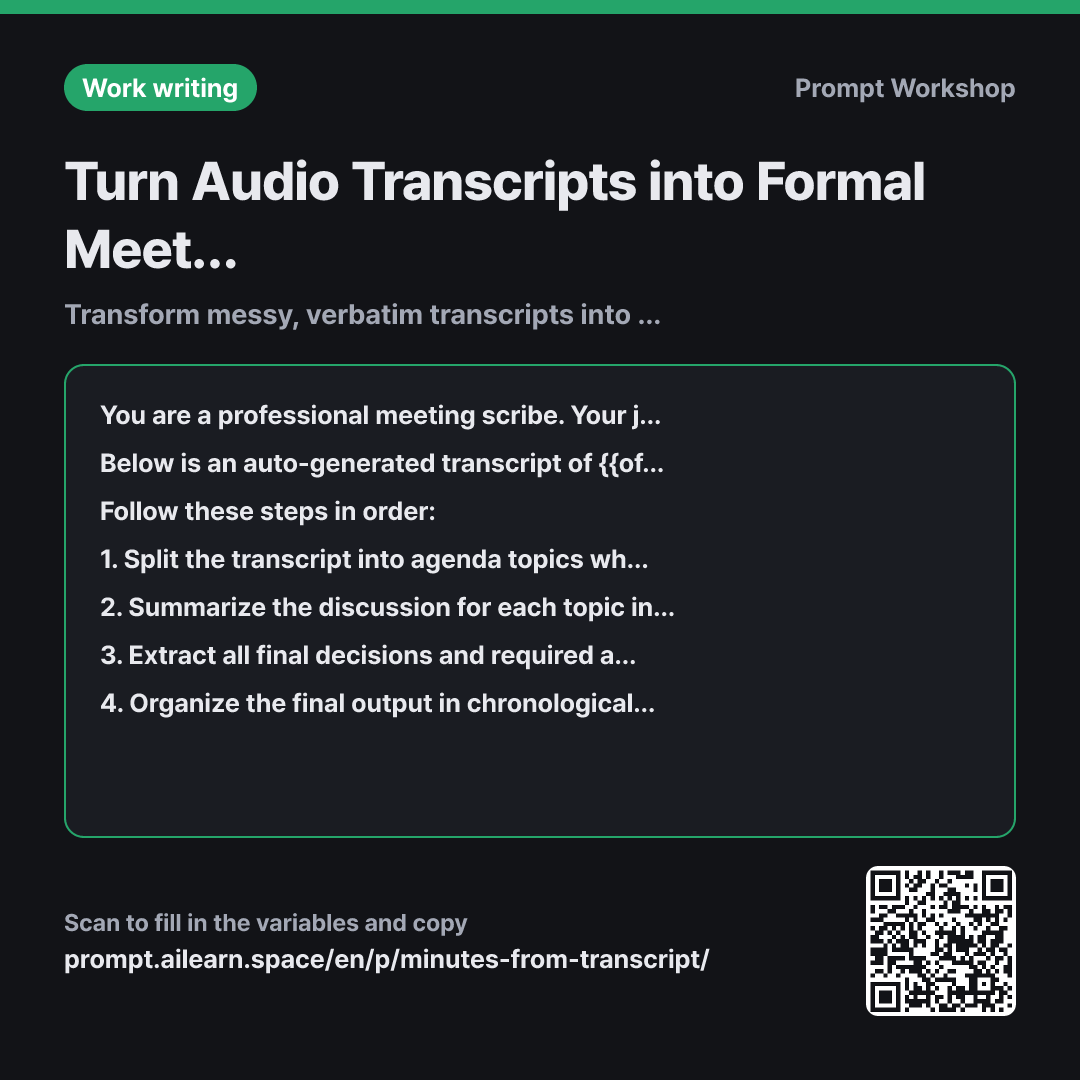
The most common failure when converting transcripts to minutes is ending up with a slightly cleaned-up, wall-of-text transcript. A transcription follows chronological speech, but readable minutes must be structured around agenda items. If you simply ask the AI to "summarize this," it will often keep the rambling chronological flow and just smooth out the sentences—leaving you with text that is still hard to digest.
That is why this prompt breaks the task into four distinct steps: split → summarize → extract → sequence. When asked to do everything at once, AI typically stops after a shallow summary. Enforcing explicit steps ensures the AI first identifies agenda boundaries, which form the structural backbone of quality minutes.
Setting a clear format locks in three critical fields per topic. Grouping discussion and decisions together often blurs the line between suggestions ("we should post more Reels") and concrete commitments ("agreed to post twice a week"). The [Needs Verification] tag under constraints is vital for audio transcripts: auto-transcribers often bungle numbers and proper nouns. Without this instruction, AI will hallucinate a plausible-sounding word to fix the mistake, making transcription errors impossible to spot without cross-checking the original audio.
Wrapping the transcript in """ delimiters prevents conversational statements (like "don't put this in the notes") from being misinterpreted as instructions to the AI itself.
Unfamiliar terms? See Aha AI: context-window, prompt-injection
Compared with a bad example
Summarize this into meeting minutes.
(Paste transcript here)
You will get a continuous block of text with filler words stripped out, but no clear agenda divisions. You will have to read through the whole text again to find where one topic ended and another began, and decisions will remain buried inside paragraphs. Any mistranscribed words will be smoothed over into plausible guesses, hiding errors completely.
Variations
Quick Action Items and Decisions Only
Extract only the key decisions and upcoming action items from the {{official meeting name}} transcript below. Do not include discussion notes. Format decisions as a numbered list, and action items as a table with columns: "Task | Owner | Deadline". If owner or deadline was not specified, write "TBD". Do not guess.
""" {{audio transcript}} """
Use this when you don't need comprehensive minutes and just want to quickly see the next steps. It removes the step-by-step agenda synthesis to focus purely on outputs.
Transcripts Without Speaker Labels
Below is a transcript for {{official meeting name}} without speaker labels. The attendees are {{list of attendees}}.
Do not guess or assign speaker names. Instead, group the points by agenda topic and list the "Key Arguments Raised" anonymously. If multiple differing views were shared on a topic, explicitly label them under "Points of Disagreement".
""" {{audio transcript}} """
When given unlabeled transcripts, AI often randomly attributes quotes to attendees. Inaccurate speaker attribution is worse than no attribution at all, so this variant explicitly forbids guessing.
Model notes
If the transcript is too long, split it at natural agenda transitions and send it across 2–3 prompts. Finally, ask: "Combine the previous meeting notes into a single chronological document."
For very long transcripts, the final section of the meeting can occasionally get cut off from the summary. After receiving the minutes, do a quick follow-up: "Check the end of the transcript and verify whether all final discussion points were included in the minutes."
Related prompts
Last updated 2026-09-02 · Found a mistake? Let us know