Why it is written this way
The most common mistake when asking AI for proofreading is simply saying "fix this." The AI returns a single block of rewritten text, leaving you with no way of knowing what changed without manually comparing it side by side with the original. Worse, it often rewrites whole sentences rather than fixing just the errors, replacing your voice with generic phrasing.
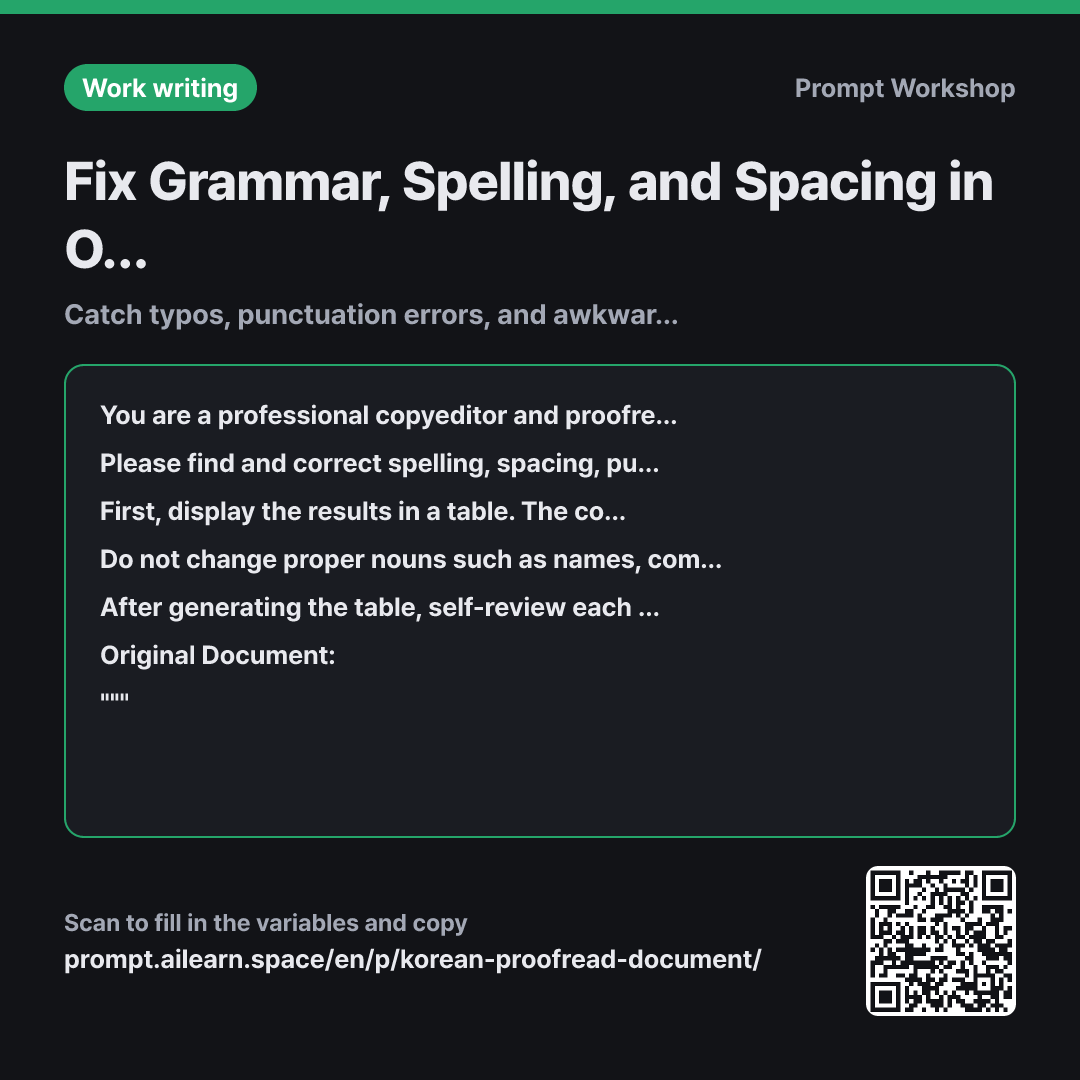
To solve this, the format is strictly anchored as a table. Having three columns—Original, Corrected, and Reason—allows you to accept or revert changes one by one, while the reason column helps you avoid making the same mistakes next time. Placing the complete revised text below the table ensures you can simply copy and paste it once review is complete.
The constraints prevent over-editing. Names, brands, and jargon are often "fixed" simply because they do not appear in standard dictionaries, which can lead to critical mistakes. Directing the model to list them separately leaves the final decision to human judgment. The instruction to "keep edits minimal" acts as another safeguard for your writing style.
The self-review in the final paragraph is particularly effective for spacing and minor phrasing. When filling a table, AI tends to over-correct sentences that don't need fixing just to add rows. Requiring it to discard subjective or meaning-altering changes shortens the table and ensures that remaining items are genuine errors. Wrapping the original text in """ clearly separates the data from the instructions so that statements in your document are not misinterpreted as prompt commands.
Unfamiliar terms? See Aha AI: output-format, self-consistency
Compared with a bad example
Please fix the spelling and grammar.
(paste text)
You only get a fully rewritten block of text back. Without any indication of what changed, you have to read and compare sentence by sentence—which takes longer than proofreading it yourself. Additionally, the AI will likely smooth out sentences regardless of grammatical necessity, silently altering your formatting and company-specific jargon.
Variations
Quick scan for clear errors only
Please identify only clear spelling, spacing, and grammatical errors in the text below. Do not modify awkward expressions or suggest better phrasing.
List each error on a single line in the format "Error → Correction". Do not provide a revised full text. If there are no errors, reply only with "No errors found."
""" {{original document}} """
Disables stylistic polishing entirely to catch only objective typos. Best for a final check on a document that has already gone through multiple drafts.
Polishing phrasing for external communication
The text below will be sent to external clients. After fixing spelling and grammar, point out any expressions that might sound inappropriate or unclear for an external audience.
Identify internal slang/acronyms, overly casual phrasing, or sentences that could be misinterpreted. Present them in a list with the format: "Original Sentence | Why it is problematic | Two alternative options". I will choose the preferred option.
""" {{original document}} """
For client-facing documents, ambiguous phrasing is more dangerous than simple typos. Instead of letting the AI automatically rewrite them, this prompt provides two options for human selection.
Model notes
When processing long documents, AI models sometimes populate the table only for the beginning while rewriting the full text to the end. To ensure consistency between the table and the full text, follow up with: "Are there any sentences changed in the full text that were omitted from the table?"
Related prompts
Last updated 2026-09-02 · Found a mistake? Let us know