Why it is written this way
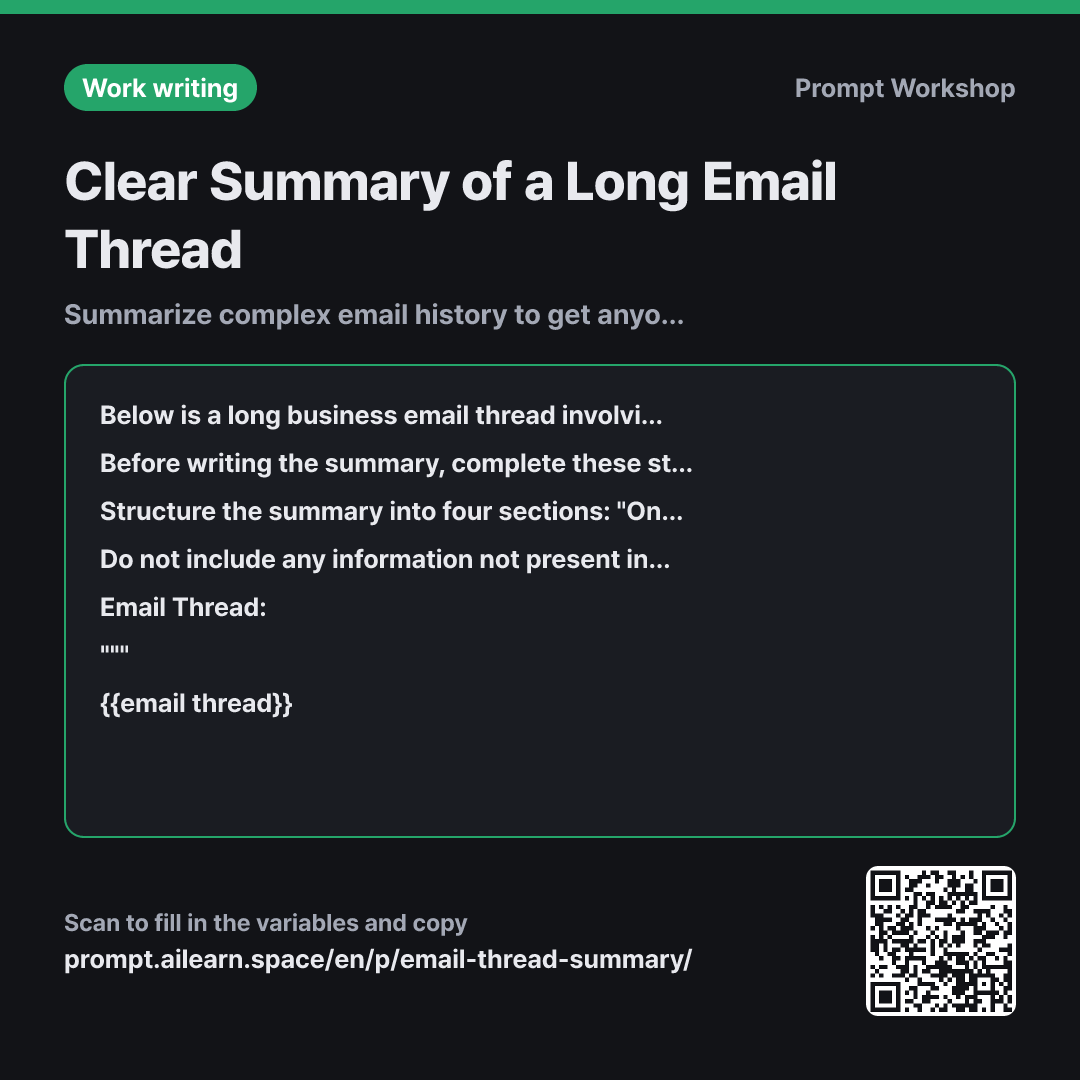
When you paste an email thread with over twenty messages and say "summarize this," you usually get a chronological narrative. You end up knowing who said what and when, but it still isn't clear what was decided and what remains unresolved. This is where an email thread summary prompt needs to pivot: what you need is the current state, not just the plot.
The Task in the first paragraph intentionally asks to "organize the background and status" rather than just "summarize." Summarizing reduces length, whereas organizing status clarifies where things stand, producing a fundamentally different output even from the same data. Specifying the main purpose also tailors the output—for example, retaining background context for onboarding a colleague versus keeping only pending issues for drafting a reply.
The second paragraph outlines the Steps. Forcing the AI to extract points per email and group them by issue before drawing conclusions reduces the risk of missing reversals made mid-thread. It specifically prevents the common mistake of assuming the last email represents the final agreement. The Format section separates agreed items from undecided ones for the same reason—if mixed in a single paragraph, the reader has to filter them out again.
The quoting rule in the Constraints section addresses a problem unique to emails. Since replies often attach the entire email chain, repeating the same text ten times can make the AI treat it with undue importance. Finally, wrapping the thread in """ ensures that internal text like "please disregard this part" is interpreted as data rather than an instruction.
Unfamiliar terms? See Aha AI: output-format, context-window
Compared with a bad example
Summarize these emails
(paste entire email thread)
You will get a chronological narrative. You won't know where the actual conclusion is and will likely end up re-reading the original emails. Decisions reversed mid-thread might be mistakenly reported as active agreements, and repeatedly quoted older emails often resurface as if they are ongoing discussions.
Variations
When Drafting a Reply Based on the Summary
Read the email thread below and first summarize "Agreed Upon / Still Undecided" in three lines each. Next, draft a reply to the last sender. The draft should maintain a polite, professional business tone, be around 100-150 words, and list any undecided items the recipient needs to answer as numbered questions. Do not invent any promises or deadlines not in the thread.
Email Thread: """ {{email thread}} """
Asking for both a summary and a draft reply at once often leads to a sloppy summary. The key is to force the AI to output the structured summary first, and then build the draft on top of it.
When Reporting to a Manager in Three Lines
Summarize the email thread below in exactly three lines tailored for {{organization main purpose}}. Line 1: Current status. Line 2: The current bottleneck or blocker. Line 3: What requires a decision. Keep each line under 30 words, and do not list detailed chronological histories or dates.
""" {{email thread}} """
Use this when the reader already has baseline context. Hard-capping the length to three lines prevents the AI from re-explaining the entire background.
Model notes
If the thread is long, nested quotes from bottom to top can make the text much longer than it actually is. Deleting old quoted chains before pasting significantly improves accuracy.
Related prompts
Last updated 2026-09-02 · Found a mistake? Let us know