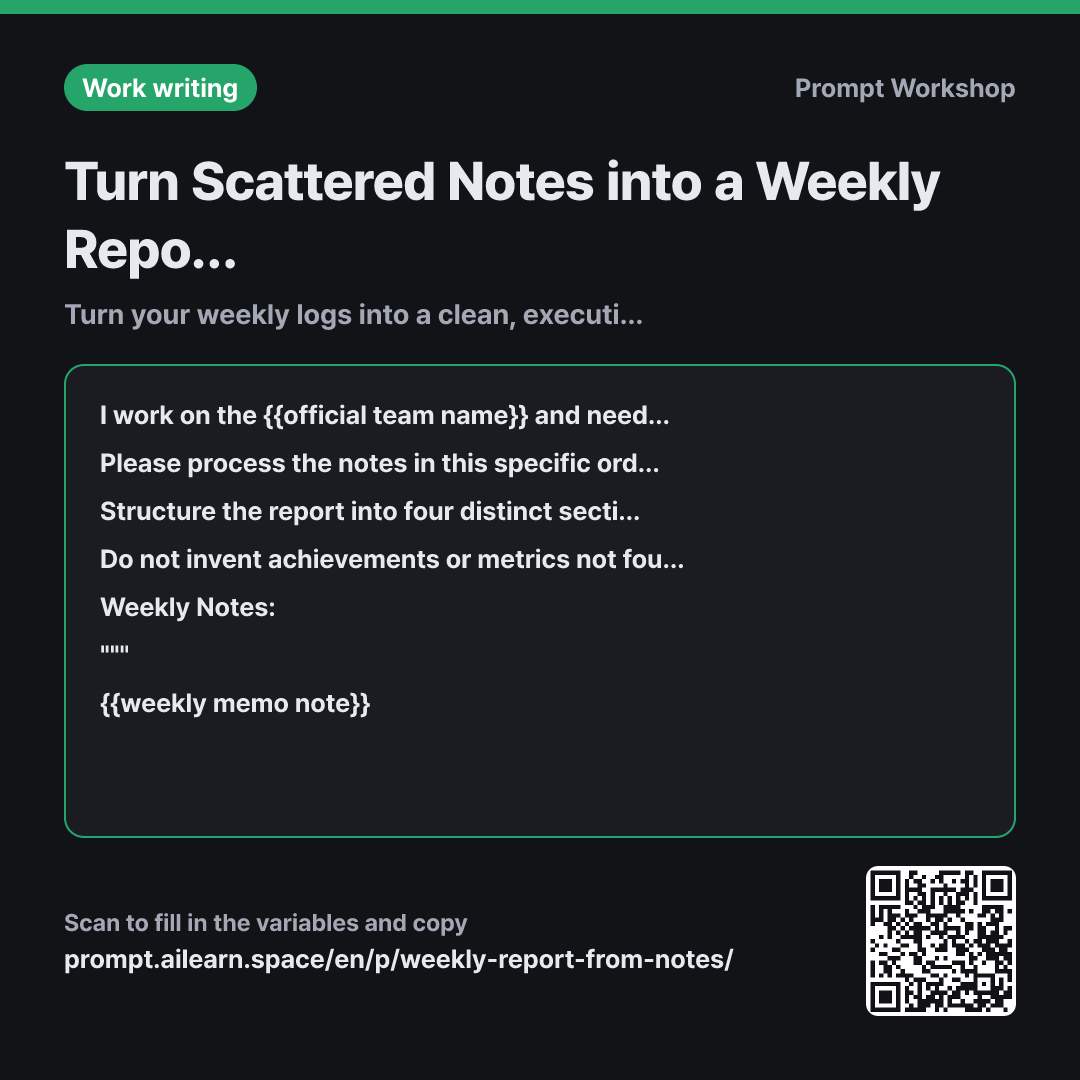
Why it is written this way
When people first ask AI to generate a weekly report, they usually get a chronological daily diary. Because notes are jotted down day by day, the AI simply summarizes them in that order. However, managers don't care what you did on Monday; they need to know project milestones, roadblocks, and next steps. The more faithfully you list daily tasks, the more your actual impact gets buried—the classic weekly report trap.
The context in the opening paragraph fixes this trajectory. By stating that "a manager needs to scan this in 3 minutes to identify where help is needed," the AI prioritizes decision-critical information over fluff. Specifying the reader and reading purpose changes the output more dramatically than almost any other instruction.
The second paragraph outlines the steps. If you don't explicitly command the model to organize by project rather than by day, it scatters the same project's updates across multiple sections following your raw notes. Categorizing progress and blockers only works after grouping is complete. In the format section, the "Help Needed" bucket ensures buried requests for help are pulled directly into the spotlight.
The constraints prevent common workplace reporting errors. When notes are sparse, AI often hallucinates accomplishments like "improved conversion rates" to make bullet points sound impressive. Instructing it to flag placeholders as [Verify Metric] keeps the report honest and shows you exactly what blanks need filling before sending.
Unfamiliar terms? See Aha AI: output-format, hallucination
Compared with a bad example
Summarize what I did this week and write a weekly report.
(Paste notes)
You will get a polished daily diary. While the writing might sound smooth, it won't highlight critical risks or decisions required from management. Furthermore, the model is likely to hallucinate achievements not grounded in your notes, leaving you unprepared if questioned in a meeting.
Variations
Expanding into a Monthly or Quarterly Report
Below are aggregated weekly reports from {{official team name}}. Please consolidate them into a monthly report for the month containing {{lesson week number}}. Remove weekly breakdowns and synthesize progress by project into a coherent monthly narrative. Separate items fully completed this month from those carrying over into next month. If an issue occurred across multiple weeks, mention it only once and indicate how many weeks it has persisted.
""" {{weekly memo note}} """
Pasting multiple weekly reports causes recurring issues to repeat four times. Asking the AI to state "how many weeks it has persisted" immediately signals a chronic risk to leadership.
Scripting a 2-Minute Verbal Meeting Update
Please turn the {{lesson week number}} updates for {{official team name}} into a concise speaking script that can be delivered in under 2 minutes during a sync. Use natural conversational phrasing instead of written prose, select at most three key projects, and ensure any decisions required from the manager are placed at the very end. Only mention metrics that appear in the notes.
Weekly Notes: """ {{weekly memo note}} """ Next Week's Plan: """ {{next week plan}} """
Verbal updates require much shorter sentence structures than written documents. Limiting the scope to three initiatives is essential to stay within the 2-minute limit.
Model notes
When notes are sparse, AI tends to add ungrounded details to lengthen sentences. If the report seems exaggerated, follow up with: "Remove any statements not directly supported by the notes."
LLMs struggle with rigid character limits like "under 700 characters." If the output is too long, giving structural constraints—such as "condense each bullet to a single concise line"—works much better than repeatedly adjusting the target character count.
Related prompts
Last updated 2026-09-02 · Found a mistake? Let us know