Why it is written this way
When you want to quickly clean up rushed notes for work, simply asking to "make it polite" often doubles the length of the text. The hardest part of tone conversion is defining the exact balance of professionalism. When instructed to be polite, AI tends to overcompensate by defaulting to excessively formal or overly deferential language that feels awkward for team messaging.
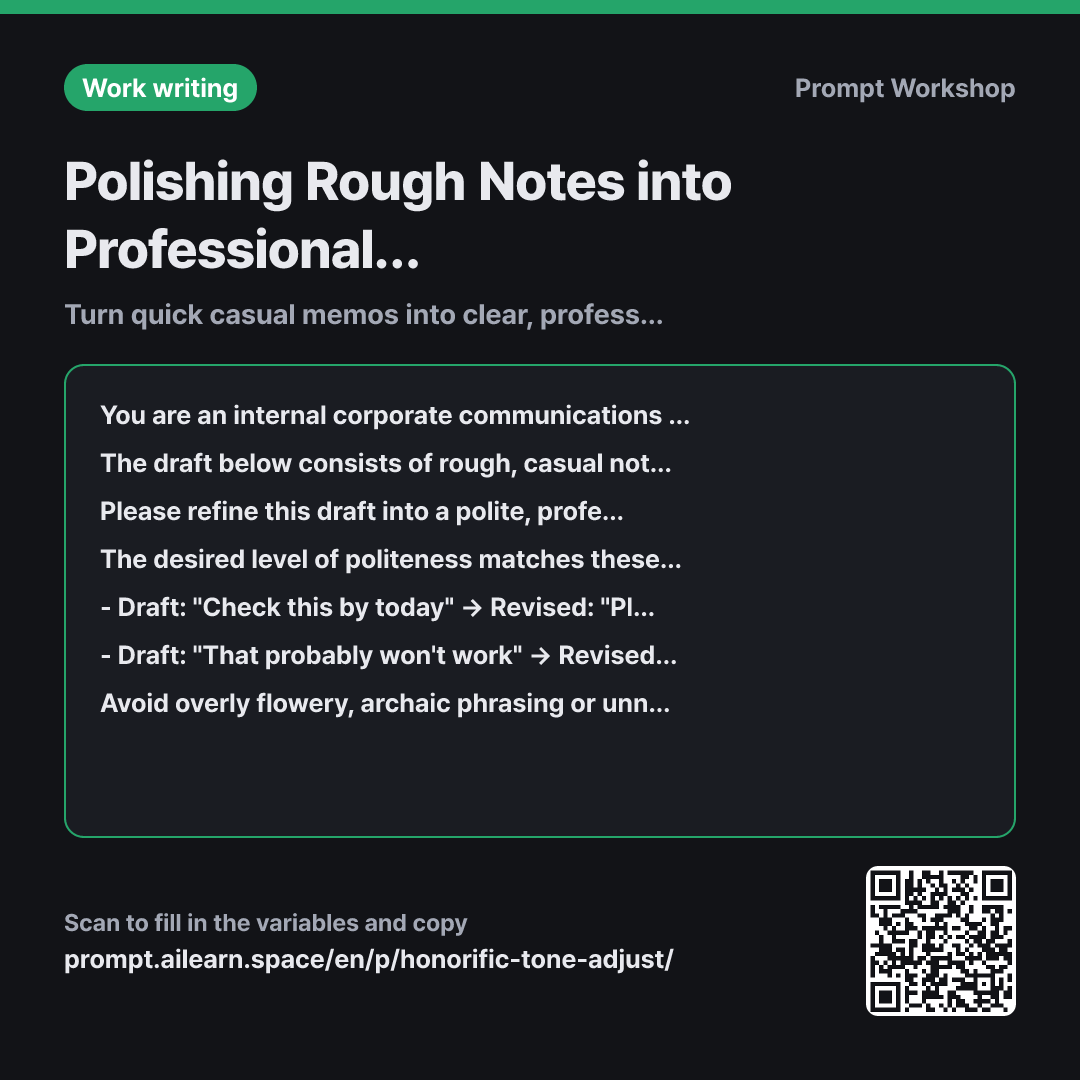
That is why the fourth paragraph includes two examples. While "appropriately polite" means different things to different people, showing clear before-and-after pairs instantly anchors the exact tone level. Two concrete examples work better than a dozen vague adjectives. If you swap these examples with two actual messages used within your team, the AI will match your team's specific culture.
The constraints paragraph proactively restricts three common AI tendencies: exaggerated formality, excessive hedging phrases, and unprompted apologies. Unnecessary pleasantries and apologies are the main culprits that turn a concise status update into a lengthy letter. Providing concrete banned expressions leaves no ambiguity. Simply adding "keep it short" rarely prevents this bloat.
Providing the recipient's role as context ensures the tone calibrates properly depending on whether the message goes to a junior peer or the CEO. Finally, enclosing the draft in """ delimiters ensures actionable phrases inside your notes (like "Let me know if anything is urgent") are treated purely as text to edit, not as instructions for the AI to execute.
Unfamiliar terms? See Aha AI: few-shot, prompt-injection
Compared with a bad example
Make this sound professional
Pushing tomorrow's meeting by 30 mins. I'll upload the deck by tonight...
The output will likely begin with "Dear Team, I hope this email finds you well," add an unneeded apology, and inflate a four-sentence update into eight sentences. For a quick Slack update to a manager, this feels stiff and requires manual trimming. Without clear tone boundaries, AI consistently picks the most formal register possible.
Variations
Concise for Internal Chat
Please refine the draft below into a quick direct message for a {{recipient position}}. Keep it polite yet conversational, and strictly maintain the exact sentence count of the original draft. Keep the tone simple and actionable without adding formal greetings or sign-offs.
""" {{rough initial draft}} """
Chat apps demand conciseness, so enforcing "keep the exact sentence count" is the most reliable way to prevent message bloat.
For External Partners and Clients
Please refine the draft below into an external email suitable for a {{recipient position}}. Spell out internal acronyms and jargon upon first mention, and soften unconfirmed details with phrases like "We are currently reviewing this." Below the revised draft, point out any phrasing that could potentially lead to misunderstanding.
""" {{rough initial draft}} """
In external communications, clarity takes precedence over tone alone, so this version requires spelling out internal acronyms and double-checking ambiguous commitments.
Model notes
If the draft is long, the tone may drift back into stiff phrasing toward the end. For drafts exceeding ten sentences, processing them in two halves produces more consistent results.
Running the same draft multiple times may result in slight tone variations. If you need consistent tone across multiple messages, keep the prompts within the same chat thread and add "using the exact same tone as above" from the second request onward.
Related prompts
Last updated 2026-09-02 · Found a mistake? Let us know