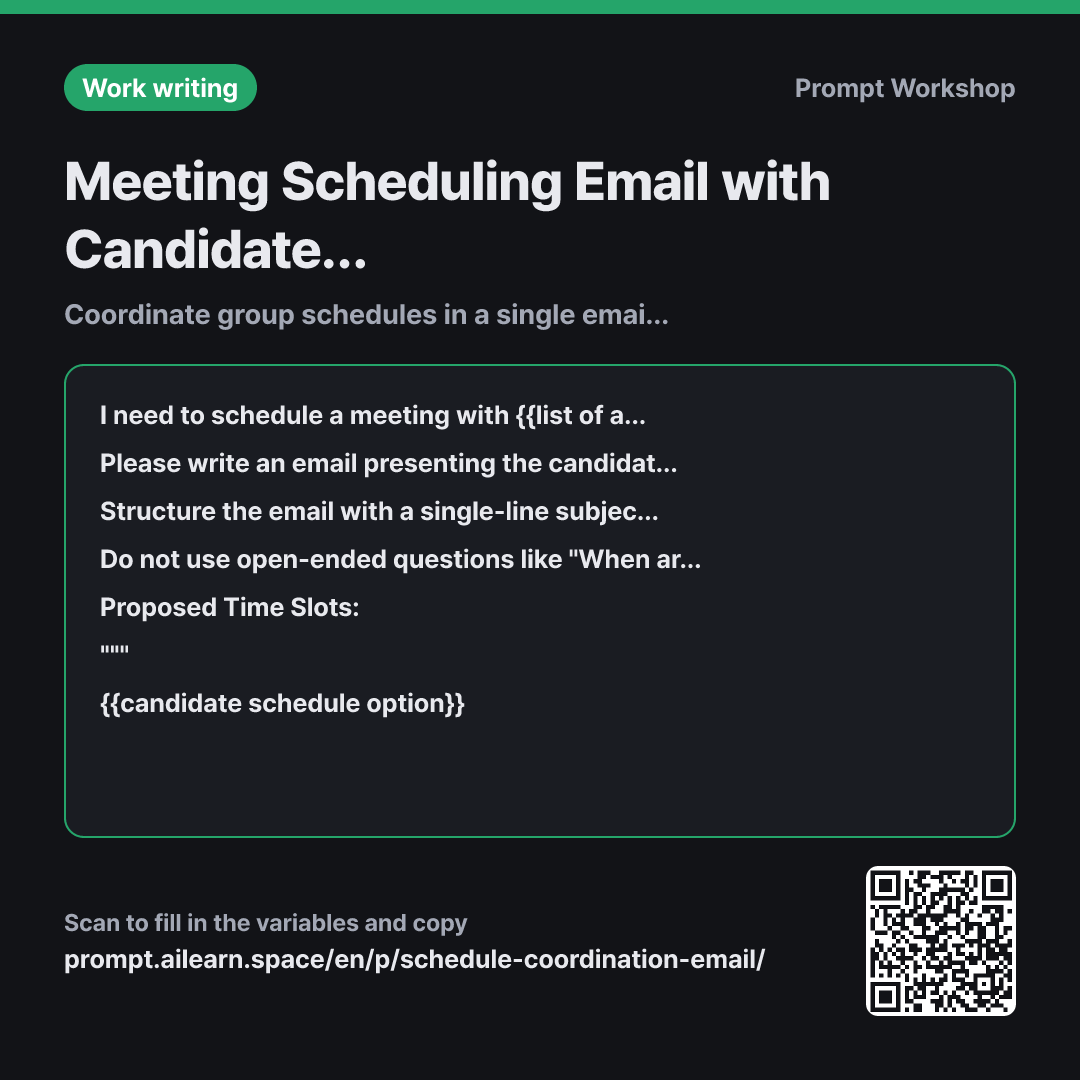
Why it is written this way
Where scheduling email prompts usually fail is not the phrasing, but the structure of the question. Asking open-ended questions like "When are you free?" leads to three people giving three non-overlapping answers, forcing you to send another coordination email. To wrap things up in a single email, the recipient shouldn't have to do extra cognitive work. This prompt enforces that structure.
The task in the second paragraph establishes this: instead of just saying "Write a scheduling email," it specifies "phrase the request so recipients only need to reply with their availability (Yes/No) for each proposed slot." By framing the task around what action the recipient should take rather than just what text to write, the AI gains a clear standard for drafting the message.
The format locks down the sequence because context easily gets buried. Scheduling emails often start with pleasantries and only get to the point three paragraphs in, causing busy people to miss the proposed slots. Putting the one-sentence purpose and duration at the top lets recipients immediately determine their need to attend.
The constraints prevent three major issues. The first is banning open-ended questions; the second is preventing hallucinations. If the proposed slots are brief, AI tends to invent room numbers or video call links. The same applies to deadlines—unless told to leave a placeholder, it will guess a plausible date. The third is exception handling. Without a line explaining what to do if none of the slots work, a single unavailable person sends the whole coordination back to square one. Wrapping the candidate schedule options in """ prevents the notes from being misread as instructions.
Unfamiliar terms? See Aha AI: output-format, hallucination
Compared with a bad example
Write an email to schedule a meeting. Sometime next week for about an hour.
Without specific options, the AI drafts an email ending with "Please let me know when you're available next week." Every recipient replies with a different day, requiring three more rounds of emails to find an overlap. Without a clear purpose, recipients cannot even tell if their attendance is necessary.
Variations
When reaching out to external clients politely
Please write a meeting request email to {{list of attendees}}. The meeting purpose is {{meeting main purpose}}, and the duration is {{required time}}.
Assuming the recipient is doing us a favor by making time, request that if none of the proposed time slots work, they suggest just two alternative time windows that suit them. Keep the body within 10 lines, and avoid overly apologetic phrasing.
Proposed Time Slots: """ {{candidate schedule option}} """
You cannot strictly impose options on external clients. Narrowing the alternative request down to "just two slots" prevents the reply from becoming an overwhelming open-ended exchange again.
Following up when there is no response
I sent an email to schedule a meeting regarding {{meeting main purpose}}, but haven't received a reply. I want to resend the same candidate schedule options.
Write a short follow-up email in 3 lines or fewer. Do not quote the previous email verbatim; simply restate the candidate schedule options and the reply deadline. Keep the tone polite without sounding pushy, and include a final sentence noting that if no response is received, we will proceed with the first option.
Proposed Time Slots: """ {{candidate schedule option}} """
The longer a follow-up email is, the more likely it is to be ignored. Setting a default like "we will proceed with the first option if no response" turns silence into a finalized decision.
Model notes
LLMs frequently make errors when calculating calendar dates. Instead of using relative terms like "next Tuesday," write the actual calendar dates in the candidate schedule options and double-check that the days of the week in the generated output are correct.
Related prompts
Last updated 2026-09-02 · Found a mistake? Let us know