Why it is written this way
The most common flaw in out-of-office auto-replies is missing the exact information the sender needs. If an email only states, "I am on vacation and replies will be delayed," the sender has no idea how long to wait or whom to contact for urgent matters, often resulting in duplicate follow-up emails or unnecessary phone calls. The purpose of an autoresponder is not to apologize, but to guide the sender's next action.
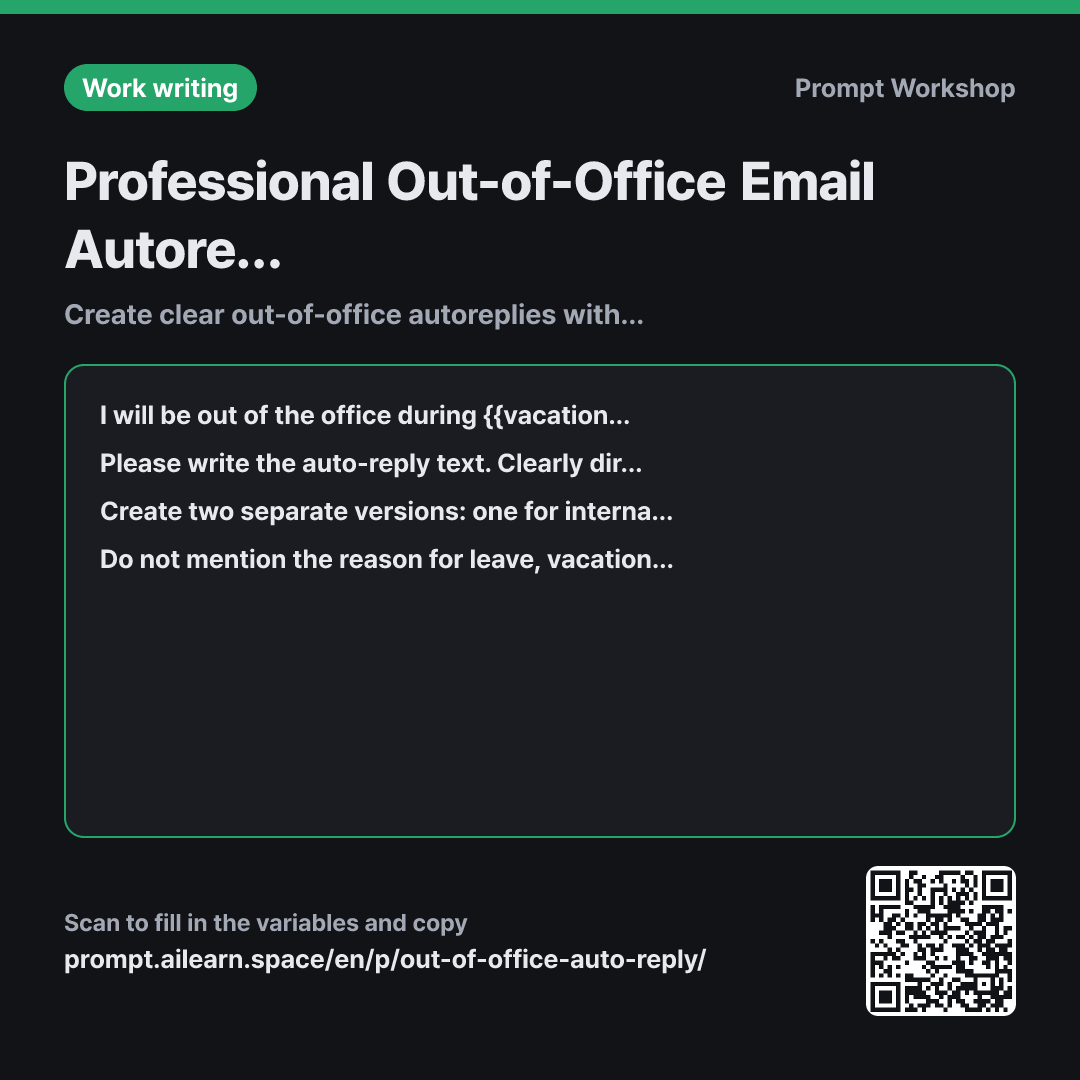
This is why the first paragraph establishes context by stating that both internal and external emails arrive in the inbox. This context cues the AI to keep both audiences in mind and produce genuinely distinct versions as requested in the third paragraph. Without this context, simply asking for "two versions" often results in nearly identical drafts with only minor greeting tweaks.
Format enforces a strict information sequence: Period of absence → Urgent contact info → Post-return plan. Out-of-office templates frequently miss one of these three elements. Specifically, stating that you will reply in the order received upon return gives senders a realistic expectation of response times.
Finally, constraints serve two functions. First, they eliminate risks—since autoresponders go to everyone from cold spammers to new clients, personal travel details or private phone numbers must be excluded. Second, limiting apologies keeps the content action-oriented. Strict instructions against fabricating dates or contacts ensure no incorrect return dates are automatically broadcasted all week long.
Unfamiliar terms? See Aha AI: output-format, prompt
Compared with a bad example
Write an out-of-office vacation auto-reply email.
Without dates or substitute contacts, the AI either produces placeholder-filled drafts like "I will be away until [Date]" or invents arbitrary dates. Without an emergency contact, senders are left stranded, and without separating internal and external audiences, an overly casual tone might be sent to external clients. Manually filling in missing details creates room for missed placeholders being sent out live.
Variations
Single-Day Absence (Half-Day / Business Trip)
I will be away only during {{vacation leave period}} and will return to regular business hours on {{return date}}.
Please write a concise, single-paragraph auto-reply within three lines. Include one line directing urgent matters to {{substitute person}}, and dedicate the rest to when senders can expect a reply. Do not include any apologies.
A five-line message is excessive for a single-day absence. This variant removes audience separation and constrains the output to three lines.
Bilingual Auto-Reply for Global Clients
I will be away during {{vacation leave period}} and will return on {{return date}}. Urgent matters will be handled by {{substitute person}}.
Please create a combined auto-reply containing both a native language version and a natural English version in a single email body. Do not translate literally; write the English portion using standard professional out-of-office phrasing common in global business. Keep each version under five lines and separate them with a single divider line.
When interacting with international partners, providing both versions in a single auto-reply prevents communication gaps. Explicitly banning literal translation ensures idiomatic phrasing.
Model notes
Some email client auto-reply editors do not support rich text formatting. If the response contains markdown bolding or tables, request: "Please rewrite this as plain text without any formatting."
Related prompts
Last updated 2026-09-02 · Found a mistake? Let us know