Why it is written this way
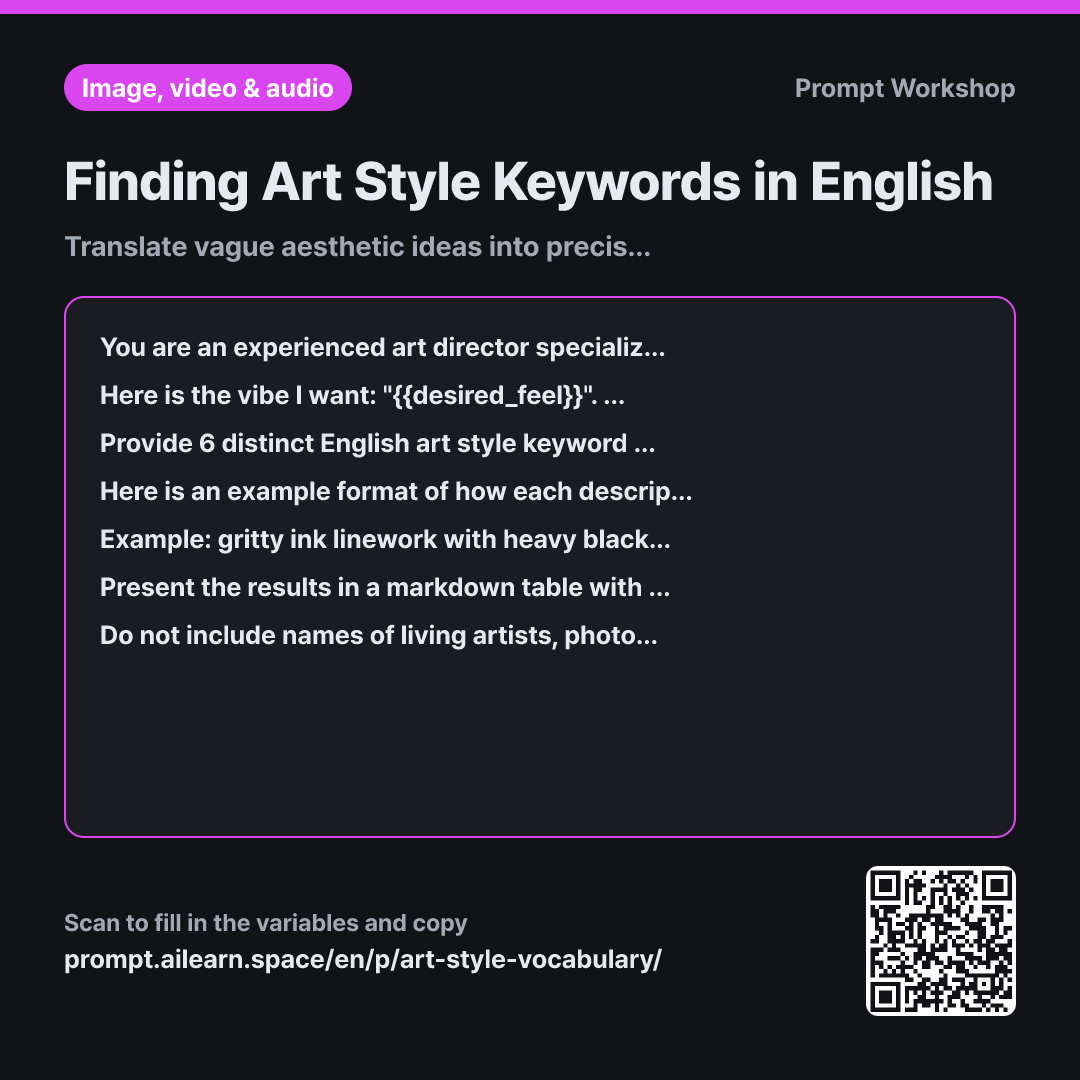
When searching for style keywords for image generation, people often get stuck on vague phrases like "soft aesthetic" or "warm drawing vibe." While humans understand this intent, AI models need specific visual cues. Art styles already have standardized descriptive vocabularies, and knowing these exact terms makes or breaks the output quality. This prompt focuses solely on translating conceptual vibes into actionable terminology.
Setting the Role upfront shapes the nature of the response. Asking a generic query yields art history lectures, but setting the persona as an experienced prompt engineer produces terms that consistently trigger the intended look in AI models.
In the Task paragraph, broad genre words are explicitly disallowed. A single word like "watercolor" is too broad, leading to wildly different outputs every generation. Bundling line quality, rendering style, texture, and palette anchors the visual aesthetic. Requiring two distinct variations prevents six nearly identical suggestions.
Because describing the structure of visual keywords in plain instructions is difficult, an Example is provided. A contrasting genre is deliberately used in the example to prevent the AI from borrowing its exact keywords. The "Trade-offs" column in the Format paragraph is the core feature: every stylistic choice involves a compromise. Choosing pixel art reduces subtle facial expressions, while photorealistic textures reduce stylized cuteness. Knowing these trade-offs upfront saves trial-and-error iterations.
Compared with a bad example
I want to make an image that feels like a storybook. What English art style should I use?
A prompt like this typically returns generic keywords like "storybook illustration, whimsical, soft colors." All three are too broad, causing the AI tool to generate wildly inconsistent styles each time. Even if you get a good result, you won't know which keyword produced it because foundational details like line weight, color saturation, and paper texture remain completely undefined.
Variations
A/B Testing Candidates Side-by-Side
I want to compare two art style candidate bundles for the following desired feel: "{{desired_feel}}". Create two English generation prompts depicting the exact same scene using the two different styles. The subject, composition, and lighting sections must be identical word-for-word, changing only the style descriptor block. Below the two prompts, provide two sentences explaining what specific visual differences to look for when judging the outputs.
When multiple prompt variables change at once, it is impossible to isolate which element caused a stylistic shift. Keeping non-style parameters fixed ensures a clean comparison.
Targeting a Specific Audience (e.g., Children)
I need to generate illustrations for children's educational material based on the following style: "{{desired_feel}}". Please provide 4 English art style descriptor bundles that maintain an approachable, non-scary, and moderately stylized look suitable for young kids. Beneath each bundle, add a one-sentence tip on what to watch out for when applying that style to children's content.
The same general aesthetic can vary widely in emotional tone. Specifying the target audience narrows the style candidates to appropriate, safe parameters.
Model notes
Different AI models interpret style keywords differently. Rather than stacking multiple candidates together in a single prompt, test them one by one to see which specific descriptor produces the desired visual effect.
Related prompts
Last updated 2026-09-02 · Found a mistake? Let us know