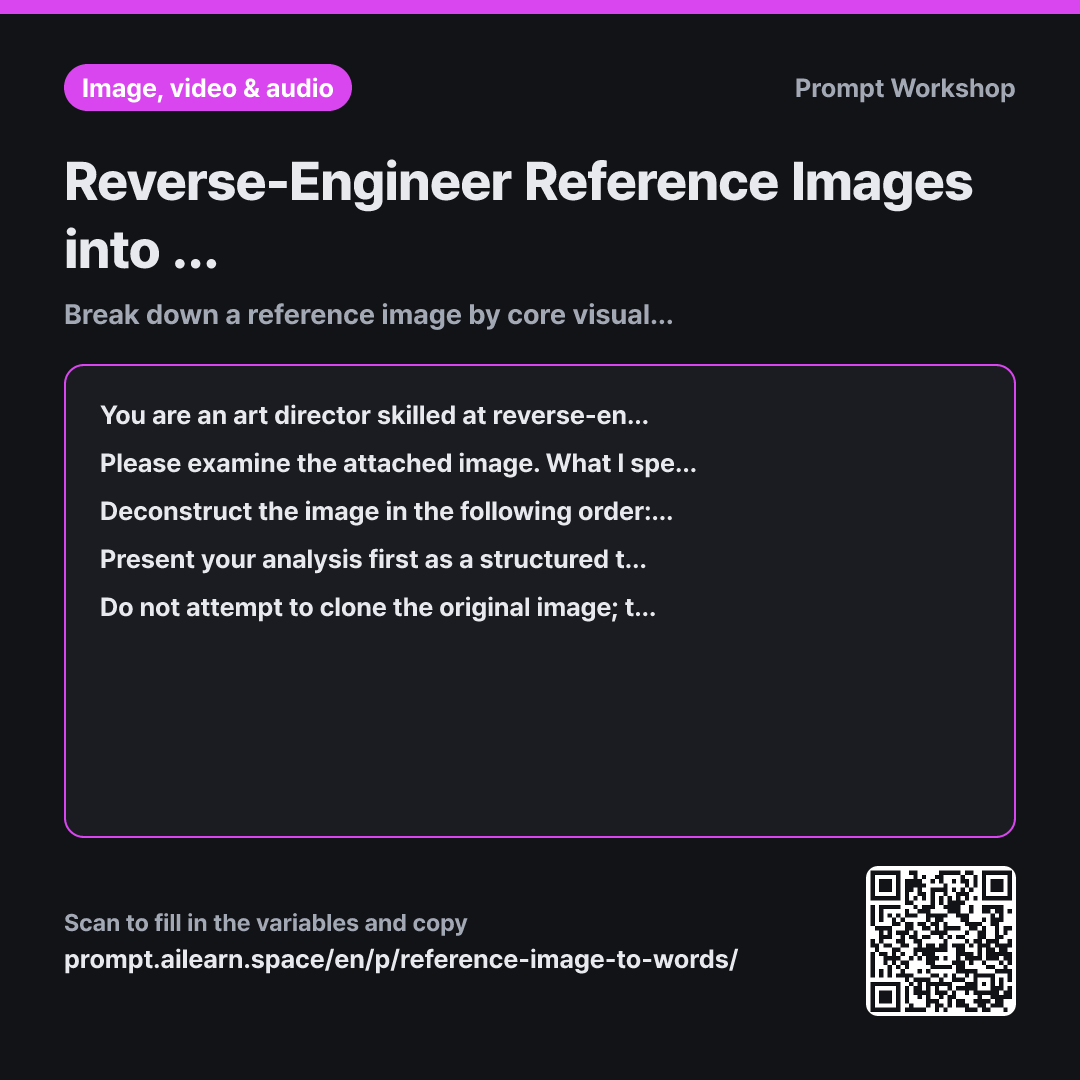
Why it is written this way
The most common mistake when writing image analysis prompts is vaguely asking, "Make something in the vibe of this photo." The AI will simply latch onto one or two dominant colors and fill the rest with generic defaults. As a result, you might get similar colors but an entirely different composition or lighting. Without clarifying why you liked the image, accurate reproduction is impossible.
The Role defines the analytical tone. Framing the AI as an art director reverse-engineering the production process yields precise observations like "hard light from top-right casting long shadows to the left" instead of subjective fluff like "warm and cozy."
The Task narrows the scope from mere appreciation to methodical deconstruction. The six pillars in the Steps paragraph—subject, composition, color, lighting, texture, and medium—form the backbone. Most people only notice two or three aspects they like until forced to review all six. Requiring visual evidence prevents hallucinations, while allowing an "Unverifiable" exit ensures accuracy.
The Format specifies two output prompts: one faithful to the original aesthetic, and one applying your modifications. Seeing both side by side helps you understand where the prompt diverged and what to adjust next. The Constraints protect copyright and privacy by extracting transferable stylistic elements without cloning specific identifiable features or proprietary names.
Unfamiliar terms? See Aha AI: role-prompting, output-format
Compared with a bad example
Give me a prompt to generate an image with the exact same feel as this one.
A generic request like this produces broad keywords such as "cozy cafe interior, warm tones, cinematic lighting." The AI grabs the most prominent colors while discarding camera angles and lighting direction. The nuanced textures and specific shadows you liked get lost, leaving you with no clear way to troubleshoot why the result looks off.
Variations
Extracting Common Aesthetics Across Multiple Images
I have attached multiple images that share a similar visual aesthetic. What I like across them is: "{{Reference image description}}". Rather than analyzing each image separately, create a comparison table distinguishing between shared common elements across all images and unique elements found only in single images. Then, synthesize the common elements into a single-line English prompt and write a two-line summary explaining the core aesthetic appeal.
Looking at only one image risks copying accidental details. Identifying shared traits across multiple images isolates your actual aesthetic taste.
When Image Attachment Is Not Supported
I cannot attach an image, so I will describe it textually. The image I saw had this impression: "{{Reference image description}}", and I want to modify it to: "{{Changes to make}}". Categorize my description into what is clearly confirmed versus what is missing. Ask up to 3 targeted questions to help fill in the missing visual details. Once I answer, generate the final English prompt.
Text-only descriptions often omit lighting and texture. Clarifying missing elements first ensures a much more complete prompt.
Model notes
Only works on multimodal models that can read images. Attach the image file first before pasting this prompt. If your tool does not support file attachments, describe what you see in the description field in as much detail as possible.
Related prompts
Last updated 2026-09-02 · Found a mistake? Let us know