Why it is written this way
Without dedicated lighting descriptors in your AI image prompt, the model defaults to generic lighting—usually a flat, evenly distributed, front-facing bright light that looks safe but uninspired. The exact same cup of coffee looks like a commercial hero shot with directional window light, but looks like a bland receipt photo under flat overhead fluorescent light. Lighting is the most cost-effective lever to alter mood without changing the subject matter.
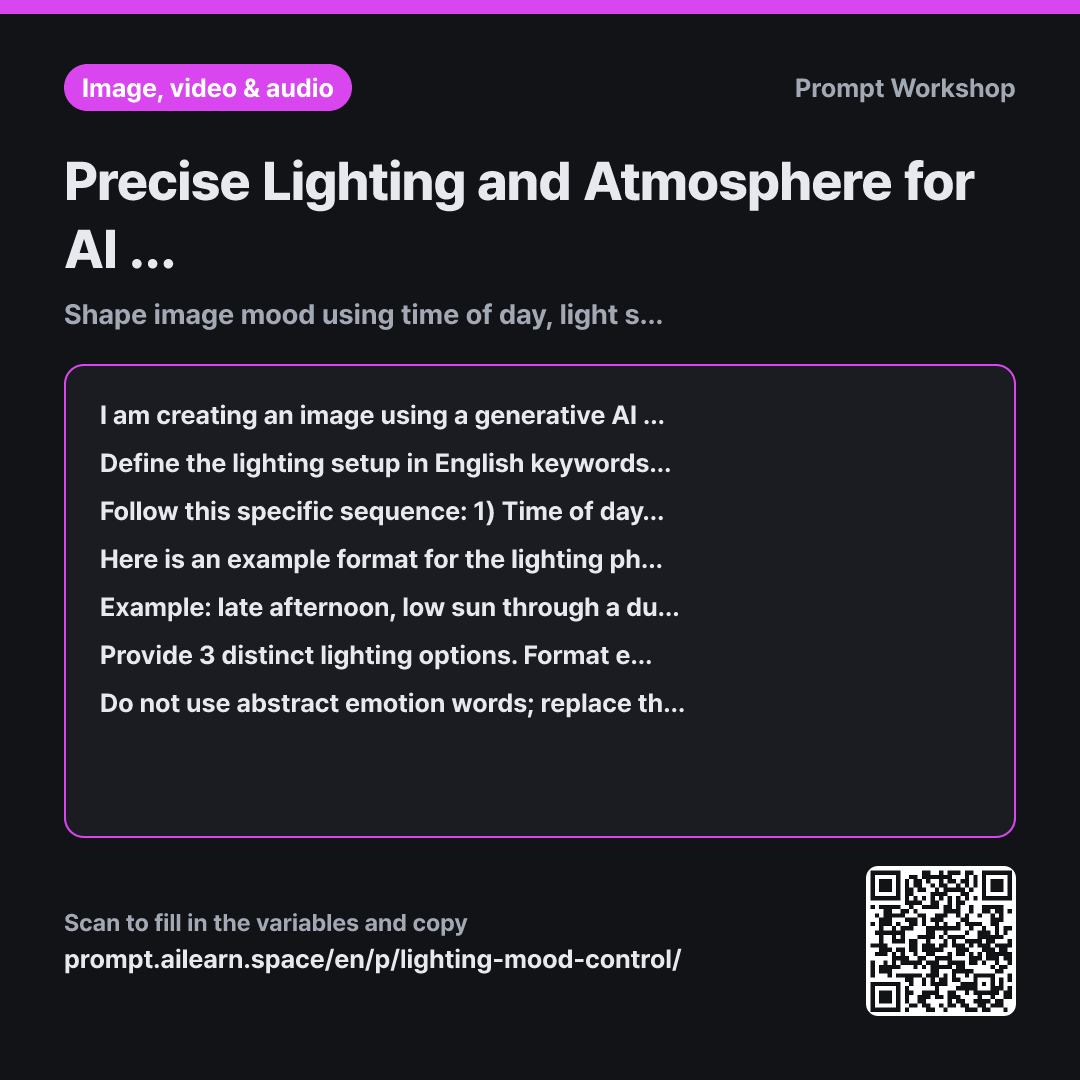
The Task constraints immediately ban subjective filler words like "atmospheric" or "moody." These buzzwords do almost nothing in image generation algorithms and only sound persuasive to human readers. Physical descriptions of light angles and sources are what actually drive visual output.
The Step-by-step workflow breaks lighting down into five distinct components: time of day, light source, light quality, color temperature, and shadow behavior. Without this sequence, models often generate contradictory prompts—like combining "golden hour" with short shadows and blue tones. Defining elements sequentially filters out these internal conflicts, which are the primary reason multi-keyword Midjourney prompts produce muddy results.
Because describing the ideal length of a lighting phrase is difficult in abstract terms, an Example is provided with an unrelated subject to prevent direct copying. The Format requirement isolates the lighting string into a standalone snippet, making it easy to swap into an existing prompt and evaluate visual differences side by side.
Unfamiliar terms? See Aha AI: few-shot, output-format
Compared with a bad example
It's a photo by a cafe window. What keywords should I add to make the prompt look more moody and atmospheric?
This usually produces generic suggestions like "cinematic lighting, moody atmosphere, beautiful." None of these tell the AI where the light originates, leading the tool back to its flat, default lighting. Even if a decent image occasionally appears, you cannot pinpoint which keyword worked, making the result impossible to replicate consistently.
Variations
Maintaining Consistent Lighting Across a Series
I am creating a multi-image series that must look cohesive. The anchor scene is "{{scene}}", and I want to maintain a {{desired_mood}} mood. Provide a single-line English lighting phrase that can be reused across different subjects. Then, add a brief 2–3 sentence explanation detailing which specific tokens should be adjusted when switching environments (e.g., indoors vs. outdoors).
Generating fresh lighting for every frame breaks visual consistency across a set. This variant clearly separates fixed lighting parameters from flexible ones.
Setting Lighting for Portraiture
The scene is "{{scene}}", featuring a person as the subject. Define a lighting setup that prevents facial details from being crushed or lost in deep shadows. Specify the light source's height, angle, and the resulting shadow placement on the face in English, followed by a one-line English explanation of the aesthetic effect for each option. Do not include specific physical descriptions of real individuals.
Portraits are heavily influenced by the angle of key lights, and facial features frequently distort in harsh shadows. Setting the light source height as a strict parameter solves this issue.
Model notes
Lighting keywords frequently clash with style and medium keywords. When adding a lighting segment to a prompt that already has a defined art style, swap in only one line at a time to compare the results.
Related prompts
Last updated 2026-09-02 · Found a mistake? Let us know