Why it is written this way
If you simply ask an AI food prompt to "make it look delicious," you often get an overly glossy commercial shot: excessive billowing steam, six unsolicited side dishes, and fancy tableware completely unlike what the venue actually uses. Customers order after seeing that photo and end up disappointed by the real dish.
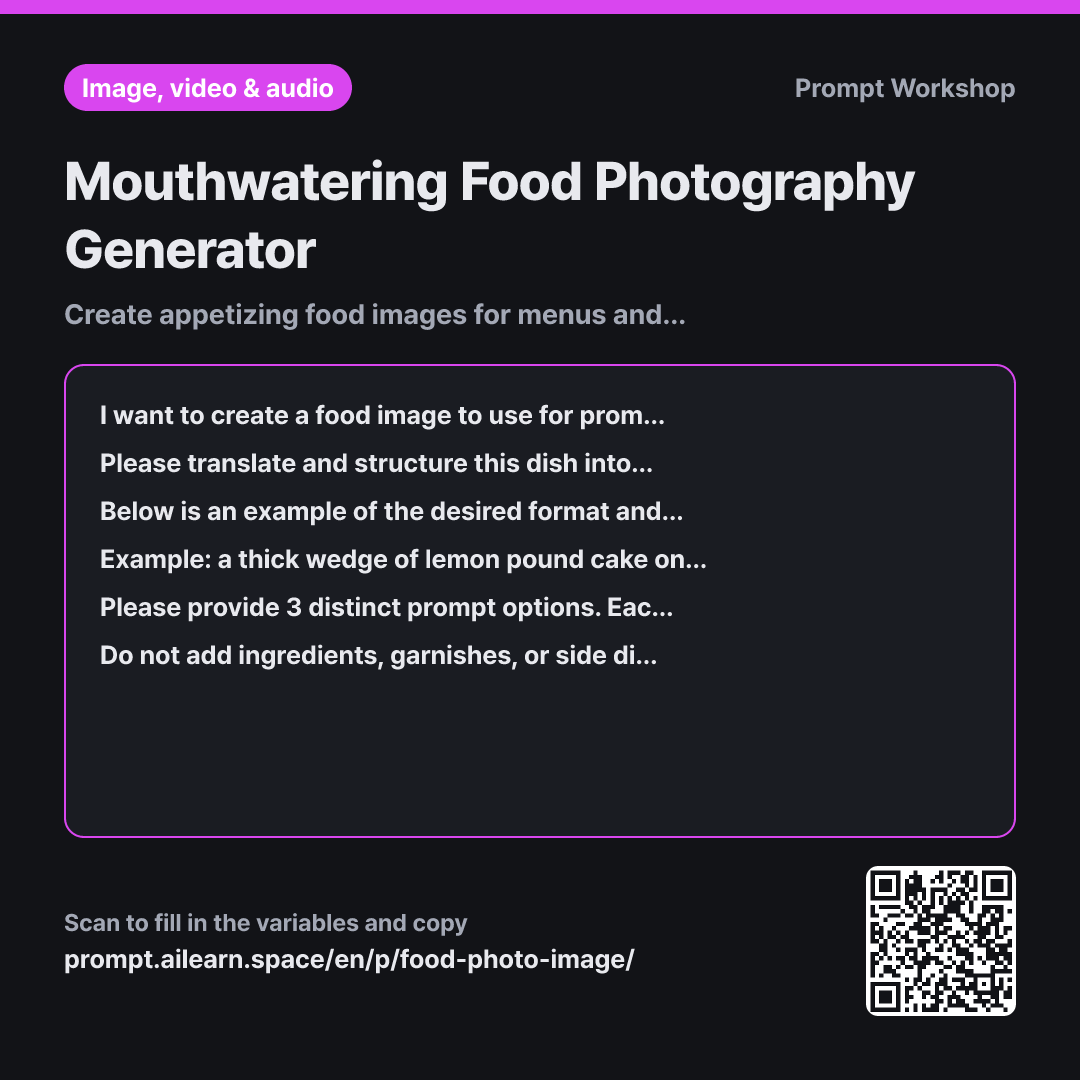
This is why we establish the store vibe in the Context of the first paragraph. A cozy neighborhood diner requires vastly different lighting and plating compared to modern fine dining. A photo that clashes with the venue's vibe looks more jarring the higher its technical quality gets. The sequence prescribed in the Task paragraph — Food → State → Setting → Camera → Lighting — acts as a guardrail ensuring the dish remains the indisputable hero.
Showing a single-line Example is far more precise than lengthy explanations. Within that single line of pound cake, the length of noun phrases, comma intervals, and specific physical states like "glaze" and "crumbs" are cleanly demonstrated. Using a different dish for the example is intentional; providing the target dish as an example causes AI to copy the example almost verbatim.
In the Format, requesting three variations accounts for the reality that the first generation in menu photo AI is rarely perfect. Comparing three distinct angles side-by-side clarifies whether a soup looks better top-down or a plated dish looks better at a 45-degree angle. Finally, the negative constraints guarantee authenticity. Preventing hallucinated ingredients ensures the generated visual accurately represents the food served to paying customers.
Compared with a bad example
Make a delicious-looking photo of noodle soup. Warm and neat feeling.
A prompt phrased like this produces an ambiguous bowl of broth on a generic white plate. The specific broth color or garnishes are ignored, while cartoonish steam clouds the frame. Without camera angle and lighting specs, every retry yields wildly inconsistent results, making it impossible to iterate toward an authentic representation of your actual dish.
Variations
When aligning multiple items on a menu
I am creating multiple photos for a menu at a {{store atmosphere}} restaurant. The first dish is "{{menu item}}". To maintain visual consistency across different menu items, first establish a set of shared rules regarding tableware style, surface setting, camera angle, and lighting direction. Then, write a one-line English prompt for this dish following those rules. Conclude by specifying which parts should be swapped out when generating the next menu item.
For a cohesive menu, consistency across multiple items matters more than individual shot drama. We anchor shared visual guidelines first.
When optimized for delivery app thumbnails
I need an image of "{{menu item}}" optimized for a delivery app listing, where it will be cropped into a small square thumbnail. Please generate 3 English prompt variations with a tight composition where the bowl or plate fills most of the frame with minimal background margin and props. Below each option, write a brief note identifying which visual detail will be lost first when scaled down to a small thumbnail.
Thumbnail photos suffer heavy cropping and compression. We tighten the framing and prioritize bold, readable focal elements over empty space.
Model notes
Image generators frequently hallucinate extra ingredients or alter existing ones. If unexpected toppings appear in your generated image, remove those descriptors from the prompt and regenerate.
Related prompts
Last updated 2026-09-02 · Found a mistake? Let us know