Why it is written this way
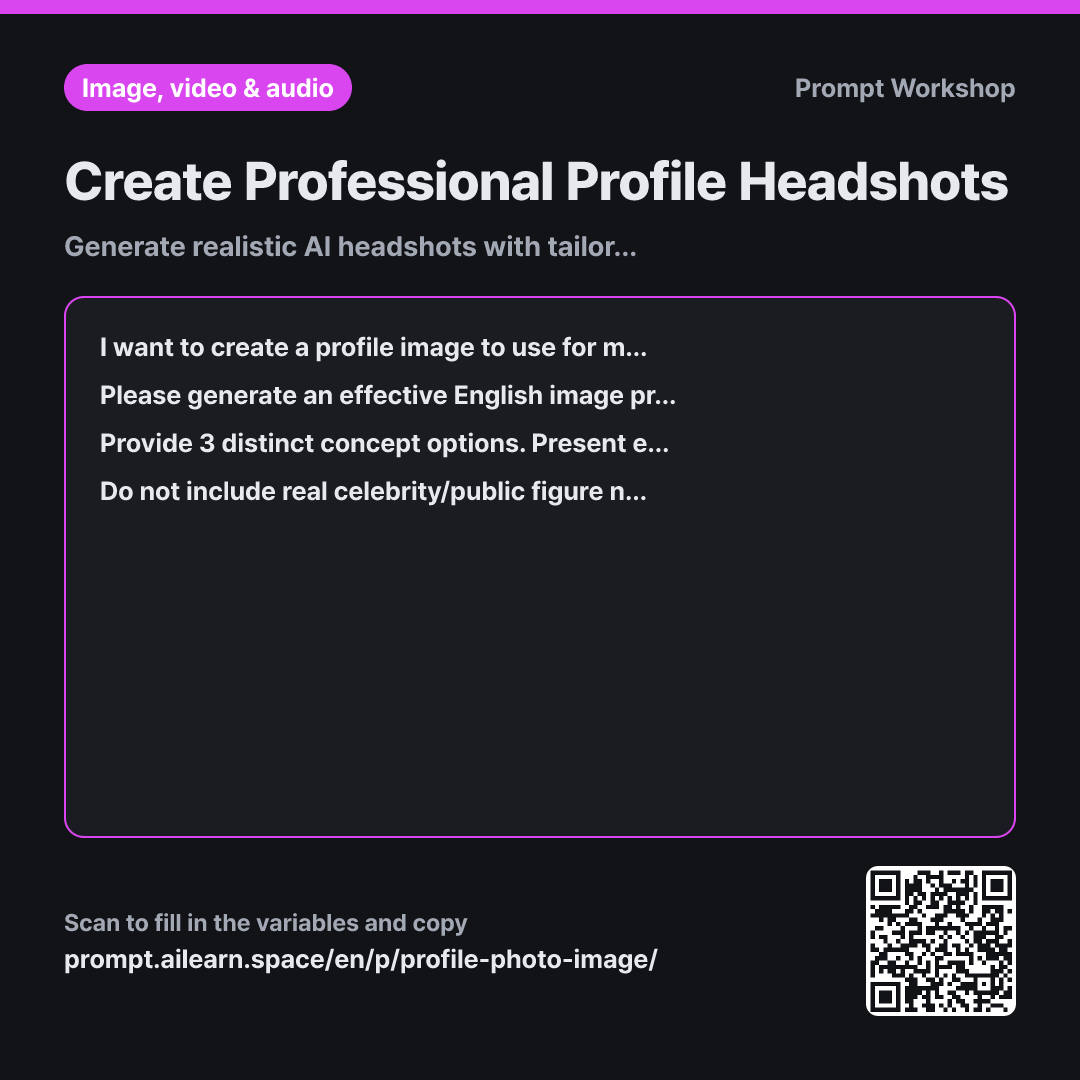
If you simply copy a generic AI headshot prompt from a web search, you usually get a nice-looking portrait that doesn't fit your actual context. It might look too dramatic for a company directory or framed too far away to work as a channel icon. A great profile image isn't just a pretty picture—it's one tailored to where it will be viewed.
That is why the Context in the first paragraph is essential. Clarifying where the image will be posted and the impression you want to convey instantly narrows down suitable clothing styles and backgrounds. Generating an image for a LinkedIn profile requires a completely different approach than an avatar for a YouTube channel icon.
The Task paragraph asks the AI to break down age, expression, eye gaze, wardrobe, setting, lighting, and shot composition individually. Without these explicit parameters, the image generator fills them in randomly every time. Structuring them into separate descriptors makes it easy to iterate on specific parts. Requesting 3 options in the Format serves the same purpose: having alternatives helps you identify exactly what works and what doesn't.
The Constraints ensure safety and consistency. Using real celebrity names can trigger content safety filters or create unintended likeness issues. Remember, this prompt generates a synthetic avatar, not a verified real photo, so it should never be used for legal identification or government documentation.
Unfamiliar terms? See Aha AI: prompt, output-format
Compared with a bad example
Make a profile picture for LinkedIn. Make it look neat and professional.
A prompt this vague will simply produce a generic portrait of someone in a suit standing in front of a blurry office. Without specified gaze, lighting, or framing, every generation yields a totally random look, giving you no control over fine-tuning. Furthermore, "professional" is subjective and often defaults to bland, cookie-cutter outputs.
Variations
When Displayed at Tiny Icon Sizes
I need a profile image for my {{platform or use case}} that will be displayed inside a tiny circular avatar and conveys a {{desired impression}} impression. Please create 3 English image prompts optimized for extreme close-ups: tight facial framing, nearly solid or uncluttered backgrounds, and no intricate clothing patterns or tiny accessories. Beneath each option, add a one-line note pointing out which visual detail might blur or lose clarity when scaled down.
At small icon sizes, complex backgrounds and accessories turn into noisy visual clutter. This version forces tighter framing and eliminates unnecessary details.
Generating Multiple Poses of the Same Persona
I want to generate additional scene variations featuring the exact same persona created previously for my {{platform or use case}}. Keep the subject's age, facial features, hairstyle, clothing style, and overall color palette strictly consistent across prompts, changing only the pose and background setting. Provide 3 English image prompts that keep the core descriptors identical, followed by a one-line note under each explaining what was modified.
Image AI tools struggle to recreate identical characters. Reusing verbatim text for locked attributes maximizes visual consistency across multiple shots.
Model notes
AI image tools vary widely in how they render human faces, and identical prompts can produce drastically different results across platforms. Generate several variations to pick the best one, and never use synthetic avatars for official identification like passports or IDs.
Related prompts
Last updated 2026-09-02 · Found a mistake? Let us know