Why it is written this way
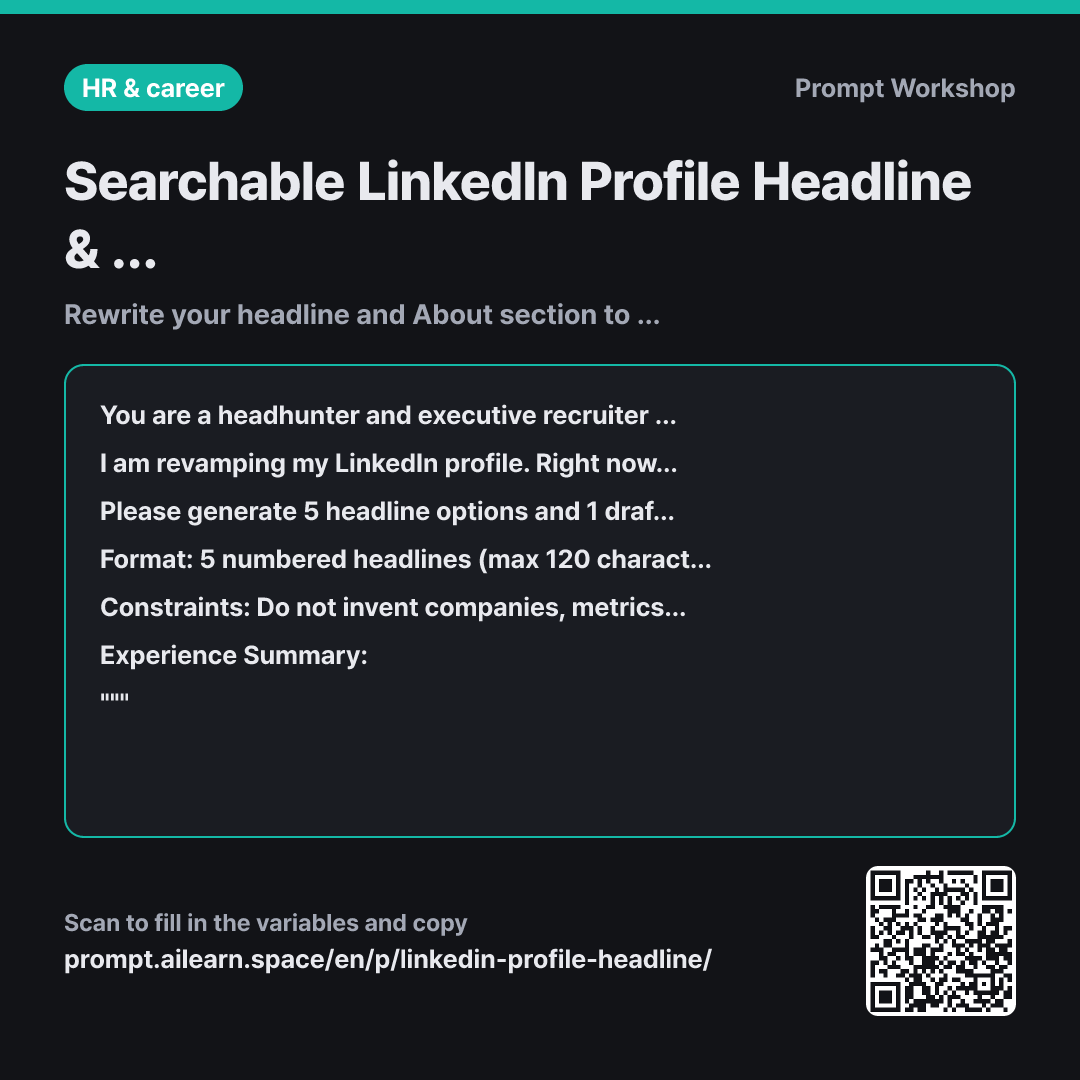
The most common mistake on LinkedIn is listing only your company and job title in the headline. "Manager at Company X" describes who you are, but it does not appear in searches. Recruiters search for specific terms like "Performance Marketing," "GA4," or "CRM" rather than generic titles. This prompt ensures your headline combines role, domain, and tool keywords while clarifying the exact search terms each option targets.
Setting the Role as an active LinkedIn recruiter is the core of this prompt. A general writing assistant will produce smooth copy that fails SEO; looking through a recruiter's eyes changes which keywords survive in the profile.
Setting the Format to 120 characters, 3 paragraphs, and around 600 characters prevents LinkedIn from cutting off your headline on mobile and desktop views. Generating 10 Skills keywords at the same time lets you complete your profile revamp in one go. The buzzword Constraints are equally intentional: headlines filled with "passionate" look indistinguishable from thousands of competitors, and emojis disrupt clean search matches. Limiting details strictly to the provided summary prevents discrepancies between your LinkedIn profile and your resume.
Asking for 5 headline options ensures you can iterate easily. If you like option 3, you can simply follow up with "Rewrite #3 focusing more on CRM tools," which is much faster than trying to craft a single perfect prompt from scratch.
Unfamiliar terms? See Aha AI: role-prompting, output-format
Compared with a bad example
Write a cool LinkedIn headline for me. I am a marketer with 7 years of experience.
This produces generic fluff like "Growth-driven Marketer | Telling stories through data." While it sounds decent, it contains zero searchable tool or skill keywords, meaning it will never show up in recruiter searches. Because it lacks specific domains and tools, any other 7-year marketer could use the exact same line without modification.
Variations
Optimized for an English Profile
You are a recruiter who sources {{job position role}} candidates on LinkedIn and knows which keywords you actually search for. Using only the background below, write five headline options (max 120 characters each) and one About section in three short paragraphs, first person, around 900 characters.
Each headline must combine the role name, the domain, and the tools or skills I actually use. Under each option, note in one line which search terms it targets. End with ten keywords for the Skills section, comma separated. Do not invent companies, results or certifications that are not in the background. Avoid words like "passionate" and "results-driven", and do not use emoji.
""" {{experience summary}} """
Prompting directly in English yields much more natural phrasing for global profiles. The character limit is adjusted higher to accommodate English sentence structures.
Optimizing While Employed (Discreet Search)
You are a headhunter searching for {{job position role}} talent on LinkedIn. I am currently employed and do not want to signal that I am actively job hunting, but I want my profile optimized so recruiters can still discover me in search results.
Please write 3 headline options and 1 About section. Do not use phrases indicating active job seeking (e.g., "Open to new opportunities"). Instead, naturally integrate my role, domain, and tool keywords into clear statements describing what I currently do. Do not include details not provided in my summary.
Experience Summary: """ {{experience summary}} """
Obvious job-seeking signals on a LinkedIn profile can raise eyebrows internally at your current job. This variant preserves keyword discoverability while removing explicit job-hunting indicators.
Related prompts
Last updated 2026-09-02 · Found a mistake? Let us know