Why it is written this way
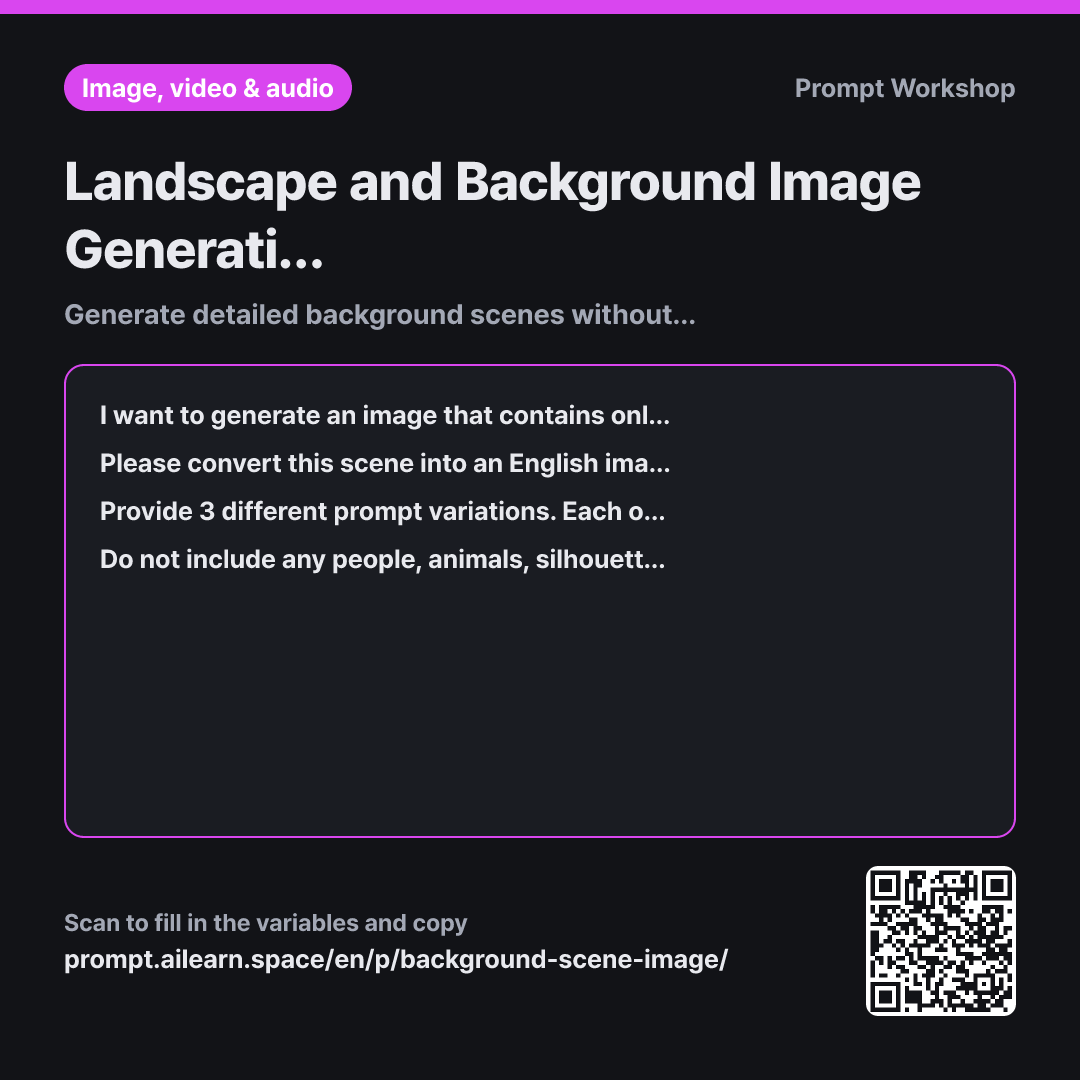
When asking AI image generators for empty streets or classrooms, human figures almost always appear. Because image models were trained heavily on photos featuring people, they naturally insert them unless strictly guided otherwise. This creates extra work to erase unwanted figures when you only need a backdrop for slides or webtoons.
Task specifies a precise sequence — overall layout → foreground → background → sky → lighting → camera angle — which forms the structural backbone for visual depth. Without separating the foreground and background, the resulting image looks flat. Placing the lighting toward the end ensures the environmental structure is established before lighting effects take over.
Format requests 3 variations and identifies the "swappable keywords," which is crucial for recurring backgrounds. You often need the same environment across morning, night, or rainy weather. Identifying these keywords beforehand lets you simply swap out a few words for future iterations, keeping the scene consistent much faster than starting from scratch.
Constraints explicitly exclude human figures while actively guiding how to fill the empty space. Simply removing people can leave a scene sterile, so environmental traces (a placed chair, lit lamp) give the impression of recent presence without adding characters. Prohibiting text avoids distorted, unreadable AI lettering that distracts from the visual.
Unfamiliar terms? See Aha AI: prompt, output-format
Compared with a bad example
Draw a seaside train station background. Make it feel lonely and autumnal.
A prompt like this often results in a solitary figure standing in the center of the platform with their back turned. Lacking depth cues and lighting details, the sky and sea blend into a flat canvas, and vague emotional keywords like "lonely" are easily ignored by the model. When you later need the same station at night, you have no baseline parameters to adjust.
Variations
When you need the same location at a different time of day
I want to regenerate the previous "{{location place venue}}" background, but set during {{time of day and season}}. Keep the physical structures, architectural layout, and camera angle identical, altering only the lighting direction, color tones, sky, and weather effects. Include a one-line note explaining exactly what was changed.
Rewriting the entire prompt creates a completely different location. Keeping key structural elements fixed ensures the scene remains recognizable across different times.
When using the scene for presentation slides or UI backdrops
I want to use "{{location place venue}}" as a presentation slide background. Keep the center area simple, clean, and spacious so text remains readable, pushing detailed elements toward the edges and corners. Limit the color palette to 2–3 harmonious tones, emphasizing the lighting of {{time of day and season}}. Provide 3 prompt variations, each followed by a one-line note indicating the best area to place overlay text.
Slide backgrounds must support text rather than compete with it. This variant keeps the center clear and restricts the color palette for maximum readability.
Model notes
Different AI models handle negative prompts (removing people) with varying effectiveness. If human figures still appear, try replacing "no people" with positive descriptions of an empty environment (e.g., "empty abandoned room", "deserted landscape").
Related prompts
Last updated 2026-09-02 · Found a mistake? Let us know