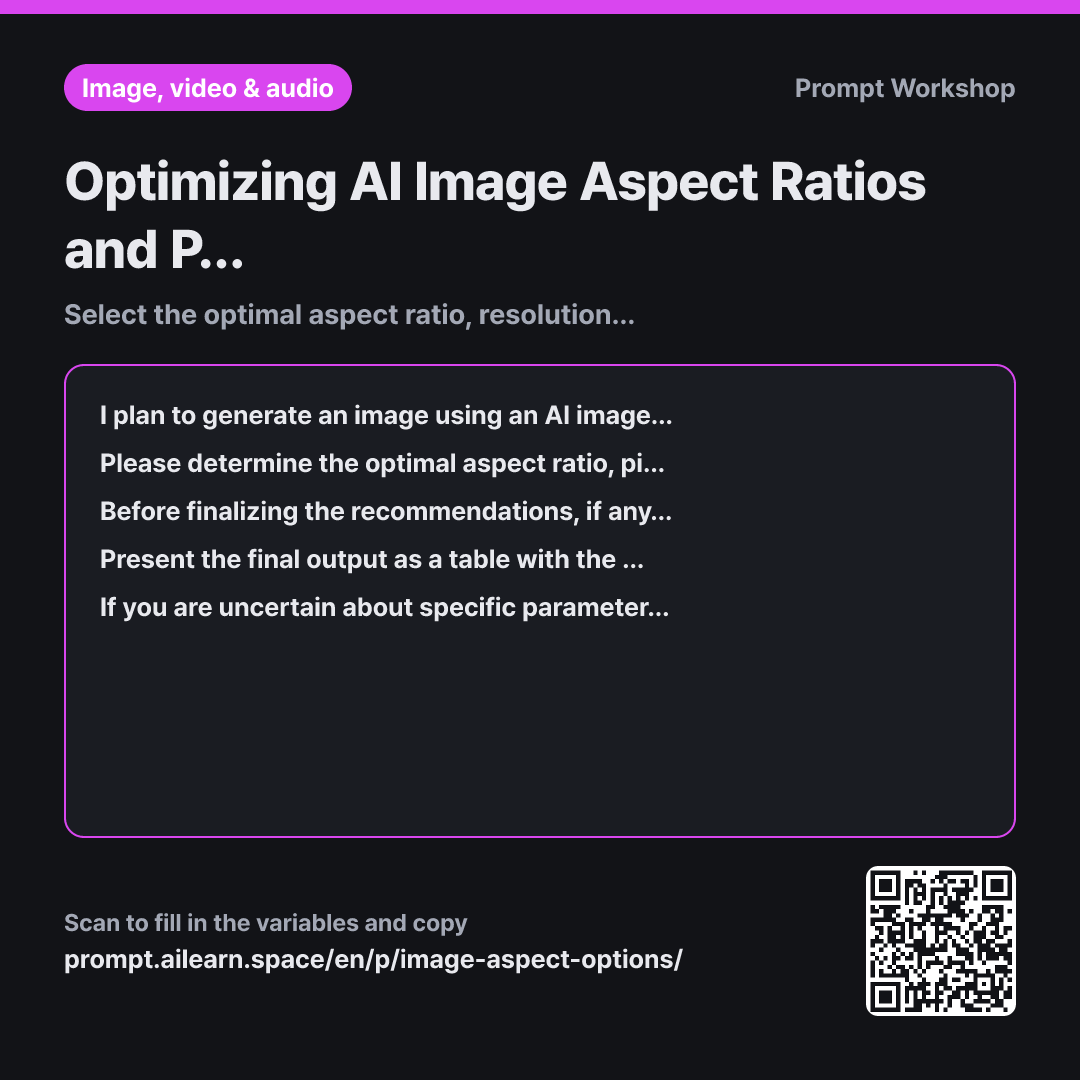
Why it is written this way
If you don't explicitly configure the aspect ratio, most AI tools will output a square image by default. Uploading a square image to a YouTube thumbnail slot cuts off the top and bottom, frequently cropping out key subjects or text. While you can re-generate the image, setting the correct aspect ratio from the beginning is always better than cropping later, as post-crop editing often destroys the composition.
The Context section pairs the destination platform with the specific tool. The destination dictates the aspect ratio and resolution, while the tool determines how and where those parameters are entered. Providing only one leads to generic answers like "16:9 is recommended" without telling you the exact syntax or UI panel required.
The Clarification step handles use cases with variable constraints, such as print media. A poster for digital display versus A4 print requires completely different resolutions. Limiting the follow-up questions to two and requiring confirmation prevents the AI from either getting stuck in endless questioning or skipping critical technical requirements.
The Task and Format sections enforce a clear structured table. The Item / Value / Reason columns make it easy to adapt the settings if your target platform changes later. Finally, the Constraint prevents hallucinations. Image parameter flags frequently change across versions, and this constraint stops the AI from inventing deprecated or nonexistent parameters.
Unfamiliar terms? See Aha AI: output-format, prompt
Compared with a bad example
I'm making a YouTube thumbnail, what aspect ratio should I use in Midjourney?
The AI will simply return "16:9". While correct, it leaves out critical details like safe zones for UI overlays and timestamps, optimal pixel dimensions, and the exact --ar parameter syntax to append in Midjourney, forcing you to look up the documentation anyway.
Variations
Repurposing One Image Across Multiple Platforms
I want to use the same AI-generated image across multiple placements in addition to {{platform or use case}}. Taking into account that the image will need to be cropped into various aspect ratios, determine the single best base ratio to generate initially. Provide a table showing this primary ratio and explaining which areas to retain or discard when cropping for each target format. Also, specify which areas within the frame must be kept empty as safe space.
Generating separate images for each platform results in inconsistent visual styles. Creating one wide master image and cropping it ensures unified brand aesthetics.
Fixing an Existing Image with the Wrong Ratio
I have an existing image generated with {{AI image tool}}, but its aspect ratio does not match the specifications for {{platform or use case}}. Break down when it is possible to adapt the current image without regenerating, versus when a complete re-generation is necessary. If I need to regenerate it, provide 2–3 sentences explaining which parts of the original prompt should be modified to preserve a balanced composition in the new ratio.
Changing the aspect ratio shifts the balance of empty space and subject placement. Deciding whether to edit or regenerate upfront saves time and generation credits.
Model notes
Parameter names and default values change frequently across tool versions. Always double-check the returned values against your tool's current interface before generating.
Midjourney typically accepts aspect ratios as parameter flags appended to the end of your prompt (e.g., --ar 16:9), whereas ChatGPT (DALL-E) and Gemini understand natural language descriptions. Stable Diffusion workflows usually require setting explicit width and height pixel values. Always verify the recommended values against the current interface of your chosen tool.
Related prompts
Last updated 2026-09-02 · Found a mistake? Let us know