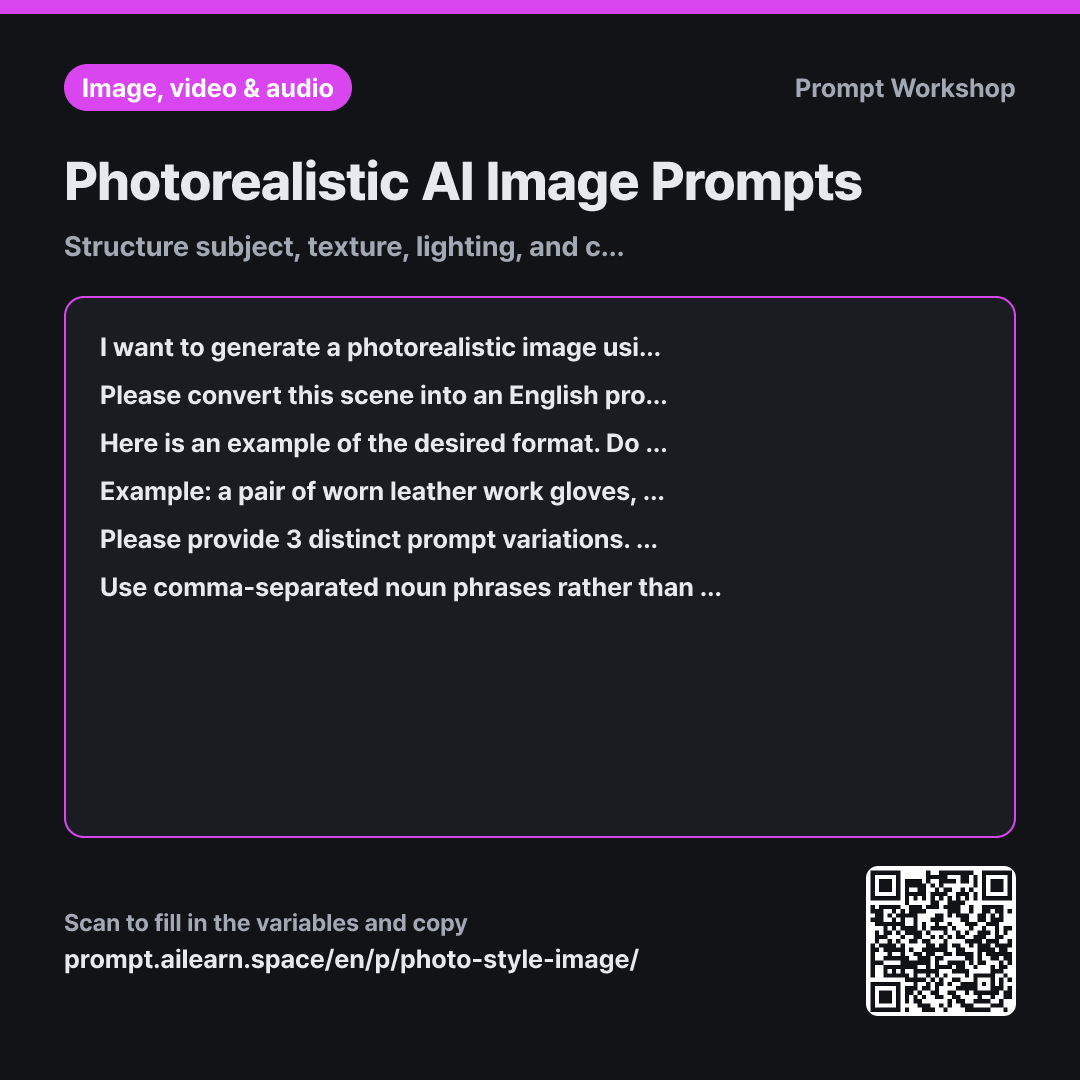
Photorealistic AI Image Prompts

Structure subject, texture, lighting, and camera specs for hyper-realistic photos.

Prompt · 2 variables

I want to generate a photorealistic image using an AI image generator. The scene I want to depict is "{{desired_scene}}", and this image will be used for a {{intended_use}}.

Please convert this scene into an English prompt optimized for realistic photography. Instead of directly translating the text, arrange concise English noun phrases separated by commas in this specific order: Subject → Materials & Texture → Background & Environment → Camera & Lens Setup → Lighting → Image Quality. Make sure to include specific focal lengths, light source direction and quality, and visible surface textures.

Here is an example of the desired format. Do not reuse these specific words, as the subject is different; only follow the structure and length: Example: a pair of worn leather work gloves, cracked and dust covered, on a bare concrete workbench, 50mm lens at eye level, soft overcast daylight from a side window, shallow depth of field, fine surface texture, photorealistic

Please provide 3 distinct prompt variations. Write each variation as a single-line English prompt, followed immediately by a one-line explanation of how it differs from the previous one. After presenting all 3 variations, provide an appropriate aspect ratio for a {{intended_use}} on a separate final line.

Use comma-separated noun phrases rather than complete sentences. Do not include specific photographer names, celebrities, brand names, or copyrighted titles. Avoid abstract buzzwords like "aesthetic" or "luxurious"—replace them with tangible, visible visual details. Explain any culture-specific terms using descriptive English phrases.

Copy, then paste here · ChatGPT and Claude open with the prompt filled in Open in ChatGPT ↗Open in Claude ↗Open in Gemini ↗ Edit in builder Download classroom card

Why it is written this way

Context
I want to generate a photorealistic image using an AI image generator. The scene I want to depict is "{{desired_scene}}", and this image will be used for a {{intended_use}}.
Task
Please convert this scene into an English prompt optimized for realistic photography. Instead of directly translating the text, arrange concise English noun phrases separated by commas in this specific order: Subject → Materials & Texture → Background & Environment → Camera & Lens Setup → Lighting → Image Quality. Make sure to include specific focal lengths, light source direction and quality, and visible surface textures.
Example
Here is an example of the desired format. Do not reuse these specific words, as the subject is different; only follow the structure and length: Example: a pair of worn leather work gloves, cracked and dust covered, on a bare concrete workbench, 50mm lens at eye level, soft overcast daylight from a side window, shallow depth of field, fine surface texture, photorealistic
Format
Please provide 3 distinct prompt variations. Write each variation as a single-line English prompt, followed immediately by a one-line explanation of how it differs from the previous one. After presenting all 3 variations, provide an appropriate aspect ratio for a {{intended_use}} on a separate final line.
Constraints
Use comma-separated noun phrases rather than complete sentences. Do not include specific photographer names, celebrities, brand names, or copyrighted titles. Avoid abstract buzzwords like "aesthetic" or "luxurious"—replace them with tangible, visible visual details. Explain any culture-specific terms using descriptive English phrases.

Most tutorials for realistic AI prompts just say, "Add the word 'photorealistic'." But adding only that keyword usually results in flat, generic stock photos or overly smooth 3D renders. What makes an image look like an authentic photo isn't the word "photo"—it is the physical parameters of real photography: specific lenses, directional light sources, and tangible surface textures.

The sequence established in the Task paragraph forms the backbone of this prompt: Subject → Materials → Background → Camera → Lighting → Quality. Image generation models assign greater weight to words placed earlier in the prompt. By placing the core subject first and following up with technical photography parameters, you ensure the subject remains the main focus. Without a defined order, terms like "photorealistic" drift to the front, muddying the core subject.

Showing a concrete Example is much more effective than merely explaining rules in prose. The single work-glove example illustrates the phrase length, comma pacing, and level of technical specificity (such as "50mm lens at eye level"). Using a deliberately different subject prevents the model from simply copying keywords.

Requesting 3 variations in the Format paragraph gives you clear baselines to compare so you can identify which adjustments work best. Finally, the Constraints section prevents two common pitfalls: abstract adjectives (like "moody" or "luxurious"), which AI often misinterprets as bizarre color casts, and specific artist or brand names, which can create copyright issues or trigger safety filters.

Unfamiliar terms? See Aha AI: few-shot, output-format

Compared with a bad example

Common bad example

Make a prompt for a photo of salt bread so it looks like a real picture

Asking this way yields generic outputs like "photorealistic photo of salt bread, highly detailed, 8k". Without specific lens choices or lighting parameters, the AI defaults to a flat, overly bright catalog shot, missing the crisp crust texture or butter-sheen details. When the result falls flat, there are no specific keywords to tweak, forcing you into endless random rerolls.

Variations

When people are included in the scene

When people are included in the scene

{{desired_scene}} includes people. Please write an English photorealistic prompt that incorporates them. Rather than a close-up portrait, frame the shot around actions, candid side profiles, hands, or back views. Do not describe specific recognizable facial features; specify only broad age ranges, styling, and clothing.

Tight facial close-ups often lead to distorted eyes or uncanny hands, and raise likeness issues. Focusing on action-oriented compositions reduces common AI artifacts and creates natural results.

Maintaining visual consistency across a series

Maintaining visual consistency across a series

I need to generate multiple consistent photos for a {{intended_use}}. The reference baseline shot is "{{desired_scene}}". Please create a reusable English prompt template where the camera, lighting, and texture segments remain locked, while the subject segment can be swapped out. Clearly mark the fixed and variable sections.

Generating prompts from scratch each time changes the lighting and camera settings, making the photos look mismatched. Separating locked technical parameters ensures a unified aesthetic across your entire series.

Model notes

For Midjourney, append the aspect ratio parameter at the end (e.g., `--ar 4:5`). For other tools (like DALL·E or Stable Diffusion), select the aspect ratio from the user interface settings.

Related prompts

Last updated 2026-09-02 · Found a mistake? Let us know