Why it is written this way
When an image prompt fails, the most common mistake people make is rewriting the entire prompt from scratch. This discards parts that worked well, leaving no clear baseline to judge improvement. Often, after dozens of generations, users realize the very first image was the closest, but by then, that prompt state is lost.
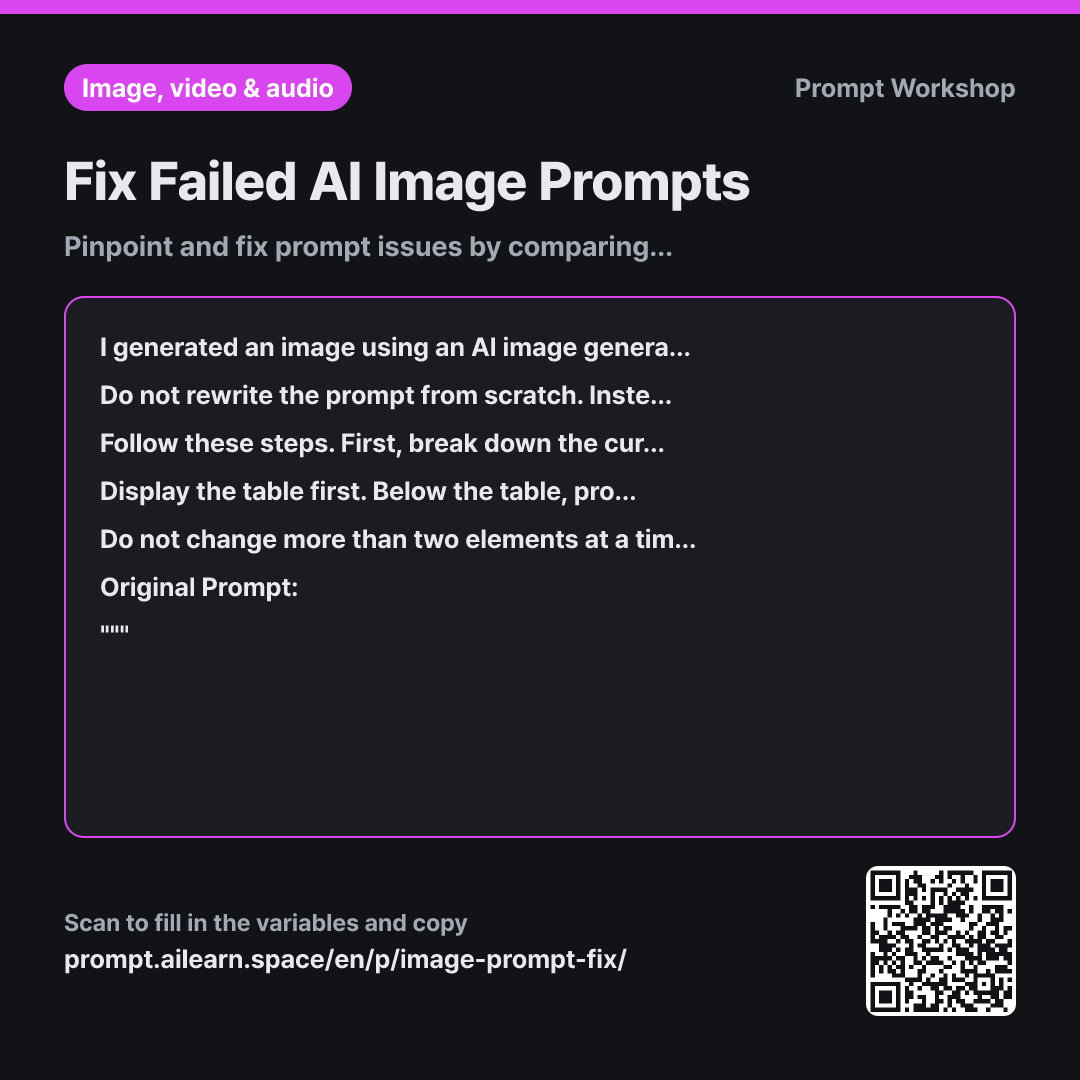
Task establishes the rule: "Fix it selectively without rewriting from scratch." Without this constraint, AI tools will generate an entirely new prompt, resetting your baseline.
Steps provide a systematic debugging workflow: decompose, cross-examine, and diagnose root causes. Distinguishing the three failure types is key: missing keywords, overly broad phrases (like "cozy mood"), and conflicting terms (like "close-up" alongside "wide shot") require fundamentally different fixes. Without this diagnosis, people default to endlessly piling on adjectives.
Constraints limit edits to "no more than two changes at once" to enable controlled iteration. Changing multiple variables at once makes it impossible to know which edit worked. Preserving the exact phrasing and order of successful elements prevents regression. Troubleshooting AI art requires controlled, single-variable testing rather than random complete rewrites.
Unfamiliar terms? See Aha AI: prompt, output-format
Compared with a bad example
I made an image with this prompt and it looks bad please rewrite it better a small bakery counter in the morning, warm light, watercolor illustration, cozy mood
Phrasing like "it looks bad" fails to specify what is wrong, prompting the AI to simply decorate the prompt with bloated adjectives. It usually introduces unwanted subjects and clutter, turning it into a completely different image while leaving the core issue—such as the missing counter—unresolved. It also erases working lighting and style elements without leaving a clear trail of changes.
Variations
When Prompt Iterations Keep Failing
I have modified this prompt several times, but it still does not produce "{{desired_output}}". Please evaluate whether the current prompt structure is fundamentally incapable of achieving this result. Determine first whether this is a minor phrasing issue or requires a complete overhaul of the composition/style approach, then provide next steps in three concise bullet points.
Original Prompt: """ {{original_prompt}} """
Some prompts are fundamentally flawed in concept. Identifying whether to fine-tune or overhaul saves significant time.
Minor Tweaks on an Almost-Perfect Image
I am nearly satisfied with the current result. Based on the current output "{{actual_output}}", I only want to change one specific detail: "{{desired_output}}". Do not rewrite the entire prompt. Identify and replace only the necessary word or phrase. Highlight the changed section and output the complete revised prompt on a single line, keeping the remaining phrases and their exact order untouched.
When an image is almost there, large prompt revisions do more harm than good. Pinpoint and adjust only the target phrase.
Model notes
Even with the identical prompt, results vary across different tools and model versions. Always test the revised prompt on the same tool that produced the original image to ensure a valid comparison.
Related prompts
Last updated 2026-09-02 · Found a mistake? Let us know