Why it is written this way
Copy that directly copies and pastes a spec sheet can only be understood by the engineers who built it. Typical buyers don't know how many hours a 72Wh battery lasts or how thin 0.62 inches feels in hand. If you simply ask an AI to "turn these specs into benefits," it often returns generic phrasing like "Long-lasting powerful battery" or "Slim and sleek design"—merely trading numbers for vague adjectives. Nothing truly improved.
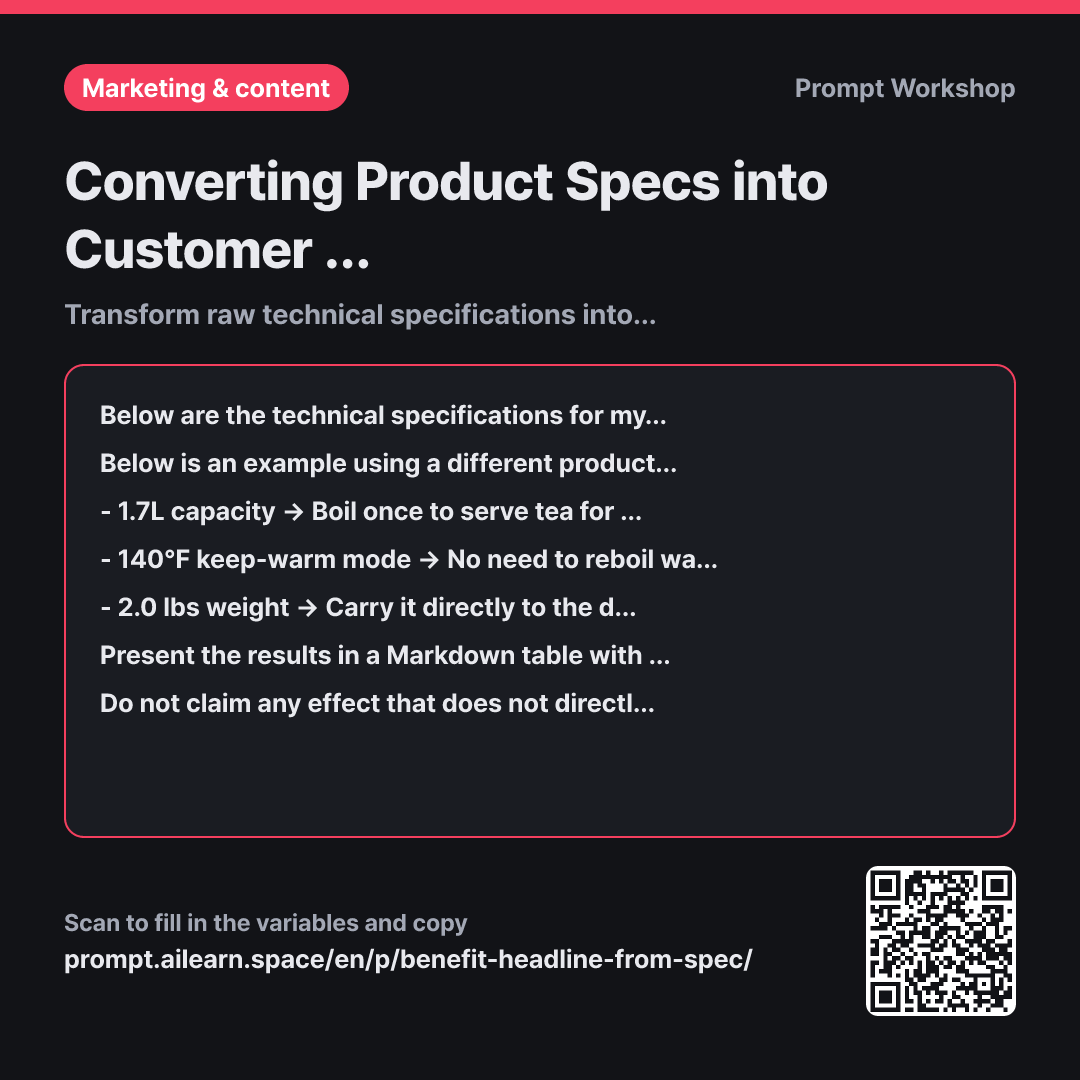
The Task in the first paragraph sets a strict direction. The instruction to "describe how that number changes daily life" prevents the model from relying on lazy adjectives. Demanding a real-life scenario for each spec forces the AI to visualize concrete use cases.
The second paragraph provides Examples. Demonstrating feature-to-benefit conversion with three simple lines is far more precise than explaining the concept abstractly. Seeing results framed as real moments—like serving four guests at once or skipping reboiling for baby formula—guides the model to adopt the same tone for your specs. Using a completely different product prevents the AI from lazily copying the example text.
The "Target Audience" column in the Format paragraph proves extremely useful later. Depending on whether you are writing product detail pages, social ads, or retail collateral, the primary benefit you highlight will vary, and this column allows you to pick and choose accordingly. The Constraints paragraph stops fabricated claims from slipping in. Leaving this open leads to misleading hallucinations like "larger storage makes it run faster," which eventually cause customer complaints and returns. Wrapping the specs in """ prevents technical formatting, symbols, and line breaks from interfering with the instructions.
Unfamiliar terms? See Aha AI: few-shot, output-format
Compared with a bad example
Look at these specs and make product benefit bullet points.
(Paste spec sheet)
This produces generic bullet points like "Lightweight and thin design," "Powerful performance," and "Supports fast charging." Because it simply wraps technical specs in adjectives, the copy could apply to almost any laptop, and buyers still won't know how the product improves their day. Without any prioritization, all dozen specs are listed with equal, unhelpful weight.
Variations
When condensing benefits into single-line headlines
Select the single most compelling benefit from the specifications below and generate 8 one-line hooks suitable for a landing page hero section. Keep each under 10 words. Provide half of the options incorporating the specific numbers from the spec, and the other half focusing purely on the real-world scenario without numbers. Next to each option, note which specification it was derived from.
""" {{product technical specification}} """
A natural follow-up step to condense a selected core benefit into sharp headline copy. Placing options with and without numbers side-by-side lets you immediately see which angle resonates more.
When creating customer support Q&As from specs
Based on the specifications below, create a table with 8 common questions customers are likely to ask, along with their answers. Write the questions in natural customer language rather than technical jargon (e.g., "How long does the battery last?"), and write the answers in two sentences or fewer, combining the exact specification number with its practical real-world result. If a question cannot be answered from the provided specs, write "Requires Verification."
""" {{product technical specification}} """
Repurposes the same technical raw material for customer support and FAQ prep. Identifying unanswerable questions in advance helps you draft accurate support guidelines before launch.
Model notes
LLMs occasionally misunderstand domain-specific technical terms and attach inaccurate benefits. When you receive the generated table, start by reviewing the "Needs Verification" column first, then double-check each benefit statement line by line to ensure it logically follows from the raw specification.
Related prompts
Last updated 2026-09-02 · Found a mistake? Let us know