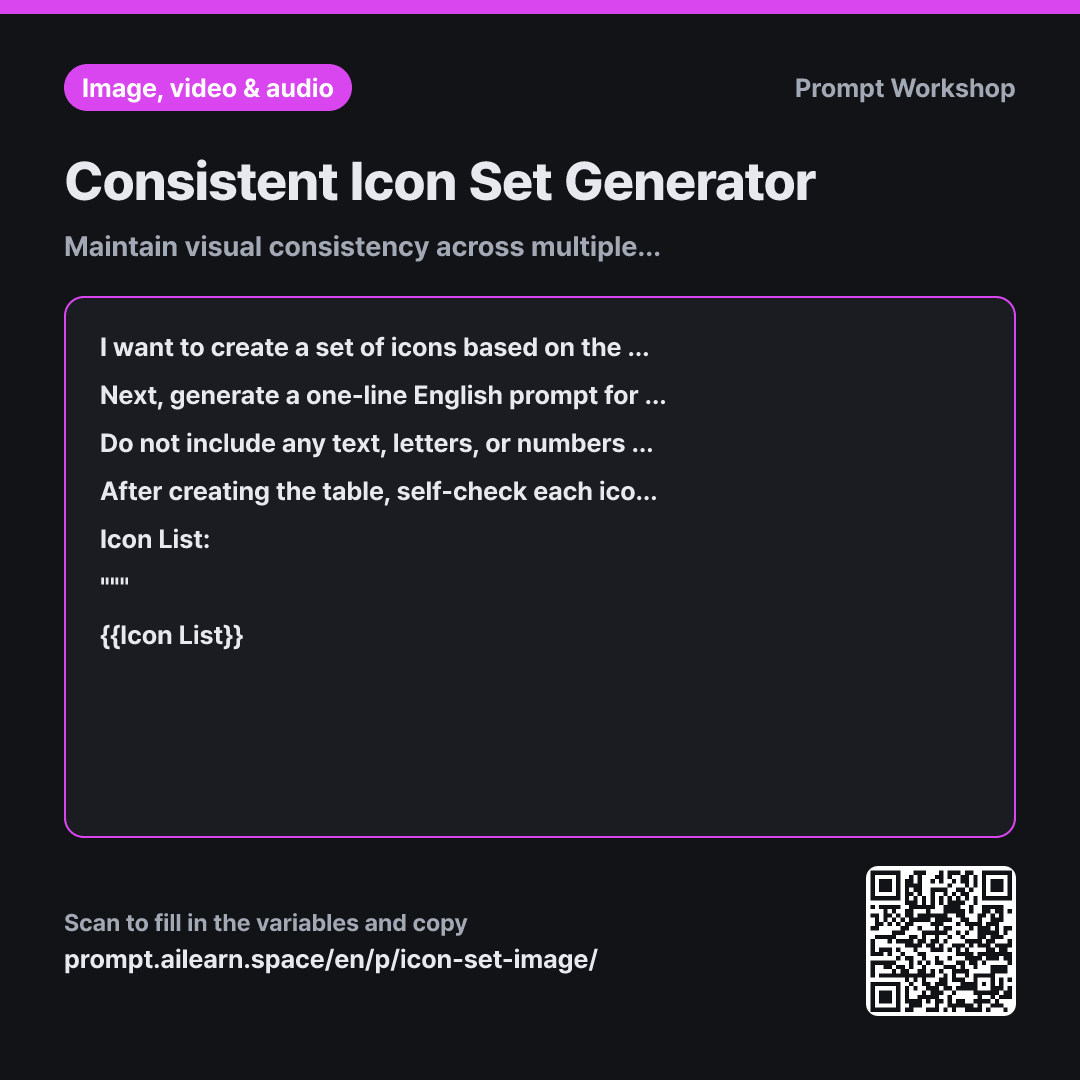
Why it is written this way
When asking AI image generators to create icons one by one, the visual style gradually drifts across iterations. The first icon might feature thin outlines, while the third ends up with heavy fills and mismatched padding, making the final set look disjointed. In icon design, visual consistency across the set matters far more than individual embellishments.
Establishing a shared set of rules in the Task paragraph ensures that subtle visual properties—like stroke weight and negative space—are explicitly defined upfront. Instructing the AI in the Format paragraph to repeat this exact descriptive phrase at the beginning of each prompt keeps the model grounded, ensuring all outputs belong to the same visual family.
The Constraints prevent common pitfalls when scaling down icons to 24px UI standards. Too many details turn into muddy dark spots, while 3D effects and shadows clash with diverse UI background colors. Text is also strictly forbidden because AI text rendering is unreliable and cannot be localized.
The self-reflection Review step in the final paragraph verifies that all six parameters are strictly met across every prompt line, filtering out drift before you start generating assets.
Unfamiliar terms? See Aha AI: prompt, output-format
Compared with a bad example
Make home, search, cart, notification, and profile icons for my app. Keep it simple.
"Keep it simple" is too subjective, leading to mismatched line weights and inconsistent margins across the five icons. Placed side-by-side, one icon might look oversized while another appears too heavy. Without defined rules, fixing them requires regenerating the entire set from scratch.
Variations
Adding an Icon to an Existing Set
I want to add a new icon to an existing icon set. The style is {{Style}}, using the exact shared design rules previously established. The required item is listed below. Prepend the exact existing rule sentence verbatim to the prompt and append only the short noun phrase for the new icon. Add a brief note flagging any potential visual clash when placed alongside the existing set.
Icon List: """ {{Icon List}} """
Creating a new prompt from scratch when adding a single icon often breaks set uniformity. Reusing the exact baseline rule string guarantees continuity.
Generating a Grid Icon Sheet
I want to generate the following icons arranged in a clean grid within a single image for direct comparison. The style is {{Style}}. Write a single English prompt specifying that all icons must sit within identical grid cells with uniform padding, drawn as black outlines on a pure white background. Also describe the suggested layout order.
Icon List: """ {{Icon List}} """
Viewing icons together on a single contact sheet makes style inconsistencies immediately visible. Use this layout to finalize your design direction before generating high-res single assets.
Model notes
Icons are easiest to use with transparent or clean backgrounds. Request a clean white background to easily isolate them in design tools, or generate a grid sheet and slice them individually.
Related prompts
Last updated 2026-09-02 · Found a mistake? Let us know