Why it is written this way
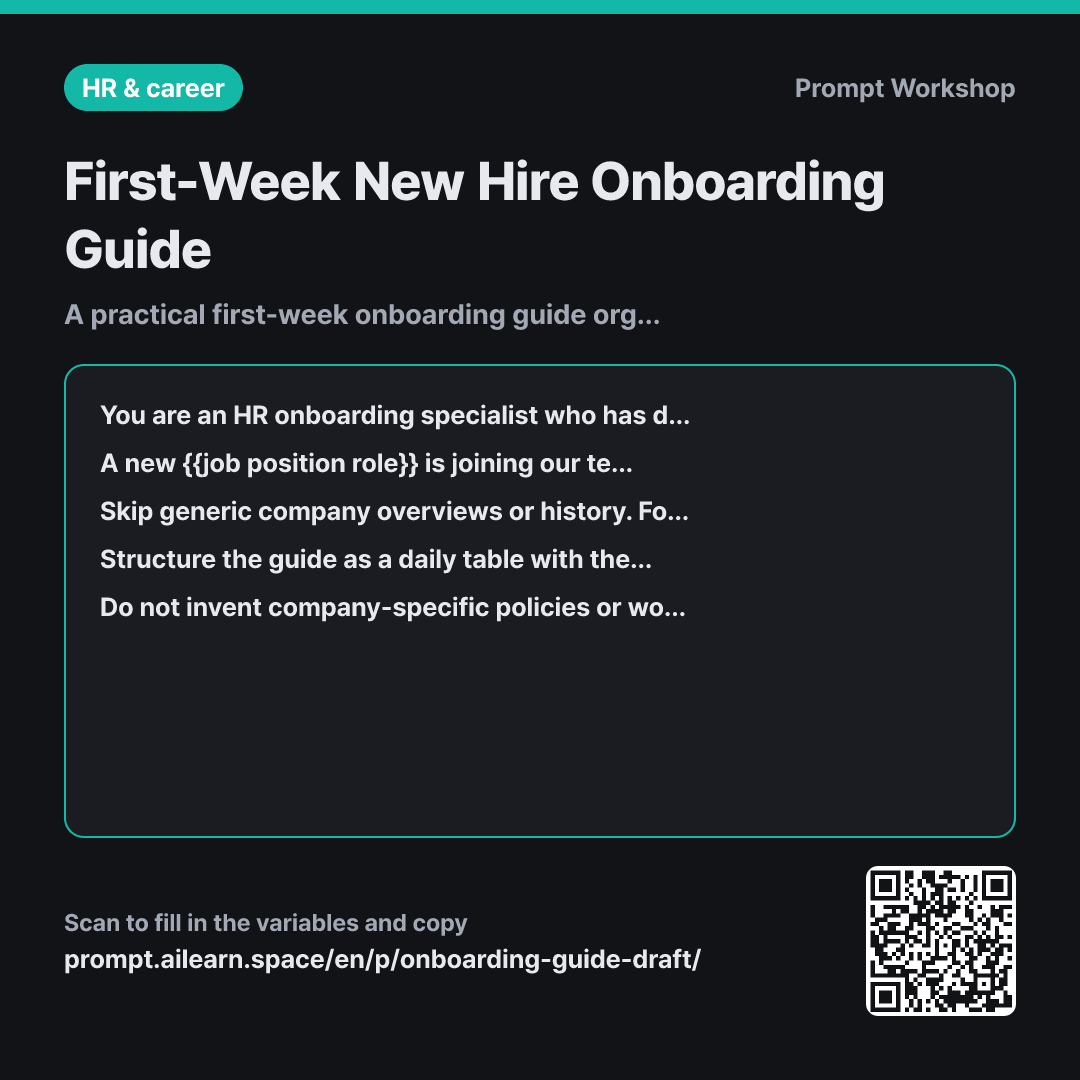
When generating onboarding documents with AI, the output usually starts with company history and vision, runs through the org chart and benefits, and only reaches daily tasks near the bottom. However, what a new hire urgently needs on their first morning is knowing where to sit, who sets up their tool accounts, and who to ask when they get stuck. When those essentials are buried, the document rarely gets read.
The Task section flips this priority. By explicitly omitting high-level introductions and ordering tasks chronologically by day, the model drops marketing fluff and focuses purely on actionable steps. Requiring a "who to ask when stuck" contact for every item directly resolves the primary cause of onboarding friction: not lack of knowledge, but hesitation to ask.
The Context elements (team size and tool stack) shape the practical density of the document. An onboarding path differs significantly between a 5-person team and a 30-person team, and providing the tool list ensures account setup steps are integrated into the schedule. In the Format section, the "Completion Criteria" column turns a passive guide into an actionable checklist.
The Constraints regarding [Verify with Point of Contact] serve as a critical guardrail. LLMs tend to fabricate plausible-sounding probation policies or training milestones that do not exist in your organization. Capping daily items prevents cognitive overload, particularly on Day 1 where workspace setup and team introductions consume most of the morning.
Unfamiliar terms? See Aha AI: output-format, context-window
Compared with a bad example
Create an onboarding document for a new hire. We just hired a marketer.
Generates a generic handbook containing company vision, warm welcomes, culture overviews, and benefits. Because it consists of one-size-fits-all content, it fails to explain what the marketer should actually do, often inventing non-existent mentorship programs. The new hire finishes reading and still has to ask the person next to them what to do on day one.
Variations
Adapting for Experienced/Senior Hires
Using the same parameters ({{job position role}}, a team of {{team size scale}}, {{used tool}}), generate a first-week onboarding guide for an experienced hire with 5+ years of experience. Omit basic tool tutorials; instead, outline how the team works (decision-making processes, documentation standards, meeting cadences) and specify when and from whom they should gather context on active projects. Include three diagnostic questions to ask this hire at the end of their first week.
Explaining basic software features to experienced hires often leads to disengagement. They need strategic context, team workflows, and key stakeholder maps rather than interface walk-throughs.
Expanding to a 3-Month Onboarding Plan
Create a 90-day onboarding plan for a new {{job position role}}. Define the key independent competencies expected at the end of Month 1, Month 2, and Month 3 first. Then, work backward to assign core projects and assigned mentors for each month to achieve those milestones. Format the output as a table with columns: Timeline | Core Milestone | Assigned Projects | Mentor/Support | Evaluation Method.
Listing daily tasks over a 90-day horizon blurs overall progress. Defining end goals per milestone first ensures a structured, backward-planned trajectory.
Related prompts
Last updated 2026-09-02 · Found a mistake? Let us know