Why it is written this way
When asking an AI to interpret a regular expression, you usually get a single sentence back: "This is a regular expression for validating password formats." While accurate, this is hardly actionable. If you want to change the minimum length from 8 to 10 characters, you won't know which number to edit, nor will you understand why certain special characters fail validation.
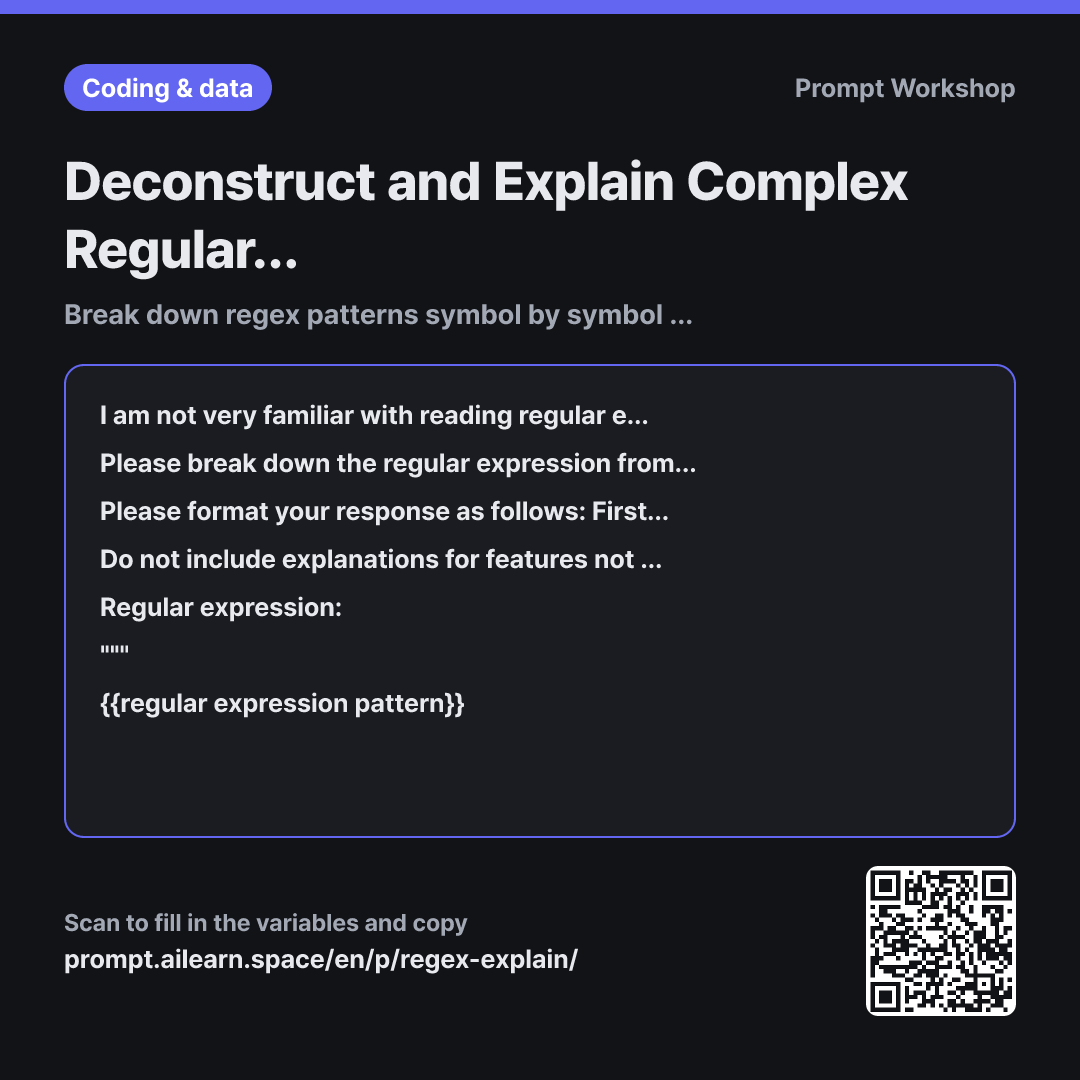
That is why this prompt enforces a step-by-step process. The two key constraints are "break down the regular expression from left to right into meaningful tokens" and "do not provide an overall summary first." When allowed to summarize first, the AI tends to retroactively fit its detailed explanation to match that high-level summary, often glossing over subtle tokens. Forcing it to inspect each piece individually ensures that less obvious constructs—like lookaheads—are explicitly accounted for in the table. It also clarifies where quantifier curly braces and character class brackets begin and end.
In the Format instructions, the column "What changes if this token is removed" is the centerpiece of the prompt. A table that only lists definitions is quickly forgotten, but seeing the functional consequence of removing a component immediately highlights what needs adjustment. Evaluating the target strings at the end serves a similar purpose: it acts as a test bench to verify the explanation against real sample values.
Both the regular expression and the target strings are wrapped in """ for two reasons. Regular expressions contain quotes, backslashes, and curly braces that can easily blur the boundaries of the pattern. Furthermore, if target strings contain natural language sentences, the AI might mistakenly interpret them as prompt instructions. If you are learning how to read regex, try deleting one token from the generated table and see how the matching behavior changes.
Unfamiliar terms? See Aha AI: chain-of-thought, prompt
Compared with a bad example
What does this regex do? ^(?=.*[A-Za-z])(?=.*\d)[A-Za-z\d!@#$%^&*]{8,20}$
You will only receive a one-line answer: "It validates passwords of 8–20 characters containing letters and numbers." While correct, you still won't know why the two lookahead groups are necessary or what {8,20} is measuring. To modify a single rule, you will have to ask all over again. Additionally, without providing sample values, there is no way to verify if the explanation holds true.
Variations
When an expected valid value fails to match
The sample value below fails to match the regular expression. Please trace the pattern step by step from left to right to identify which specific token causes the failure and why. Then, provide a revised pattern that accommodates this value, explaining exactly what was changed and whether the fix accidentally allows values that were previously blocked.
Regular expression: """ {{regular expression pattern}} """
Value: """ {{target string}} """
Use this when debugging rather than general analysis. Without the final constraint, the AI often provides an overly permissive pattern that loosens all restrictions entirely.
Creating code comments for regex
Please summarize the regular expression below into an inline code comment. Keep it under three lines, describing what it matches, what it rejects, and two representative examples (one matching, one non-matching). Do not include individual symbol breakdowns.
""" {{regular expression pattern}} """
Designed for developers maintaining the codebase. It is capped at three lines to ensure readability and brevity.
Model notes
Regular expression flavor and syntax vary across programming languages and engines. Adding a single line in the first paragraph specifying your language or tool (e.g., Python `re`, JavaScript, PCRE) will prevent irrelevant syntax explanations.
Related prompts
Last updated 2026-09-02 · Found a mistake? Let us know