Why it is written this way
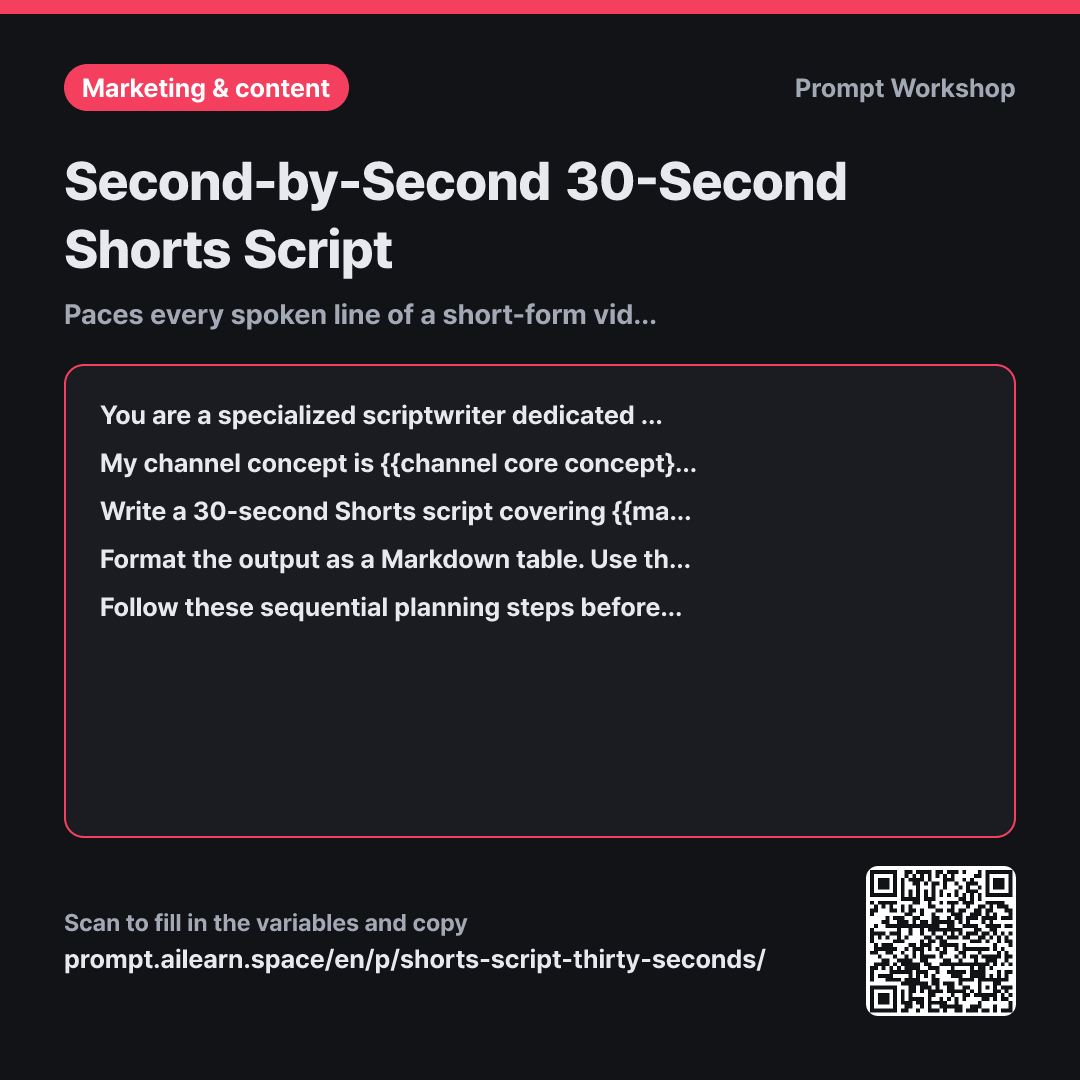
The most common failure mode in short-form script prompts is runtime bloat. Simply asking for a "30-second Shorts script" often yields text that takes 80 seconds to read aloud. Discovering this during filming forces panicked cuts that discard the core value. Runtime pacing must be structured upfront, not trimmed in post-production.
Narrowing the initial Role to a writer who only handles 30-second clips sets the right baseline. General video writers default to traditional multi-act structures that run too long. Introducing the Context that viewers watch muted with captions ensures voiceover and text remain bite-sized and punchy.
Providing a rigid Format table directly serves as a shooting board. Aligning visuals, voiceover, and captions on the same row prevents confusion on set. Pre-defining the 5-phase breakdown protects the ending CTA from being squeezed out by an oversized intro hook. The character limit on captions prevents messy multi-line text overlays from blocking screen visuals.
Finally, enforcing structured Steps forces the AI to filter ideas before drafting. When forced to prioritize core takeaways and allocate seconds first, unnecessary filler is dropped immediately. Requiring an explicit runtime calculation below the table makes any pacing mismatches clear and easy to adjust.
Unfamiliar terms? See Aha AI: role-prompting, output-format
Compared with a bad example
Write a 30-second Shorts script about how to roll a neat omelette.
With only a vague one-sentence constraint on duration, the AI fails to pace the delivery. The output will likely be a dense multi-paragraph essay covering introductions, ingredient lists, five-step recipes, and sign-offs that takes well over a minute to speak. It also lacks visual choreography and caption formatting, forcing a total rewrite before filming.
Variations
For Faceless Screen-Recordings or B-Roll Only
Write a 30-second short-form script for a {{channel core concept}} channel covering {{main central topic}}. The core takeaway is "{{core key message}}". This is a faceless video that relies entirely on screen recordings and clean B-roll footage. In the Visual column, describe specific click sequences and screen states in chronological order. Ensure the voiceover syncs precisely with what is happening on-screen. Keep the total duration strictly under 30 seconds.
When there is no talking head, visual pacing must do all the heavy lifting. This variation forces click-by-click visual detail to match spoken audio.
Expanding to a 60-Second Video
Write a 60-second video script for a {{channel core concept}} channel covering {{main central topic}}. The core takeaway is "{{core key message}}". Instead of adding completely new arguments not found in a 30-second version, take one of the existing supporting points and expand it with a concrete case study or a common mistake breakdown. Below the table, add one sentence explaining which segment was lengthened and why.
Extending runtime by adding new topics causes videos to lose focus. This variation instructs the model to dive deeper into one existing proof point instead.
Model notes
Every model calculates character counts and syllable pacing differently. Always read the draft out loud with a stopwatch. If a section overruns, prompt with targeted adjustments like "The core solution segment is 4 seconds too long; please trim only that section."
Related prompts
Last updated 2026-09-02 · Found a mistake? Let us know